
Prompt-to-flow creation
Describe a workflow in natural language and let the AI Builder generate the flow logic and nodes, then refine it in the editor.

BuildShip is a visual AI workflow builder for backend automations, assistant APIs and tool-connected flows with no-code speed and code access when needed.
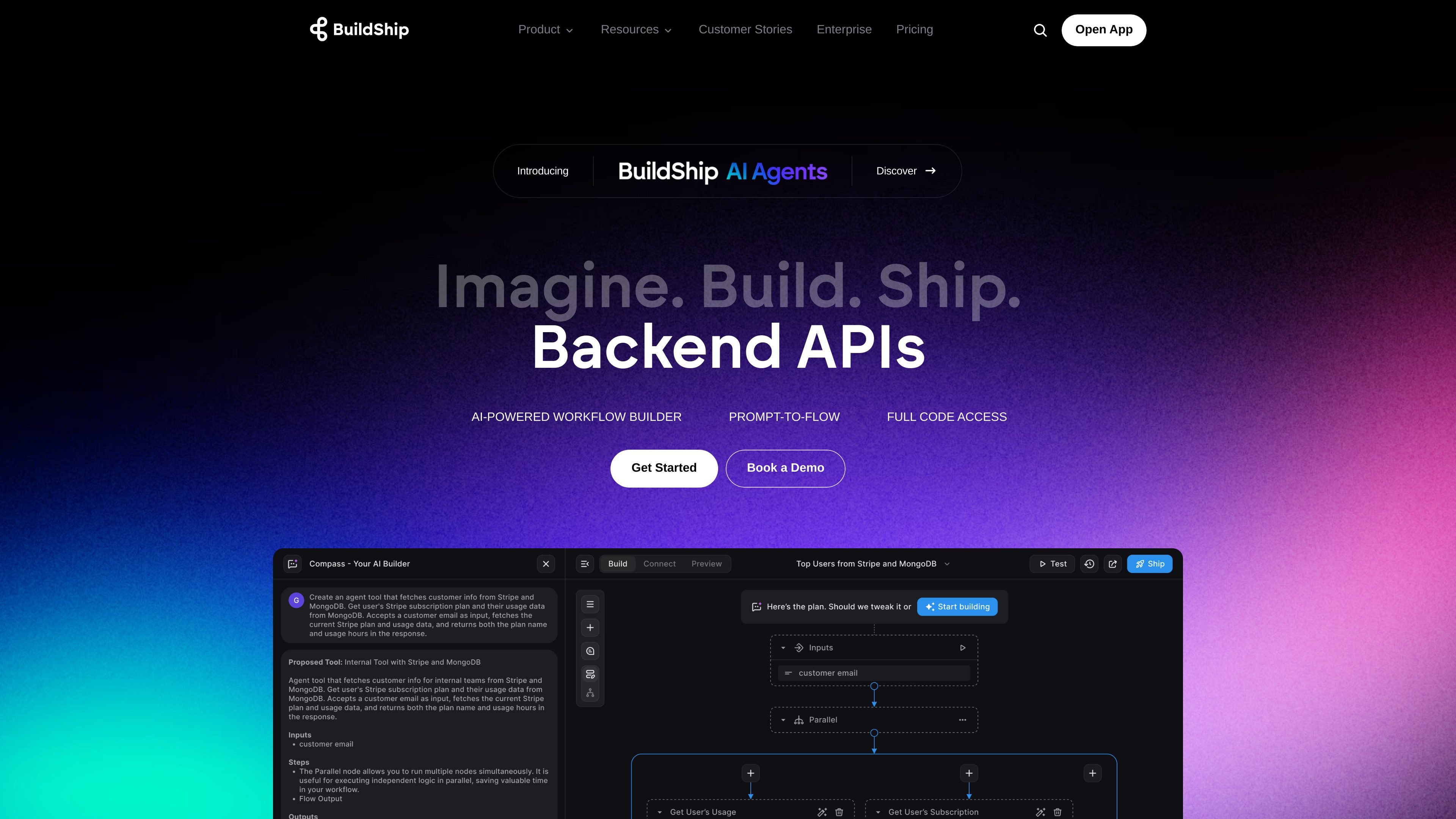
BuildShip is a visual AI workflow builder for creating backend automations, assistant APIs, and tool-driven flows with natural language. The product combines prompt-to-flow generation with a node-based editor so teams can move from an idea to a working workflow without starting from scratch.
The platform is positioned as a no-code experience with full code access when needed. The homepage highlights ready-made nodes, data and tool integrations, and deployment options that include BuildShip Cloud hosting or self-hosting exported code.
The pricing page shows usage-based credits and multiple plan tiers, while the assistant API pages show templates and connector patterns for building connected assistants across databases, tools, and chat widgets.
Describe a workflow in natural language and let the AI Builder generate the flow logic and nodes, then refine it in the editor.
Tweak nodes, inputs, and outputs visually, with ready-made nodes available for building and testing without raw code.
Use full code access when the no-code interface is not enough, including custom scripts, debugging, and source-code export for self-hosting.
Deploy on BuildShip Cloud or self-host the exported code, with support for secure, scalable hosting and pay-per-use cloud deployment.
Connect AI models, databases, and external tools through a broad integrations catalog, and generate missing action nodes with AI when needed.
Build assistant APIs and chat experiences that connect models like OpenAI, Claude 3, or Azure Assistant API to databases, tools, and websites.
Turn a written workflow idea into a functioning backend flow, then adjust the generated nodes visually before shipping it.
Build assistants connected to databases, tools, and AI models, then expose them as an API or a chat widget.
Connect AI workflows to operational tools such as email, spreadsheets, search, storage, or CRMs using ready-made nodes and integrations.
Create internal workflows for teams in functions like HR, finance, or marketing that need to reduce repetitive manual work.
Deploy with BuildShip Cloud for convenience or export code to self-host when infrastructure control matters.
BuildShip is a visual AI workflow builder for creating backend flows, assistant APIs, and automations with natural language and a node-based editor. It is aimed at teams that want no-code speed with the option to add code when needed.
The source shows BuildShip supporting AI workflows, assistant APIs, templates, integrations, and deployment either on BuildShip Cloud or by self-hosting exported code. It is positioned for businesses and teams rather than a single narrow use case.
Yes. The homepage states that you can export code for self-hosting, or launch on BuildShip Cloud with one click. The pricing page also lists self-hosting/bring-your-own-cloud and multi-environment options on higher tiers.
BuildShip includes a pricing page with usage-based credits, paid add-ons, and paid plan tiers. The source also shows a free trial/start option for the Starter, Pro, Business, and Enterprise plans, but not all plan details are fully visible in the provided text.
The integrations page shows BuildShip connecting with tools such as OpenAI, Anthropic, Azure, ElevenLabs, Apollo, Firebase, WordPress, AssemblyAI, Google Search Console, Tavily, and Loops. The assistant API page also says you can add custom action nodes if an integration is missing.