
No-code bot builder
Create bots without coding using the site’s no-code builder, which is presented as a quick way to build a chatbot in minutes.

Babble AI is a web-based chatbot builder with no-code setup, document training, live chat handoff, analytics, and multilingual support.
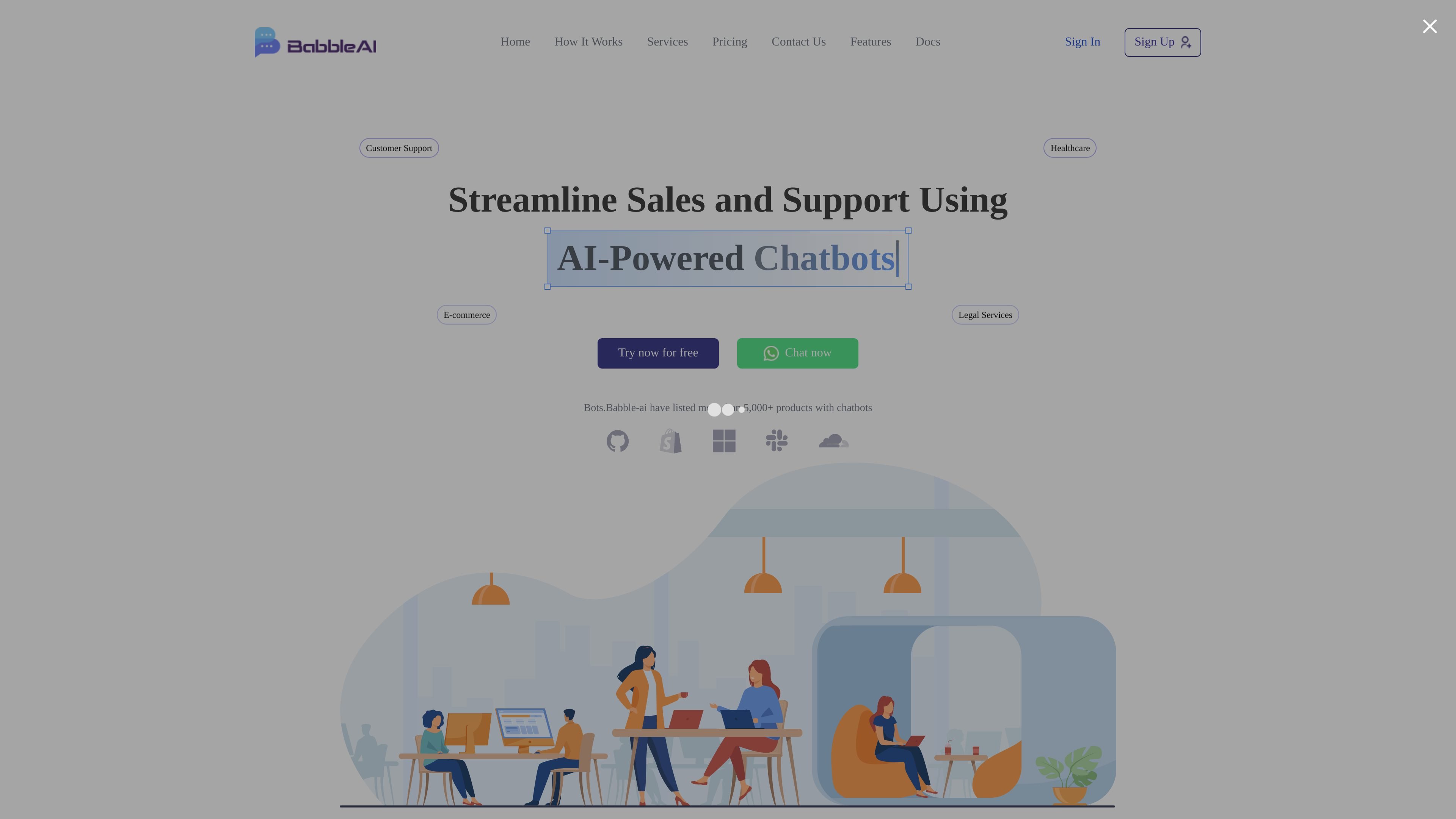
Babble AI is a chatbot builder for organizations that want to add automated conversations to their website. The homepage positions it as a no-code tool for creating bots, training them on text documents, and customizing responses so they can handle customer questions and guide visitors.
The product copy emphasizes customer support, sales, operations, and custom development use cases. It also mentions live chat handoff, real-time analytics, and multilingual support, suggesting a setup that combines automation with human escalation and basic reporting.
Create bots without coding using the site’s no-code builder, which is presented as a quick way to build a chatbot in minutes.
Train the chatbot with text documents, customize responses, and add clickable links to shape how it answers visitors.
Offer live chat alongside the bot so human agents can step in when a conversation needs manual support.
Track customer interactions with real-time analytics from the dashboard to review activity and refine the bot’s performance.
Support customers in multiple languages, which the site describes as multilingual support for broader accessibility.
Integrate with ticketing systems and CRM systems, based on the product copy for support, operations, and custom development services.
Use Babble AI to answer common customer questions on a website and reduce the amount of repetitive support work that reaches a human team.
Use the chatbot to qualify leads, recommend products, and move prospects toward the sales team with automated follow-up prompts.
Use the bot for appointment scheduling and status updates so visitors can book meetings or check order, shipment, or reservation information.
Use live chat takeover when a visitor needs help that the bot cannot handle, keeping the conversation in one place while escalating to a human.
Use multilingual support to serve visitors who prefer another language and make the site easier to use for a broader audience.
Babble AI provides a sign-up flow that says you can add a bot to your website within a few minutes. The site also points to a no-code builder and a desktop-only creation page for creating smarter bots.
The homepage presents Babble AI for organizations and lists support, e-commerce, healthcare, and legal services as example use cases. It is positioned for websites that want chatbots for customer engagement, sales, and support.
The site says you can train the chatbot using text documents, customize responses, add clickable links, and build a personalized experience. It also mentions analytics and multilingual support.
The pricing page at /pricing currently returns a 404, but the homepage shows a free plan, starter plan, pro plan, and a custom plan. The free and paid plans are described on the homepage rather than on a dedicated pricing page.
The homepage says human agents can take over the bot through live chat, and it also mentions integration with ticketing systems and CRM systems. The source does not provide a detailed integrations list.