
AI photo garden redesign
Upload a yard photo, pick a style, and get a garden redesign in under a minute. The site describes this as a fast way to preview layout and planting ideas before buying anything.

AIGardenPlanner is a browser-based garden planning tool with free 3D design, AI photo redesigns, plant advice, and a quick quiz for instant garden ideas.
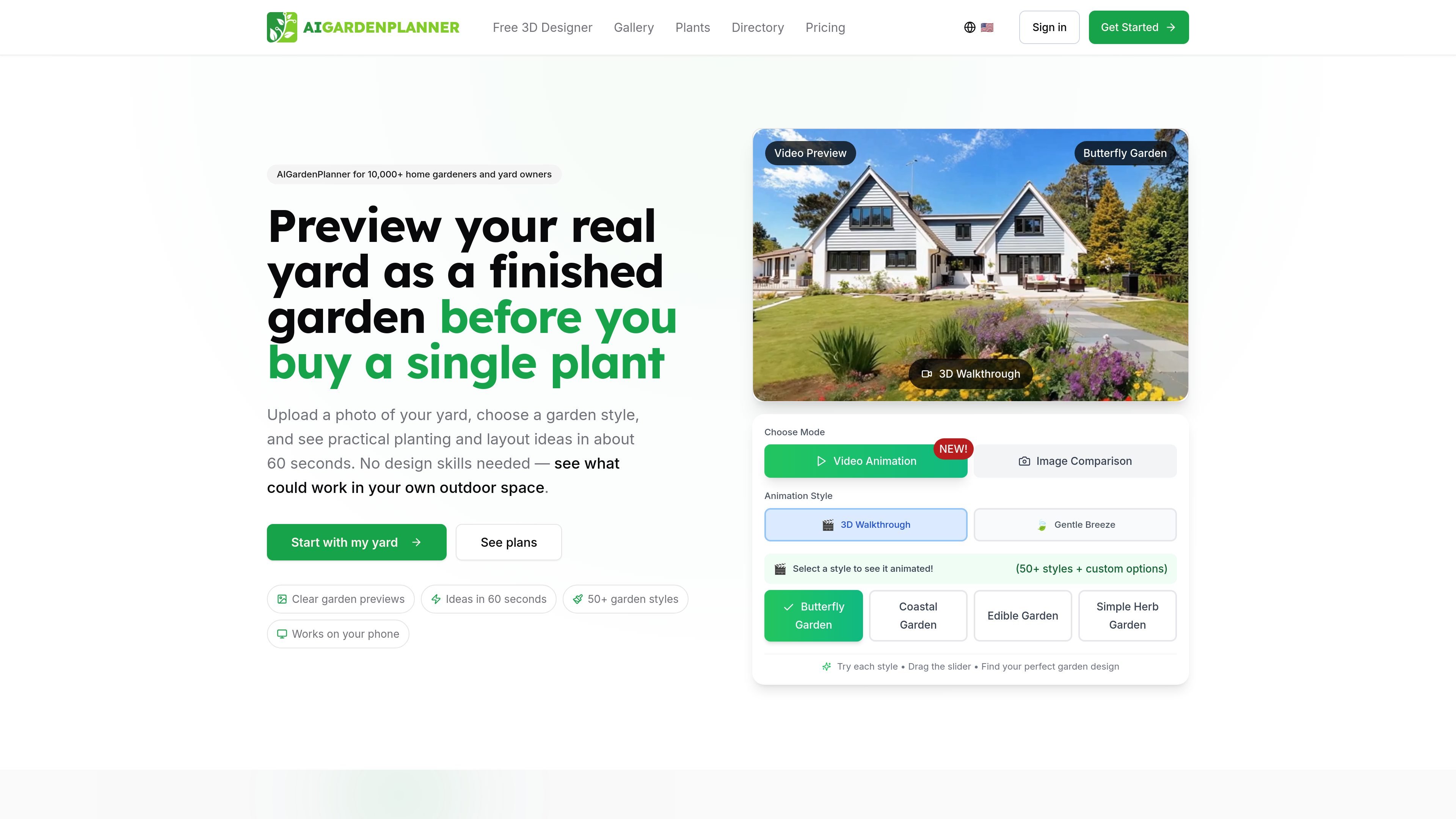
AIGardenPlanner is a browser-based garden planning tool that combines a free 3D garden designer with AI-driven photo redesigns, plant advice, and a quick garden quiz. It is built for homeowners, hobby gardeners, and professional users who want to plan a yard visually before buying plants or starting construction.
The product centers on two planning workflows: a hand-built 3D editor where users drag plants, paths, walls, and furniture into a model, and an AI photo workflow that turns an uploaded yard photo into a redesigned view or walkthrough. The site also adds plant identification, personalized plant recommendations, and paid plan features for credits, video, tours, and commercial use.
Upload a yard photo, pick a style, and get a garden redesign in under a minute. The site describes this as a fast way to preview layout and planting ideas before buying anything.
Use the standalone 3D garden designer to place plants, paths, walls, lighting, furniture, and a house model. It supports both 3D and synchronized 2D blueprint views, plus first-person walk mode.
Generate a plant list matched to climate zone, soil type, local conditions, and your gardening goal. The source also says care instructions and maintenance schedules are included.
Snap a photo of an existing plant to identify it and view species details, care requirements, maintenance schedules, and possible health issues. The pricing page also lists plant detection as a credit-based tool.
Answer three questions about your space and receive an instant garden plan with plant picks and next steps. The quiz is positioned as a no-sign-up way to get a plan before committing to a full design.
The pricing page includes AI video generation, 3D garden tours, custom styles, AI image enhancement, and branding options such as no watermark and business logo branding.
Upload a photo of an existing yard, choose a style, and review a redesign before you spend money on plants or labor. This is the clearest workflow for homeowners who want to visualize a change first.
Use the free 3D editor to build a layout from scratch by dragging plants, paths, walls, furniture, and terrain into place. The browser-based editor is positioned as a hands-on planning workspace for users who want control over the layout.
Answer the quiz’s three questions to get a short plant list and next-step checklist based on space, light, water, style, and effort level. This fits users who want a faster starting point than a full design session.
Photograph plants already in the yard to identify species and review care details or possible health issues. That makes the product useful when you need to document what is already growing before changing a bed or border.
Use paid plans for higher-volume work, custom branding, commercial licensing, and more projects. The pricing page positions these plans for landscapers and garden design businesses.
AIGardenPlanner provides a browser-based 3D garden designer, AI photo redesign tools, plant suggestions, plant identification, and a free quiz that returns an instant garden plan. The site also offers paid plans with additional design credits and commercial options.
The site shows a free 3D Garden Designer that runs in the browser with no download or sign-up to try. It also offers a separate AI photo-to-garden workflow that turns an uploaded yard photo into a redesign or walkthrough.
The pricing page says monthly credits reset each month and can be used across tools such as garden design, video animation, plant detection, plant advice, and 3D tours. Some actions use more credits than others, such as video animations and 3D tours.
Yes. The pricing page includes a commercial license on paid plans, and the home page says professional plans are available for pros. The site also mentions custom branding on exports and business branding on higher plans.
The source text does not list a complete export-format or device-compatibility matrix. It does show the free 3D editor is best on desktop and that several tools run in the browser.
I dati sul traffico sono solo a scopo di riferimento.
| apr | 3873 |
|---|---|
| mag | 2511 |
| giu | 1784 |