ai4spaces logo

ai4spaces

Rivendica

ai4spaces is an AI interior design and virtual staging platform for fast room redesigns, house concepts, and visual assets from photos, sketches, floorplans, or prompts.

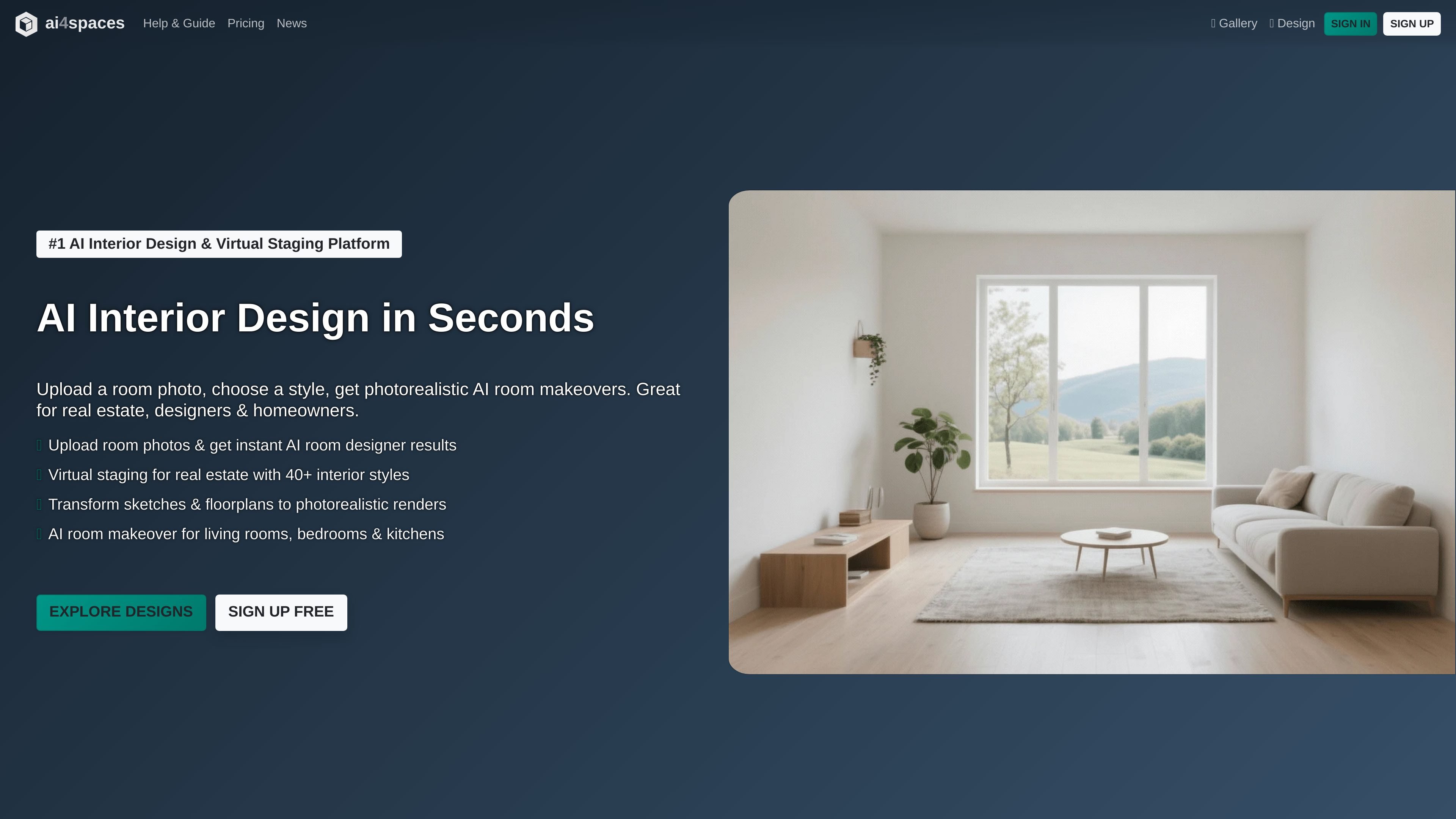
ai4spaces preview

Overview

ai4spaces is an AI interior design and virtual staging platform for generating room redesigns, house concepts, and related visual assets from photos, sketches, floorplans, or prompts. It is built for homeowners, interior designers, and real estate users who need fast visual concepts without traditional rendering workflows.

The product combines a creation interface with several downstream tools. Users can generate new interiors, transform existing spaces, restyle rooms, create panoramas or video walkthroughs, upscale renders, and make targeted edits such as recoloring, inpainting, or background removal. The site also offers a public gallery of examples and a custom style workflow for defining reusable looks.

Features

Generate from scratch or transform existing spaces

Start with a prompt-style workflow or generate from an existing reference image. The site supports room photos, sketches, floorplans, and 3D renders as inputs for design generation and transformation.

Multiple transformation modes

Choose between transformation modes such as change style, change room, furnish space, change colors, add elements, remove elements, adjust environment, and modify structure. This makes the tool usable for both cosmetic updates and broader concept work.

Expanded output and editing tools

Work with specialized outputs beyond static renders, including video walkthroughs, 360° views, and image upscaling. The home page also describes advanced image editing for color changes, furniture edits, and detail refinement.

Style library and custom styles

Browse a large style library with 40+ interior styles, including categories such as minimalist, industrial, coastal, bohemian, biophilic, and custom styles. The guide also explains how to create a new custom style from AI inspiration or manual definitions.

Detailed control over the result

Use image-control settings such as aspect ratio, image similarity, lighting, colors, materials, and structural changes. The guide shows these controls for preserving layout or pushing a design further from the original image.

Post-generation workflow

Manage outputs after generation by downloading them, viewing them fullscreen, publishing them to the community gallery, reusing them as input, or finding similar furniture through Google Lens integration.

Use Cases

  • Homeowners planning a room refresh

    Upload a room photo and generate alternate styles for a living room, bedroom, or kitchen when planning a makeover or comparing design directions.

  • Interior designers preparing client visuals

    Turn sketches, floorplans, or rough room images into photorealistic concepts that can be shared with clients during design development.

  • Real estate teams staging listings

    Create virtual staging images from vacant or sparsely furnished spaces to support property listings and marketing materials.

  • Presenting immersive room previews

    Use panorama, video, and 360-degree tools to show a space from multiple angles instead of relying on a single still render.

  • Standardizing a repeatable look

    Create and save a custom style, then reuse it across future projects so the same visual direction can be applied consistently.

Pros and Cons

Pros

  • Supports both blank-slate generation and reference-image transformation.
  • Offers a broad set of interior-focused tools, including restyling, panoramas, video, upscaling, and advanced edits.
  • Provides a substantial style library plus custom style creation.
  • Exposes practical controls for room type, building type, image similarity, aspect ratio, and other generation settings.
  • Includes workflow features for downloading, publishing, and reusing generated images.

Cons

  • The pricing page at `/pricing` returns a 404 error, so pricing details are surfaced from the homepage instead of a dedicated pricing page.
  • Feature availability appears to depend on the selected tool and model, so the interface may require some exploration before users know which options apply to a given task.
  • The product is focused on image generation and editing for interiors; the source does not show integrations with external design or BIM platforms.

FAQ

Do I need an existing room photo to use ai4spaces?

No. The site documents both a "New Image" flow for generating designs from scratch and a "Transform" flow for uploading a reference image such as a photo, render, or sketch.

What can I do with generated designs after they are created?

The guide says generated images can be downloaded, viewed fullscreen, published to the community gallery, reused as input for more iterations, and used with Google Lens integration to find similar furniture and decor.

What kinds of outputs and editing tools does ai4spaces support?

The help guide shows separate tools for restyling, panoramas, video creation, upscaling, and advanced editing tasks such as inpainting, outpainting, recoloring, and background removal.

Is pricing available on a pricing page?

The source shows individual and team-oriented plans on the home page, including personal, commercial, and multi-user options, but the pricing page itself returns a 404 error. The published pricing details therefore come from the homepage, not a dedicated pricing page.

How much setup is required before generating a result?

The guide describes a workflow that uses a selected model, space type, room type, style, image settings, and transformation instructions. It does not present a single fixed setup path for every task, because the available options change by tool and model.

Quick Facts

Category
AI interior design and virtual staging
Primary users
Homeowners, interior designers, and real estate professionals
Source domain
ai4spaces.com
Workflow
Generate new images or transform uploaded room photos, sketches, or renders
Pricing signal
Homepage shows free, monthly, annual, and pay-as-you-go plans; the dedicated pricing page returns 404