
AI transcription across many languages
Transcribe audio and video with claimed 99.8% accuracy and support for 134+ languages, including automatic language detection and translation features described on the site.

AccurateScribe.ai is a cloud-based transcription service for audio and video to text, subtitles, and editable documents. Supports multilingual transcription, speaker labels, and multiple export formats.
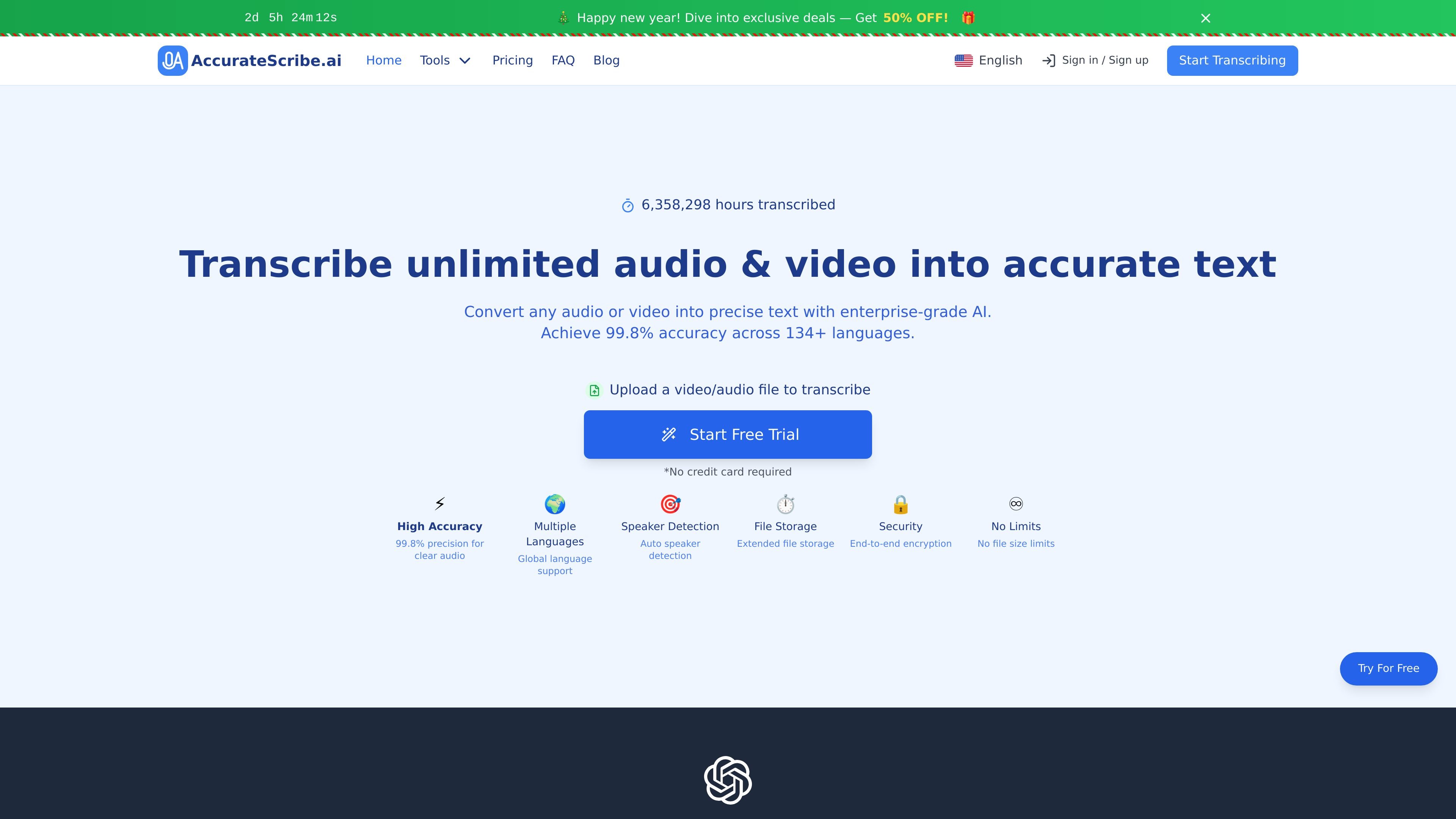
AccurateScribe.ai is a cloud-based transcription service that converts audio and video into text. The site positions it as a tool for fast transcription, subtitle generation, and editable document output, with support for 134+ languages and claims of 99.8% accuracy on clear audio.
The product is aimed at professionals, researchers, content creators, students, and businesses that need transcripts for interviews, meetings, lectures, captions, documentation, or translation workflows. It also supports large files, batch processing, speaker recognition, and several export formats for downstream editing or publishing.
Transcribe audio and video with claimed 99.8% accuracy and support for 134+ languages, including automatic language detection and translation features described on the site.
Upload files up to 10 hours or 5GB, and process up to 50 files at once for larger transcription batches.
The platform supports speaker identification, timestamped transcripts, and paragraph formatting to make review and editing easier.
Export transcripts in multiple formats, including DOCX, PDF, TXT, SRT, VTT, and other formats mentioned across the pricing and FAQ pages.
The site describes end-to-end encryption, secure file handling, and automatic deletion after processing as part of its security approach.
A Microsoft Word integration page describes DOCX-focused workflows for turning audio and video into editable Word documents.
Turn recorded interviews into text for article drafting, quote review, or research notes while preserving speaker context and timestamps.
Convert meeting recordings into shareable transcripts for internal documentation, action-item review, or multilingual teams.
Generate subtitle files or editable text from video content for publishing, captioning, and post-production workflows.
Transcribe lectures, seminars, or training sessions into structured notes that can be edited and exported for study materials.
Process legal or medical recordings where timestamps, speaker labels, and formatted transcripts help with review and documentation.
Yes. The site offers a free trial that lets free users view partial transcripts and use basic features, with paid plans available for full access.
You upload an audio or video file, and the service uses AI transcription to convert it into text. The output can then be reviewed and exported in supported formats.
The site says it supports exports such as DOCX, PDF, TXT, SRT, and VTT, and also mentions CSV, FCPXML, and bulk export in the pricing and FAQ content.
The service supports files up to 10 hours long and 5GB in size, and batch processing is described as supporting up to 50 files at a time.
Yes. The sources say it supports speaker identification and timestamped transcripts, which are useful for interviews, meetings, and review workflows.