
On-device speech recognition
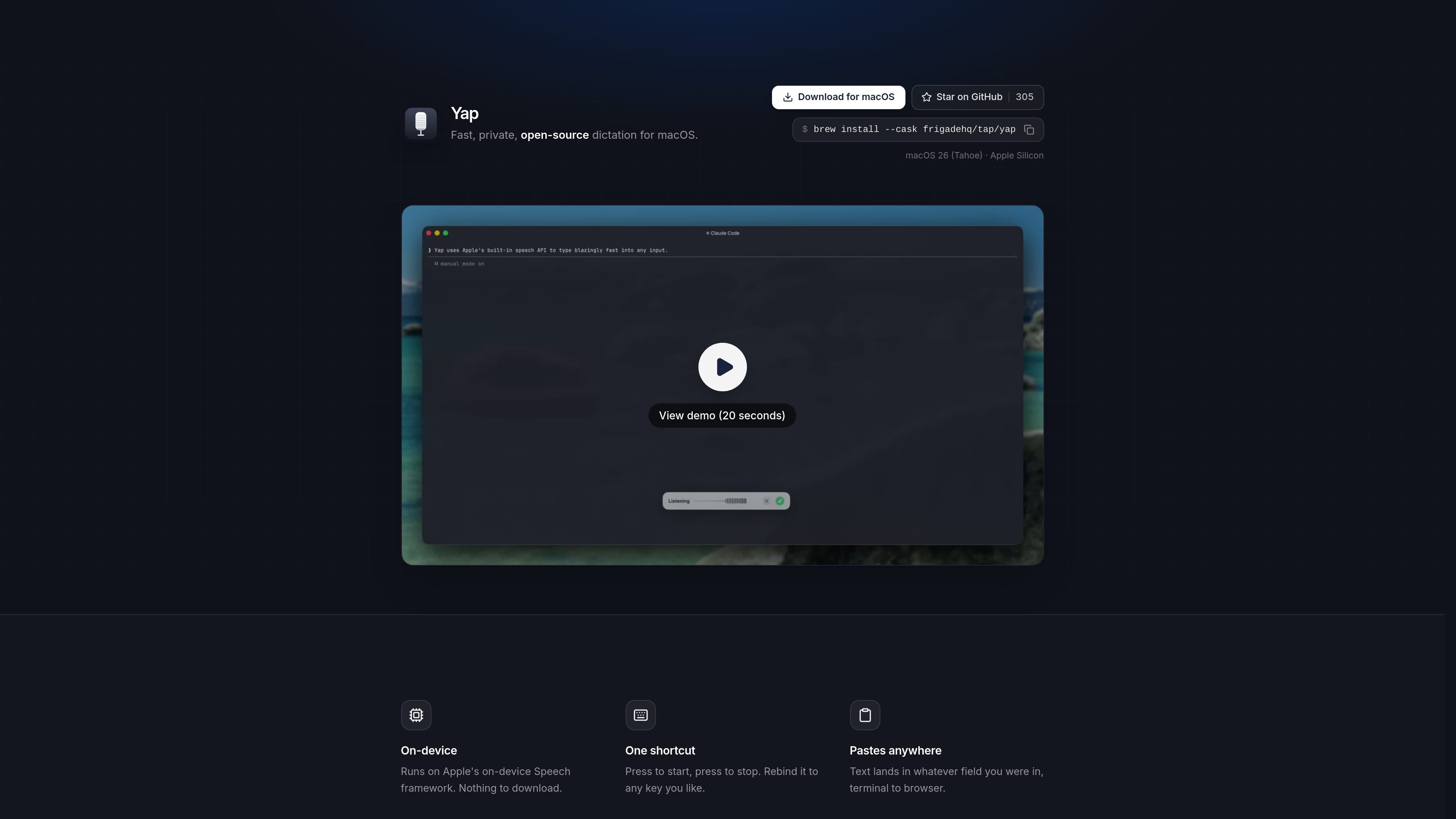
Yap uses Apple’s on-device Speech framework so dictation is processed locally on your Mac instead of sending audio to a server.

Yap est une application de dictée gratuite et open source pour macOS. Elle transforme la parole en texte dans tout champ de saisie grâce à la reconnaissance vocale sur l’appareil et au stockage local des transcriptions. Sans compte, clé API, télémétrie ni code réseau.
Yap is a macOS voice dictation app that turns speech into text wherever you can type. It is built for people who want fast dictation without sending audio off their machine.
The product page describes Yap as private, free, and open source. It uses Apple’s on-device Speech framework, works offline, and pastes text directly into the field you were already using, from browser windows to terminal sessions.
The homepage emphasizes local control: there is no account, no API key, no telemetry, and no network code. Yap also saves transcripts on the Mac so past dictation remains searchable and reusable.
Frigade says it built Yap for its own daily use, including prompting coding agents, writing emails, and sending Slack messages, then open sourced it for others who want the same workflow on macOS.
Yap uses Apple’s on-device Speech framework so dictation is processed locally on your Mac instead of sending audio to a server.
Start recording and stop recording with a single hotkey. The shortcut can be rebound to a different key if needed.
The dictated text is pasted into the app or field you were already using, whether that is a browser, editor, terminal, or another text field.
Yap does not require an account or API key, and the page states that it has no telemetry and no network code.
Each transcript is stored locally on the Mac, making past dictation searchable and available for reuse.
Because it has no network code, Yap is designed to work offline as well as online.
Use Yap when you want to dictate faster than typing, but still keep the text inside the app you are already working in.
The page specifically mentions prompting coding agents and using a terminal, so Yap fits voice input for development workflows where you want local text insertion.
Frigade says it uses Yap for writing emails and firing off Slack messages, which makes it useful for short written communication on a Mac.
Because dictation is processed on-device and works offline, Yap is suitable when you want speech-to-text without network dependence, including travel or low-connectivity situations.
Saved local transcripts make Yap useful when you want to reuse previous dictated text instead of starting from scratch.
Yap uses Apple’s on-device Speech framework and runs entirely on your Mac. The page says there is no account, no API key, no telemetry, and no network code involved.
The page says Yap can paste text into whatever field you are in, from terminal to browser. It is designed to work anywhere you can type on macOS.
Yap starts and stops with one shortcut, and the shortcut can be rebound to any key you like.
Yes. Yap saves each transcript locally on your Mac, and the page says the history is searchable and ready to reuse.
The homepage describes Yap as free and open source. It also shows installation options for macOS, including a download button, GitHub, and Homebrew.
Les données de trafic sont fournies à titre indicatif uniquement.

www.voicegecko.dev
VoiceGecko est une application de dictée de bureau gratuite et open source qui exécute la reconnaissance vocale localement sur votre appareil, sans envoyer les transcriptions au cloud.

www.epilude.com
Epilude est une suite de productivité vocale pour Mac qui transforme la parole en texte mis en forme dans n’importe quelle app. Elle inclut le nettoyage de la dictée, l’adaptation du ton, un vocabulaire personnalisé et des raccourcis, ainsi qu’un mode local qui conserve l’audio et le texte sur votre Mac.

dictro.com
Dictro est une application privée de dictée avec IA pour Mac qui transcrit la parole en texte soigné dans n’importe quel champ de texte Mac standard. Le fonctionnement par défaut reste sur l’appareil, avec un Fast Mode cloud et un historique local facultatifs.

megaphone.kuber.studio
Megaphone est une application de dictée pour Mac qui réunit transcription en direct, nettoyage du texte et réécriture directement au niveau du curseur. Gratuite, privée et open source, elle ajoute des outils d’écriture contextuels aux apps que vous utilisez déjà.

dictately.io
Dictately est une application de dictée vocale pour macOS qui saisit le texte prononcé dans l’app active et le peaufine avec l’IA. Elle accélère l’écriture dans les discussions, e-mails, documents et outils de développement.

wisprflow.ai
Wispr Flow est un outil multiplateforme de dictée vocale qui transforme la parole en texte soigné dans les applications sur Mac, Windows, iPhone et Android. Il prend en charge les flux d’écriture individuels ainsi que les fonctions d’équipe et d’administration pour les entreprises.