
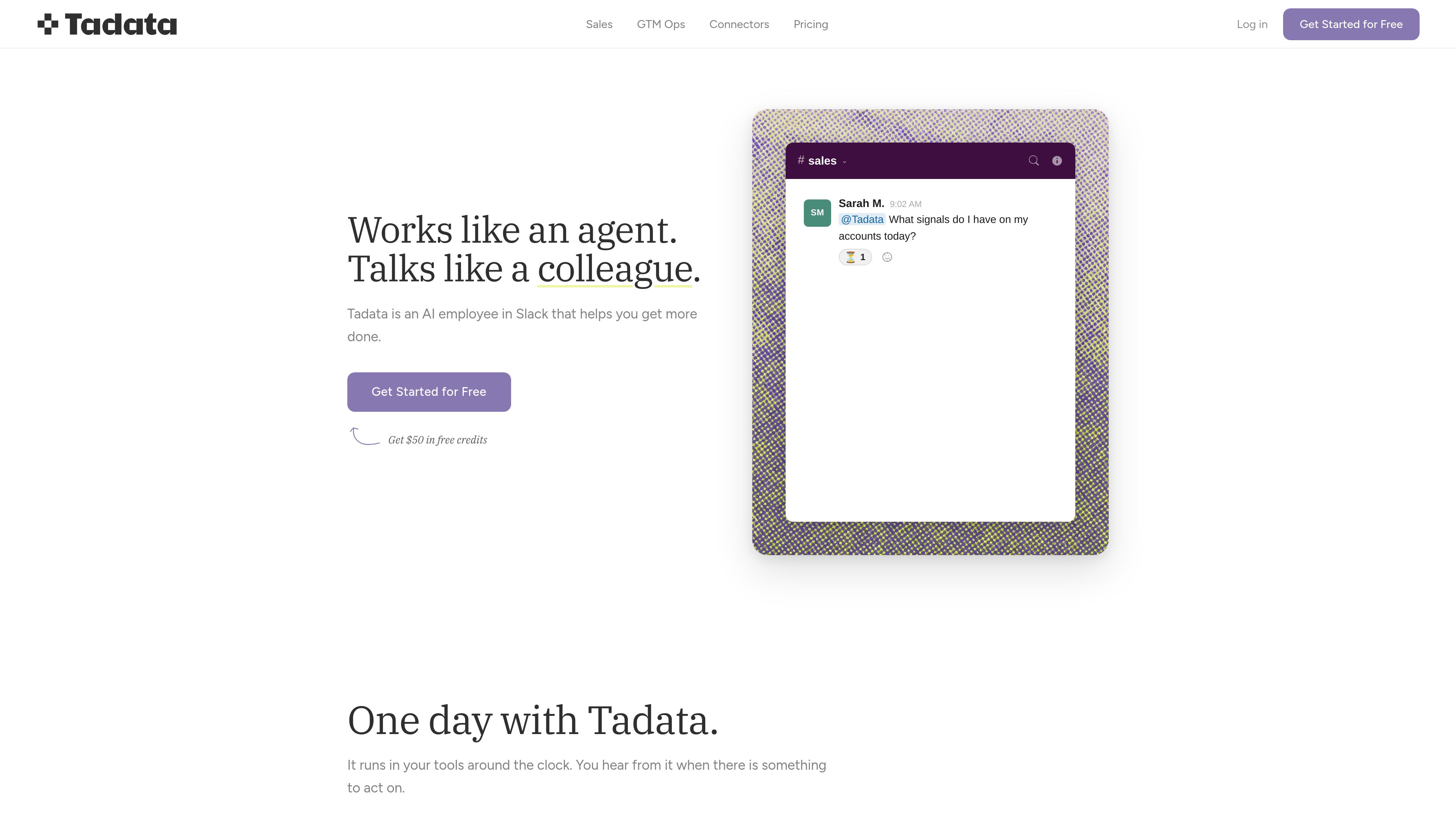
Slack-based agent workflow
Tadata works inside Slack, where it can send digests, draft work, and answer questions in the flow of the team’s day rather than requiring another tab or app.

Tadata est un employé IA dans Slack qui aide les équipes à effectuer des recherches, préparer des réunions, contacter des prospects et gérer les relances répétitives. Il s’adresse aux équipes commerciales et GTM qui souhaitent déléguer les tâches courantes sans quitter Slack.
Tadata is an AI employee that lives in Slack and helps teams delegate research, preparation, and follow-up tasks without switching into a separate app. It is designed to act like a teammate: it surfaces work that needs attention, drafts outputs, and waits for review before anything is sent.
Across its home and solution pages, Tadata is shown handling meeting prep, outreach personalization, warm intro finding, buying-signal monitoring, and post-call follow-up. It also connects to team tools and external sources so it can pull context from the systems where work already happens.
Tadata works inside Slack, where it can send digests, draft work, and answer questions in the flow of the team’s day rather than requiring another tab or app.
The product includes ready-made workflows for outreach personalization, warm intro finding, call preparation, LinkedIn listening, new-hire detection, and conference prep.
Tadata prepares follow-up emails, CRM updates, and outreach messages for review, and nothing goes out until a user approves it.
The product can pull context from tools such as HubSpot, Attio, Notion, Linear, GitHub, Google Sheets, Gmail, Google Calendar, and other connected systems.
If a needed tool is not listed, Tadata says teams can connect anything else with an MCP or API, extending the agent’s access to more workflows.
Tadata says automations, preferences, exceptions, and learned recipes are exportable, and that the system is model-agnostic rather than tied to one provider.
Before a call, Tadata can compile a briefing with meeting context, recent changes, relevant account information, and the signals a rep needs to avoid scrambling for details.
For outbound and follow-up messaging, Tadata can add a researched opener and draft personalized messages based on account or prospect signals for a user to review.
Teams can ask Tadata to find the shortest path to a prospect through people they know, helping prioritize outreach around familiar connections.
After a call, Tadata can draft a follow-up email, capture next steps, and fill in CRM fields so the administrative work is ready for approval.
GTM teams can use Tadata to monitor hiring changes, watch for LinkedIn posts with buying signals, and automate recurring enrichment or prep workflows across their stack.
Tadata is meant to live in Slack and surface work there, rather than asking people to move into a separate dashboard. Teams can call it to delegate research, drafting, preparation, and follow-up tasks.
The source pages show morning digests, meeting briefs, personalized outreach drafts, follow-up emails, CRM updates, and answers pulled from connected tools and account signals.
The GTM Ops page says setup can take about 5 minutes: connect Slack and the tools you already use, then start calling Tadata for work.
The product pages say Tadata drafts work and asks for approval before anything goes out, so users review outputs before sending or publishing them.
Yes. The connectors page says teams can bring their own tool through an MCP or API if a connector is not already available.
Les données de trafic sont fournies à titre indicatif uniquement.

retracekit.cloud
RetraceKit assure le suivi des incidents pour les équipes JavaScript et TypeScript. Il regroupe automatiquement les plantages associés en incidents, afin que les petites équipes puissent trier les pannes depuis une boîte de réception moins encombrée, sans mettre en place un APM complet.

nickmorefun.itch.io
Mochi est un compagnon de bureau pour macOS qui flotte sur votre écran, réagit à votre activité et peut ranger les fichiers éparpillés sur le Bureau dans des dossiers. Il fonctionne localement, sans compte ni suivi, avec des commentaires IA facultatifs utilisant votre propre clé Claude, ChatGPT ou Gemini.