
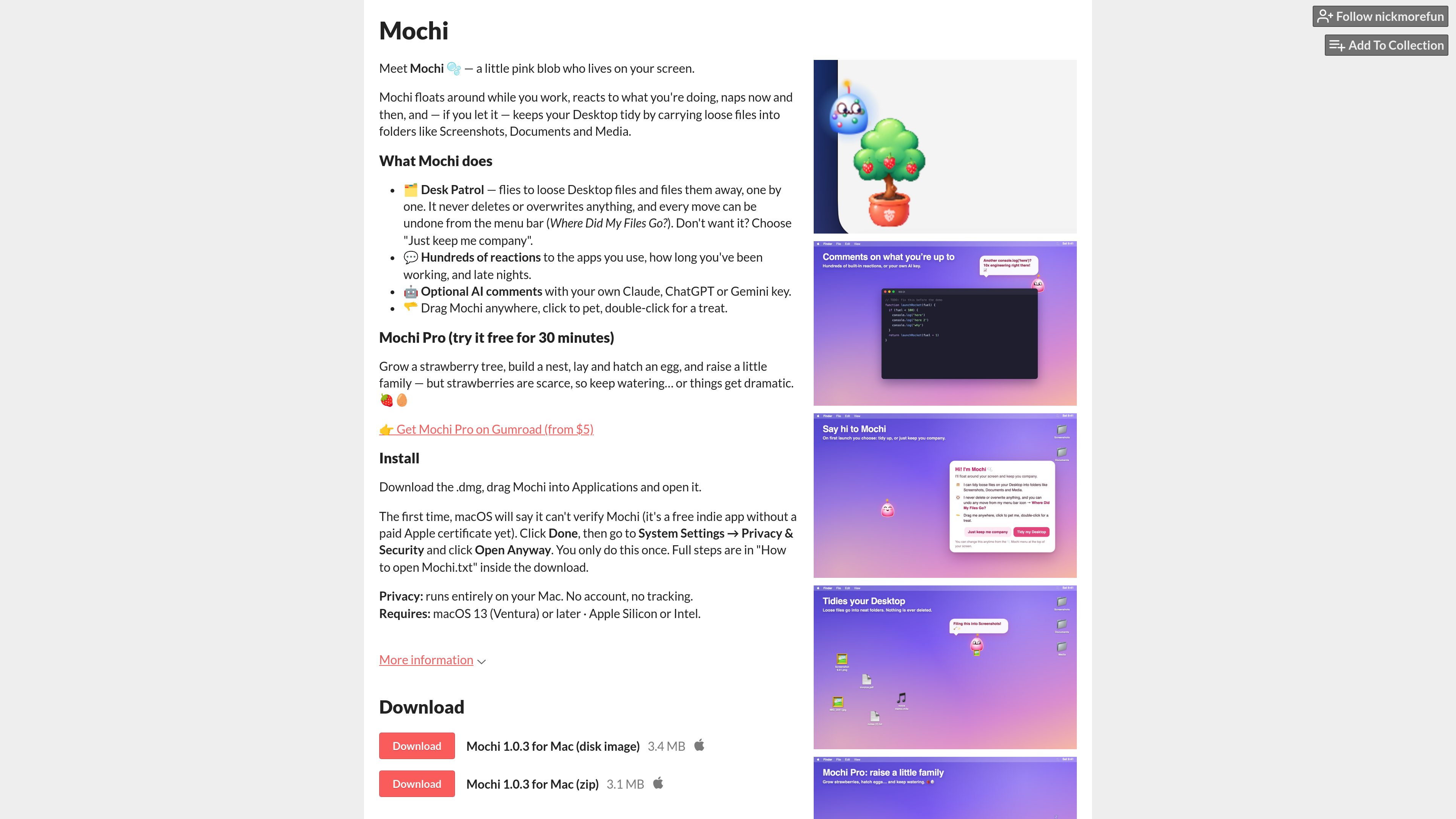
Desktop companion
Mochi floats around the Mac desktop, reacts to what you are doing, and naps periodically, creating an ambient companion while you work.

Mochi est un compagnon de bureau pour macOS qui flotte sur votre écran, réagit à votre activité et peut ranger les fichiers éparpillés sur le Bureau dans des dossiers. Il fonctionne localement, sans compte ni suivi, avec des commentaires IA facultatifs utilisant votre propre clé Claude, ChatGPT ou Gemini.
Mochi is a desktop pet for macOS: a small pink blob that lives on your screen, moves around while you work, reacts to your activity, and occasionally naps. In addition to providing an ambient companion, it can tidy loose Desktop files by moving them into folders such as Screenshots, Documents, and Media.
The app is free to download and runs entirely on your Mac. Its Desk Patrol can be declined, file moves can be undone from the menu bar, and an optional AI-comment feature can use a personal Claude, ChatGPT, or Gemini key. Mochi Pro adds a strawberry-tree and family-raising activity after a free 30-minute trial.
Mochi floats around the Mac desktop, reacts to what you are doing, and naps periodically, creating an ambient companion while you work.
Mochi can visit loose files on the Desktop and file them away one by one into folders including Screenshots, Documents, and Media.
Desk Patrol does not delete or overwrite files, and each move can be undone through a menu-bar option labeled “Where Did My Files Go?”.
The pet has hundreds of reactions tied to the apps you use, how long you have been working, and late-night sessions.
Mochi can provide AI comments when configured with the user’s own Claude, ChatGPT, or Gemini key. The source does not specify authentication or setup requirements for these services.
Mochi Pro includes a strawberry tree, nest-building, egg-laying and hatching, and raising a small family. The Pro version can be tried free for 30 minutes and is offered through Gumroad.
Use Desk Patrol when loose files have accumulated on the Desktop. Mochi handles files individually and places them into supported folders, while preserving an undo path.
Leave Mochi running from the menu bar while working to have a screen companion that responds to work duration, active applications, and late-night use.
Use the pet interactions—dragging Mochi, clicking to pet it, and double-clicking for a treat—as a simple idle or virtual-pet activity during breaks.
Users who already have a Claude, ChatGPT, or Gemini key can enable AI comments, subject to the provider setup requirements that are not detailed on the product page.
Users interested in the additional simulation features can test Mochi Pro for 30 minutes before deciding whether to obtain the paid version through Gumroad.
Mochi is a downloadable desktop pet for macOS. It floats around the screen, reacts to activity, naps, and can optionally organize loose Desktop files.
Download the DMG or ZIP, place Mochi in the Applications folder, and open it. On the first launch, macOS may show an “app cannot be verified” message; select Done, then open System Settings → Privacy & Security and choose “Open Anyway” for Mochi. This approval is needed only once.
The product page states that Desk Patrol does neither. It moves loose Desktop files into folders one by one, and the moves can be undone from the menu bar.
The product page says Mochi runs entirely on the Mac and requires no account or tracking. The page does not provide further details about data sent when optional AI comments are used.
Mochi Pro adds a strawberry tree, a nest, egg-laying and hatching, and a small family-raising activity. It can be tried free for 30 minutes and is offered through Gumroad.

www.tryryu.com
Ryu Journal est une application de journal intime privé pour iPhone et iPad. Elle propose un éditeur sans distraction, des tendances du journal, des indicateurs liés à l’humeur et des citations sur l’écran d’accueil. Elle fonctionne hors ligne, sans compte, suivi ni collecte de données, et conserve le journal sur l’appareil.

fixmyfx.com
Un calculateur en ligne pour les fondateurs qui perçoivent des revenus et règlent des dépenses en devises étrangères. Estimez les frais de change avec la conversion automatique de Stripe et le change bancaire, puis comparez-les à ceux d’un compte multidevise.

retracekit.cloud
RetraceKit assure le suivi des incidents pour les équipes JavaScript et TypeScript. Il regroupe automatiquement les plantages associés en incidents, afin que les petites équipes puissent trier les pannes depuis une boîte de réception moins encombrée, sans mettre en place un APM complet.

eyeware.tech
Eyeware crée des outils logiciels de suivi de la tête et du regard pour webcams et capteurs 3D, dont Beam Eye Tracker, GazeSense et AMD Privacy View.

www.tadata.com
Tadata est un employé IA dans Slack qui aide les équipes à effectuer des recherches, préparer des réunions, contacter des prospects et gérer les relances répétitives. Il s’adresse aux équipes commerciales et GTM qui souhaitent déléguer les tâches courantes sans quitter Slack.

travelanimator.com
Travel Animator crée des vidéos d’itinéraires de voyage à partir de fichiers GPX ou de routes Google Maps, avec plusieurs styles de carte, véhicules 3D et export HD ou 4K.