
On-device transcription
Speech is converted to text on the Mac using a local model. The site states that audio is held only while it is being transcribed, is not uploaded, and is not kept.

QuietHint est un assistant de réunion macOS pour les Mac équipés d’Apple silicon. Il transcrit l’audio localement, distingue votre voix de celle de l’autre participant et suggère de courtes réponses sans rejoindre l’appel ni installer quoi que ce soit dans l’application de réunion.
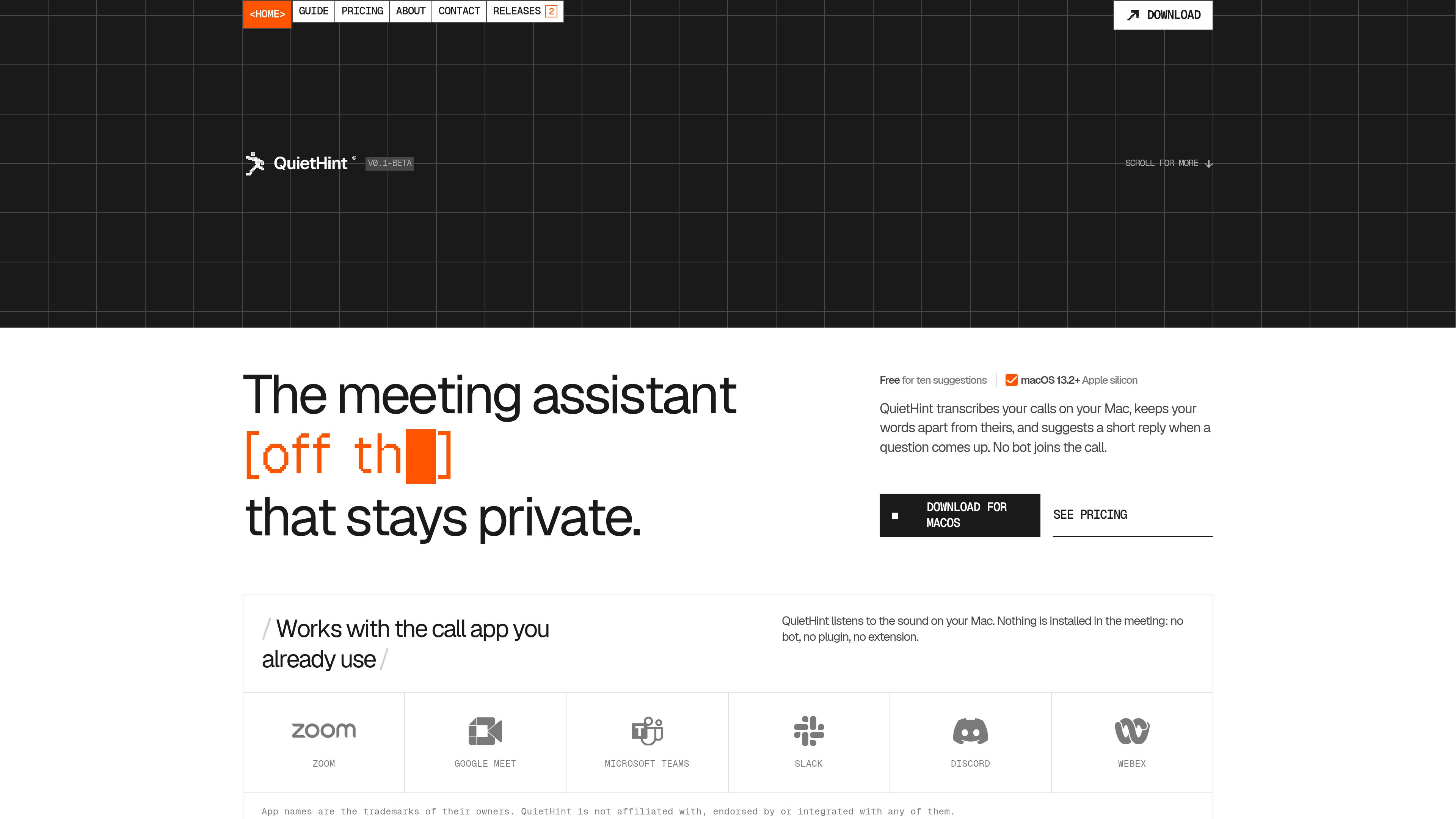
QuietHint is a meeting assistant for Apple silicon Macs running macOS 13.2 or later. It listens to microphone and call audio played through the Mac, turns speech into a local transcript, and separates the conversation into “You” and “Them” labels. Its main purpose is to help users keep track of a live conversation and respond to questions without adding a bot or plugin to the call.
When a question comes up, QuietHint can display a short sentence to say along with two or three supporting points. Suggestions can be generated automatically or requested with a keyboard shortcut. The app is designed as a floating window that stays above the call app without taking keyboard focus.
Speech is converted to text on the Mac using a local model. The site states that audio is held only while it is being transcribed, is not uploaded, and is not kept.
Microphone audio and call audio are treated as separate channels, allowing transcript lines to be labeled “You” or “Them.” Headphones are recommended for the cleanest split.
When a question is detected, the overlay can show a sentence that could be said aloud, followed by two or three concise points. Suggestions use recent transcript text and a screenshot of the active display.
Auto mode can watch for questions; users can turn it off and request a hint with ⌘↩. A separate shortcut can ask QuietHint to solve what is currently on screen.
With Screen enabled, QuietHint also watches the display and can answer a question shown on screen after the display settles. The screen switch remains available in the overlay.
The transcript and hints appear in a small window that does not take keyboard focus. Shortcuts can show or hide it, clear the transcript, toggle Auto or Screen mode, enable click-through, and quit the app.
When a prospect raises an objection, a user can receive a concise response structure and follow-up points without leaving the call window.
If a customer describes a technical problem, a hint can suggest a narrowing question or a next troubleshooting step based on the conversation and visible screen context.
During a practice session, QuietHint can help organize an answer into a short structure, such as the situation, the change made, and the result.
When a caller shares an error, dashboard, or other visible information, Screen mode can use the display alongside the transcript to formulate a response.
Users can run the assistant with supported call apps or browser-based calls because it listens to audio played through the Mac rather than connecting to the meeting service.
No. It runs as a Mac overlay and listens to audio on the computer. The site says that no bot, plugin, or extension is installed in the meeting app.
Transcription takes place on the Mac, and QuietHint says audio is not uploaded or kept. To generate a hint, recent transcript lines and a screenshot of the active display are sent to Anthropic directly from the Mac with the user’s key, or through QuietHint’s server when credits are used.
It can work with any app that plays call audio through the Mac. The site specifically names Zoom, Google Meet, Microsoft Teams, Slack, FaceTime, and browser tabs, while noting that QuietHint is not affiliated with or integrated into those services.
Download the macOS disk image, drag QuietHint to Applications, open it, and allow the requested microphone and screen-audio permissions. The first launch also requires an Anthropic API key or QuietHint credits for generating hints.
Yes. Auto mode can be turned off, after which a hint is generated only when the user presses ⌘↩. The overlay can also be hidden without stopping transcription.
Les données de trafic sont fournies à titre indicatif uniquement.

tryassistly.com
Assistly est un assistant de réunion en direct pour macOS et Windows. Il fournit des conseils en temps réel pendant les appels et rédige un récapitulatif ensuite. Il fonctionne depuis l’ordinateur sans rejoindre la réunion comme un bot, et met l’historique des appels à disposition des applications connectées via un serveur MCP.

ulpaso.app
Ulpaso est une application Mac gratuite et open source qui transcrit les réunions sur l’appareil et enregistre le résultat dans des fichiers Markdown locaux. Gardez vos notes sur votre Mac, sans compte ni abonnement.

chit.zopcloud.zop.dev
Chit est une application macOS de barre des menus qui lit l’historique local des transcriptions de Claude Code et le transforme en récapitulatif quotidien du travail, classé par projet. Reconstituez le travail terminé pour les réunions quotidiennes, feuilles de tâches et feuilles de temps sans afficher vos prompts.

sonnetai.com
Assistant de réunion qui enregistre, transcrit et crée des notes et actions consultables sans bot visible

trysayble.com
Sayble est un copilote de conversation IA en temps réel pour les appels commerciaux, les réunions, les négociations et autres échanges professionnels. Il transcrit les deux interlocuteurs, suggère quoi dire ensuite et rédige des récapitulatifs et des messages de suivi après l’échange.

fellow.app
Assistant de réunion IA pour transcriptions, résumés et actions à suivre