
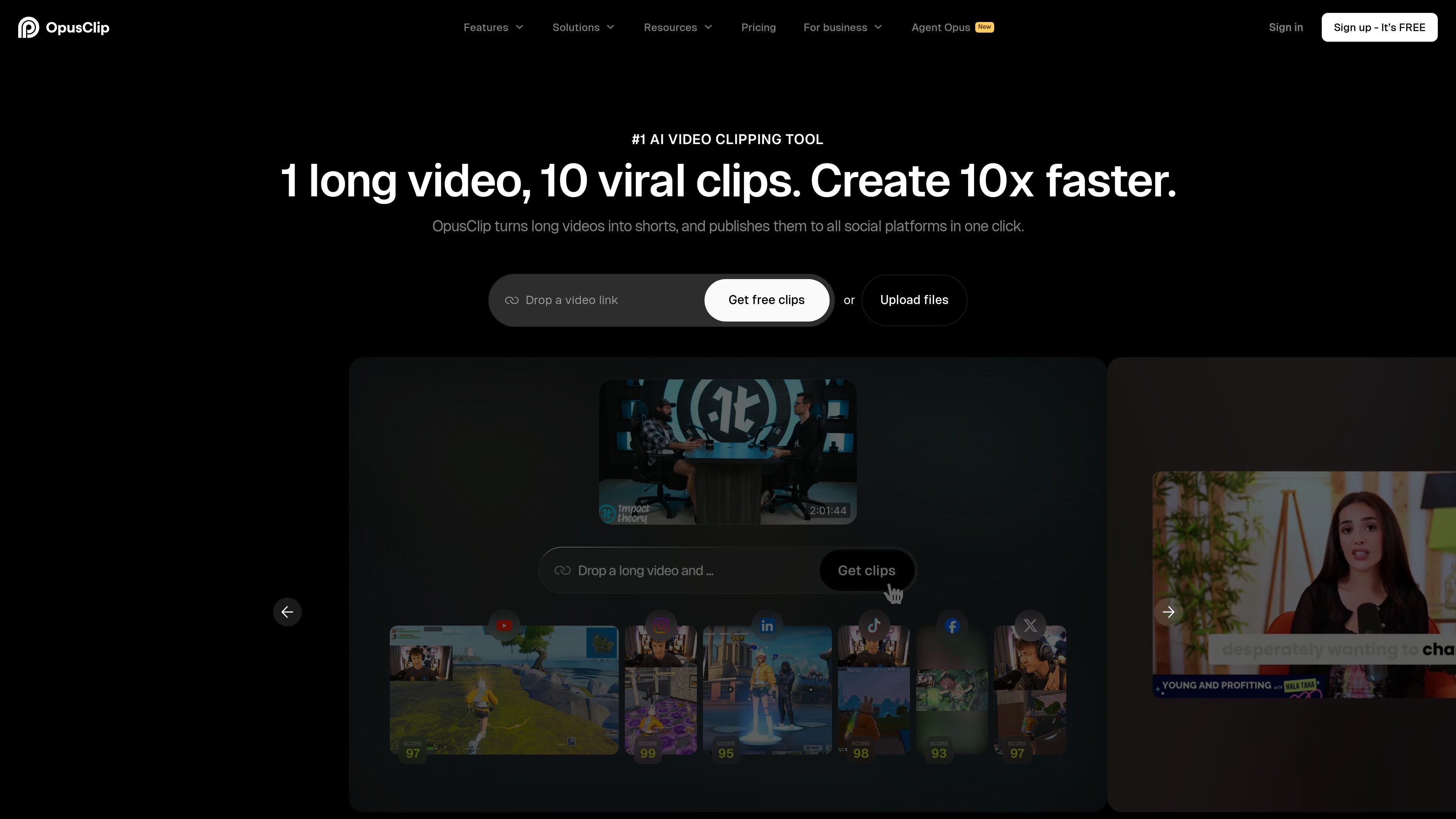
AI clip generation
OpusClip identifies clip-worthy moments from long videos and supports AI copilot workflows such as choosing a clipping timeframe, clip length, and reprompting results.

Plateforme IA de découpage et montage vidéo pour les réseaux sociaux
OpusClip is an AI video clipping and editing platform that turns long-form videos into short clips for social distribution. The homepage positions it as a tool for creating viral shorts, while the pricing page shows a broader workflow that includes editing, captioning, reframing, export, publishing, and team collaboration.
The product is built for creators and businesses that want to move from source video to platform-ready clips with less manual editing. It supports a range of source formats and workflows, including local uploads, public MP4 URLs, verified YouTube imports, CMS-connected workflows, and social publishing from the app.
OpusClip identifies clip-worthy moments from long videos and supports AI copilot workflows such as choosing a clipping timeframe, clip length, and reprompting results.
The product supports captions, animated caption templates, multi-language transcription, custom fonts, speaker-based caption colors, and options to censor curse words or highlight keywords and emojis.
The reframe workflow resizes clips for different platforms and can track moving subjects, switch layouts, and support screenshare or gameplay formats.
The editor includes text- and timeline-based editing, B-roll generation, voice-over, speech enhancement, filler-word and pause removal, transitions, music, and text overlays.
Users can export watermark-free video, export as MP4, export in bulk, send projects to Adobe Premiere Pro or DaVinci Resolve, or post directly to social media from the platform.
The platform supports team workspaces, brand templates, media libraries, folders, permissions, analytics, and API-based workflow automation.
Convert long podcasts or interview recordings into shorter social clips with AI-assisted moment selection, captions, and export.
Repurpose vlogs, gaming sessions, sports footage, or explainer videos into platform-ready shorts using genre-aware clipping and reframing.
Handle brand-owned video workflows with templates, shared workspaces, folders, and permissions for multiple contributors.
Connect video creation to a CMS or other tools through the API and workflow automation options shown on the site.
Publish clips directly to social platforms or export them for editing in Adobe Premiere Pro or DaVinci Resolve when a manual finishing step is needed.
OpusClip is designed to turn long videos into short-form clips and publish them to social platforms. The pricing page also shows API and workflow automation options for teams that want to connect it to other tools.
The pricing page shows plans for Free, Starter, Pro, and Business. It also lists a custom enterprise option and includes features that vary by plan.
The homepage says OpusClip can create clips from any genre, including podcasts, vlogs, gaming, sports, interviews, and explainer videos. The pricing page also mentions different import sources and editing workflows by plan.
Yes. The homepage describes team workspaces, and the pricing page includes team collaboration features such as member seats, folders, sub-teams, and permissions on higher tiers.
The pricing page shows export and publishing options such as watermark-free exports, MP4 export, bulk export, and posting to social media. Some export and collaboration features are limited to higher plans.
Les données de trafic sont fournies à titre indicatif uniquement.

qlip.ai
Transformez vos webinaires enregistrés en clips courts pour les réseaux sociaux et vos canaux propriétaires.

exemplary.ai
Exemplary AI transforme l’audio et la vidéo en clips, transcriptions, sous-titres, résumés et contenus pour les réseaux sociaux.

eklipse.gg
Eklipse crée des clips avec l’IA en repérant les meilleurs moments des streams pour les réseaux sociaux.

behooked.co
Outil d’IA pour créer et modifier des vidéos, images et audios courts pour les réseaux sociaux

clipmatch.io
ClipMatch est un éditeur vidéo basé sur l’IA qui transforme les séquences de la pellicule en courtes vidéos verticales. Les créateurs et petites entreprises peuvent associer les répliques aux clips, vérifier la sélection et exporter des vidéos prêtes pour les réseaux sociaux.

flixier.com
Eva de Flixier est un assistant de montage vidéo basé sur l’IA qui lit votre transcription et transforme les rushes en un premier montage ou en clips dans l’éditeur accessible depuis un navigateur. Idéal pour les podcasts, interviews, webinaires, cours et vidéos face caméra.