
AI-agent-native deployment
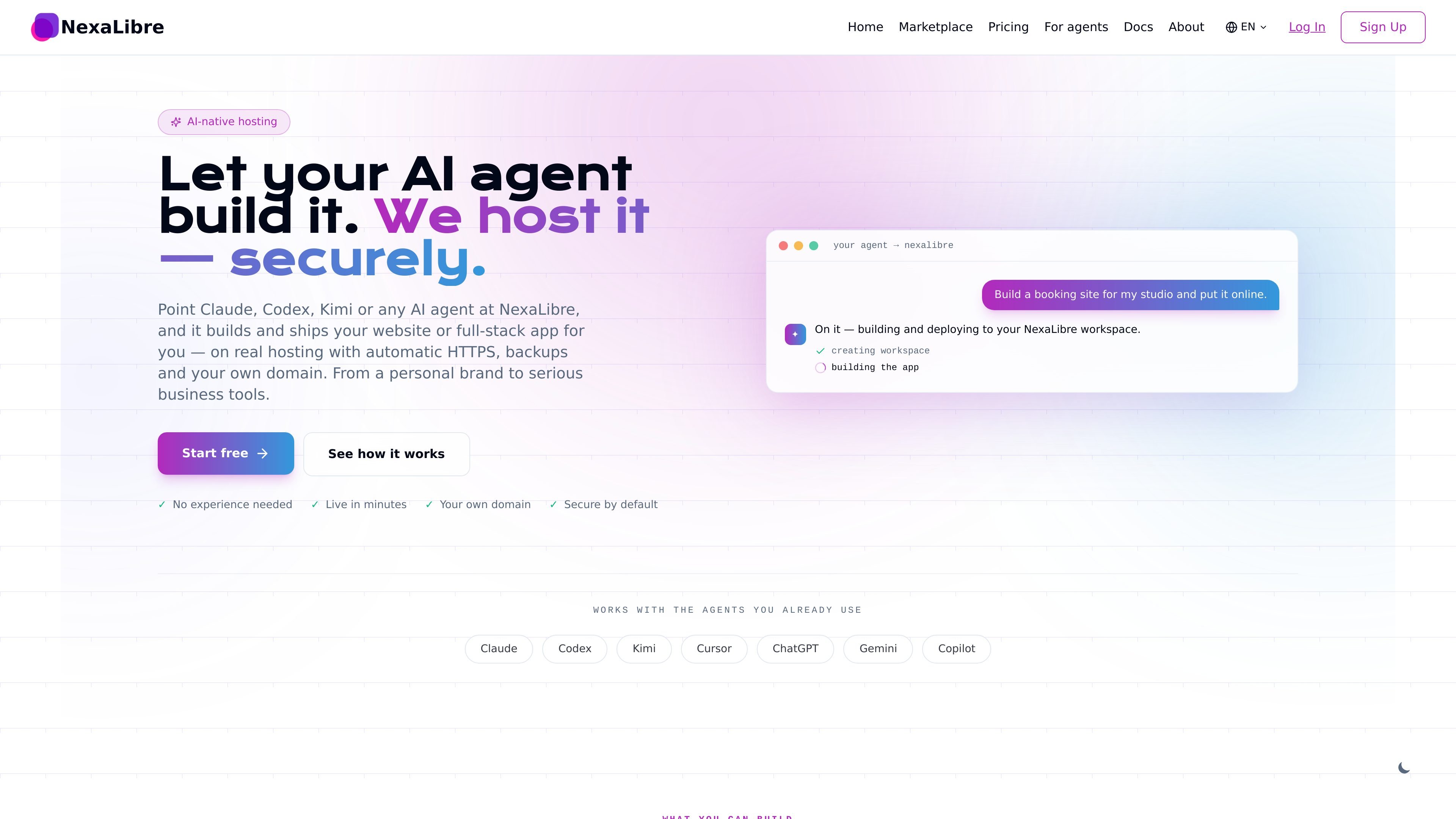
Connect an AI assistant through MCP or a supported agent workflow, then let it deploy and manage apps inside a scoped workspace.

NexaLibre est une plateforme d’hébergement native de l’IA qui permet de connecter un agent IA pour créer et déployer des sites web ou des applications full-stack. Elle fournit un hébergement géré avec HTTPS, sauvegardes et domaines personnalisés, et prend en charge les applications open source en un clic ainsi que le déploiement de code personnalisé depuis un dépôt, un Dockerfile ou un workflow d’agent.
NexaLibre is an AI-native hosting platform for people who want an AI agent to build and deploy a website or full-stack app, while the platform handles the hosting layer. The service is centered on open-source software and supports both one-click apps and workspaces for custom code.
Its core job is to turn a plain-language request into a live deployment with HTTPS, backups, and your own domain. The published workflow shows an agent connected through MCP, the app being built in a workspace, and the result going online without the user managing servers or patching infrastructure.
Connect an AI assistant through MCP or a supported agent workflow, then let it deploy and manage apps inside a scoped workspace.
Choose from 200+ open-source apps or deploy your own code from a repository, Dockerfile, or agent-driven workflow.
Each deployment gets automatic HTTPS, managed certificates, and support for a custom domain.
Backups are included, data can be exported, and the platform is built around open-source software you can take with you.
Apps run in isolated tenant networks with scoped agent keys and managed server updates.
The platform allocates CPU, RAM, and storage per app or workspace and lets you scale the resource pool as needed.
Use NexaLibre to turn a short prompt into a portfolio, landing page, blog, or link-in-bio site that can go live with a custom domain and HTTPS.
Deploy stores, booking pages, or paid newsletters when you want an AI agent to assemble the app and publish it without setting up infrastructure yourself.
Run internal tools such as CRMs, help desks, knowledge bases, dashboards, or invoicing systems on managed open-source software.
Connect agents to a workspace when you want them to build or modify a repo-based app, including full-stack apps with a database, API, and frontend.
Skip custom development and install ready-made tools such as WordPress, n8n, Supabase, Ghost, GitLab, Metabase, or NocoDB in one click.
NexaLibre is designed so you can connect an AI assistant, describe what you want in plain language, and have it deploy and manage an app on your behalf. The platform then provides the hosting pieces around that app, including HTTPS, backups, and custom domains.
The source explicitly mentions Claude, Codex, Kimi, Cursor, ChatGPT, Gemini, and Copilot, and also says it works with MCP-capable AI. That suggests it is meant to fit with several existing agent and assistant workflows rather than a single proprietary client.
NexaLibre supports both one-click open-source apps and workspaces for your own code. You can deploy from the marketplace, or deploy your own app from a repo, Dockerfile, or through an AI assistant.
The documentation says your data is exportable, apps run on isolated infrastructure, and custom domains are supported. The pricing and comparison pages also state there are no setup fees, no surprise overages, and you can cancel anytime.
The published sources show managed hosting, automatic HTTPS, backups, custom domains, tenant isolation, and app management, but they do not fully document every supported stack, integration, or deployment edge case. For unusual requirements, the docs are the best place to verify fit before moving forward.
Les données de trafic sont fournies à titre indicatif uniquement.
| juin | 0 |
|---|---|
| juil. | 0 |
| août | 20 |
Les analyses de trafic ne sont pas encore disponibles.
Les analyses de trafic ne sont pas encore disponibles.

meku.dev
Meku est un créateur de sites et d’applications web avec IA qui permet aux développeurs et créateurs de concevoir, personnaliser, déployer et héberger des sites ou applications full-stack à partir de prompts, avec offres gratuites et payantes, exports, domaines personnalisés, collaboration et intégrations pour développeurs.

dyad.sh
Dyad est un générateur d’applications AI local et open source, avec modèles flexibles, code exportable, workflows full-stack et déploiement sans dépendance propriétaire.

co.dev
Créateur d’applications IA transformant le texte en applications Next.js full-stack prêtes pour la production, avec GitHub et domaines personnalisés.

floot.com
Floot est un créateur de sites web et d’applications basé sur l’IA pour les non-codeurs, qui permet de créer, héberger et publier des produits sur une seule plateforme, avec applications web, SEO, intégrations et export mobile.

blink.new
Blink est un générateur d’applications basé sur l’IA pour sites web, produits SaaS, applications mobiles et extensions Chrome, avec base de données, authentification, hébergement et déploiement dans un même flux.

createos.nodeops.network
CreateOS est un espace de travail unifié pour créer et déployer des applications à partir de prompts, de modèles, de dépôts GitHub, d’images Docker ou de fichiers importés, avec une infrastructure gérée et un déploiement en un clic.