
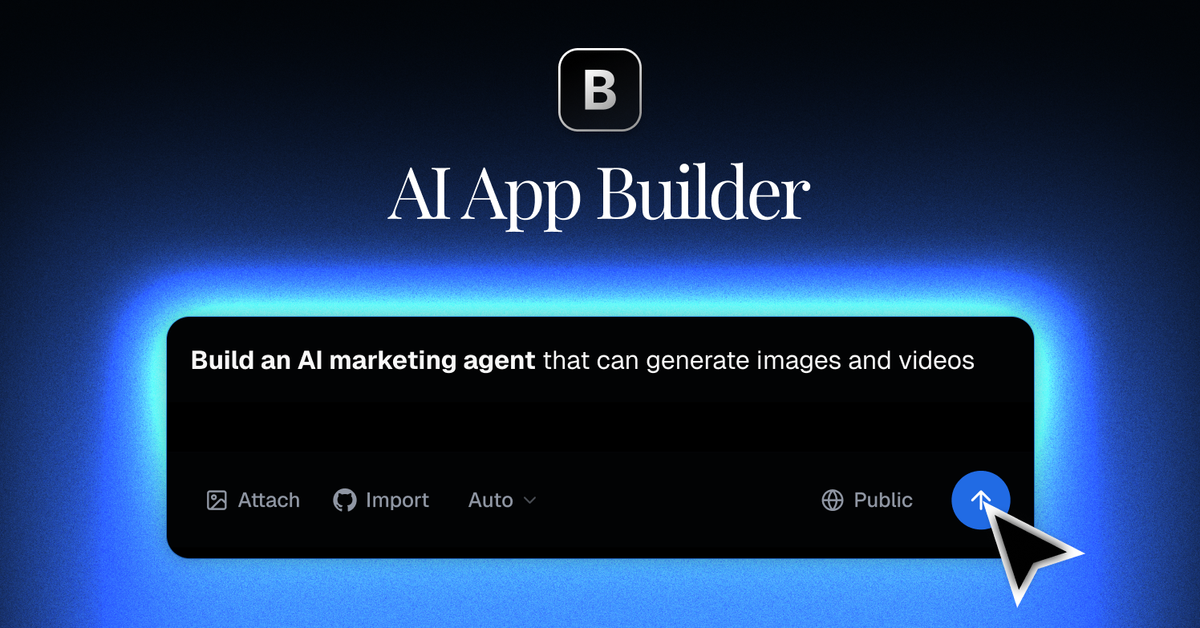
Prompt-based app creation
Describe an app in plain English and Blink generates the project structure and core functionality for you.

Blink est un générateur d’applications basé sur l’IA pour sites web, produits SaaS, applications mobiles et extensions Chrome, avec base de données, authentification, hébergement et déploiement dans un même flux.
Blink is an AI app builder for creating websites, SaaS products, mobile apps, and Chrome extensions by chatting with AI. The product is positioned as an all-in-one platform where database, authentication, hosting, and deployment are included in the same workflow.
The site’s main promise is to move from prompt to live app quickly: describe what you want, watch Blink generate the code and backend, then deploy to a public URL. The platform also exposes extension features such as storage, real-time updates, email, analytics, Stripe, third-party APIs, and AI models for teams that need to keep building after the first version.
Describe an app in plain English and Blink generates the project structure and core functionality for you.
Each project gets an automatically provisioned SQL database, with visual editing available in the docs.
Authentication includes email, social login, and magic links, so sign-in flows can be added as part of the app.
Blink includes hosting with SSL, custom domains, and global CDN delivery for deployed apps.
The extend docs list backend routes, storage, queues, edge functions, real-time updates, email, analytics, and integrations as available capabilities.
The AI Gateway supports 200+ models for text, image, video, and speech tasks from a single API key.
Use Blink to create a SaaS product with authentication, billing, dashboards, and other standard product workflows already wired into the build process.
Use Blink when you need a community platform with sign-in, user accounts, real-time interaction, and backend features that can be extended over time.
Use Blink when you want to build an internal tool or prototype quickly and then layer in APIs, storage, analytics, or real-time behavior as the project grows.
Use Blink for apps that need third-party services such as Stripe, GitHub Sync, Supabase, or external APIs without assembling the stack manually.
Blink generates apps from plain-English prompts and can include authentication, database setup, APIs, and deployment in the same workflow. The source also shows dedicated templates and examples for SaaS, community platforms, and other app types.
The pricing page shows a free plan with 10 credits per month, plus paid plans for individuals, power users, heavy users, and teams. Blink also says you can build and deploy without a credit card on the free plan.
Blink describes a workflow where you describe the app, watch it come together, and then deploy it to a public URL. The docs also note that features are additive, so you can start with core functionality and extend the app later.
Yes. The pricing page includes a Team Plan with per-seat pricing, a shared workspace, collaboration, role-based access, and team management features.
Blink supports extension through backend features and third-party integrations, including database, authentication, storage, real-time features, email, analytics, Stripe, Supabase, GitHub Sync, and external APIs.
Les données de trafic sont fournies à titre indicatif uniquement.

hercules.app
Hercules crée des apps et sites web par chat avec l’IA, avec authentification, base de données, hébergement et paiements intégrés.

zoer.ai
Zoer est un générateur d’applications web avec IA qui transforme des idées en langage naturel en apps full-stack avec base de données, authentification, paiements Stripe et assistant IA intégré.

nexalibre.com
NexaLibre est une plateforme d’hébergement native de l’IA qui permet de connecter un agent IA pour créer et déployer des sites web ou des applications full-stack. Elle fournit un hébergement géré avec HTTPS, sauvegardes et domaines personnalisés, et prend en charge les applications open source en un clic ainsi que le déploiement de code personnalisé depuis un dépôt, un Dockerfile ou un workflow d’agent.

codeflying.app
CodeFlying est un générateur d’applications basé sur l’IA qui transforme des idées en langage naturel en sites web, applications mobiles et mini-apps, pour créer en dialoguant avec l’IA.

base44.com
Base44 transforme des prompts en langage naturel en applications et sites web avec backend, hébergement et intégrations intégrés, sans coder.

floot.com
Floot est un créateur de sites web et d’applications basé sur l’IA pour les non-codeurs, qui permet de créer, héberger et publier des produits sur une seule plateforme, avec applications web, SEO, intégrations et export mobile.