
Online photo editing
Edit photos online with tools for text, graphics, cropping, resizing, format conversion, compression, and other common image adjustments.

Éditeur IA en ligne pour photos, designs, vidéos et workflows d’API image
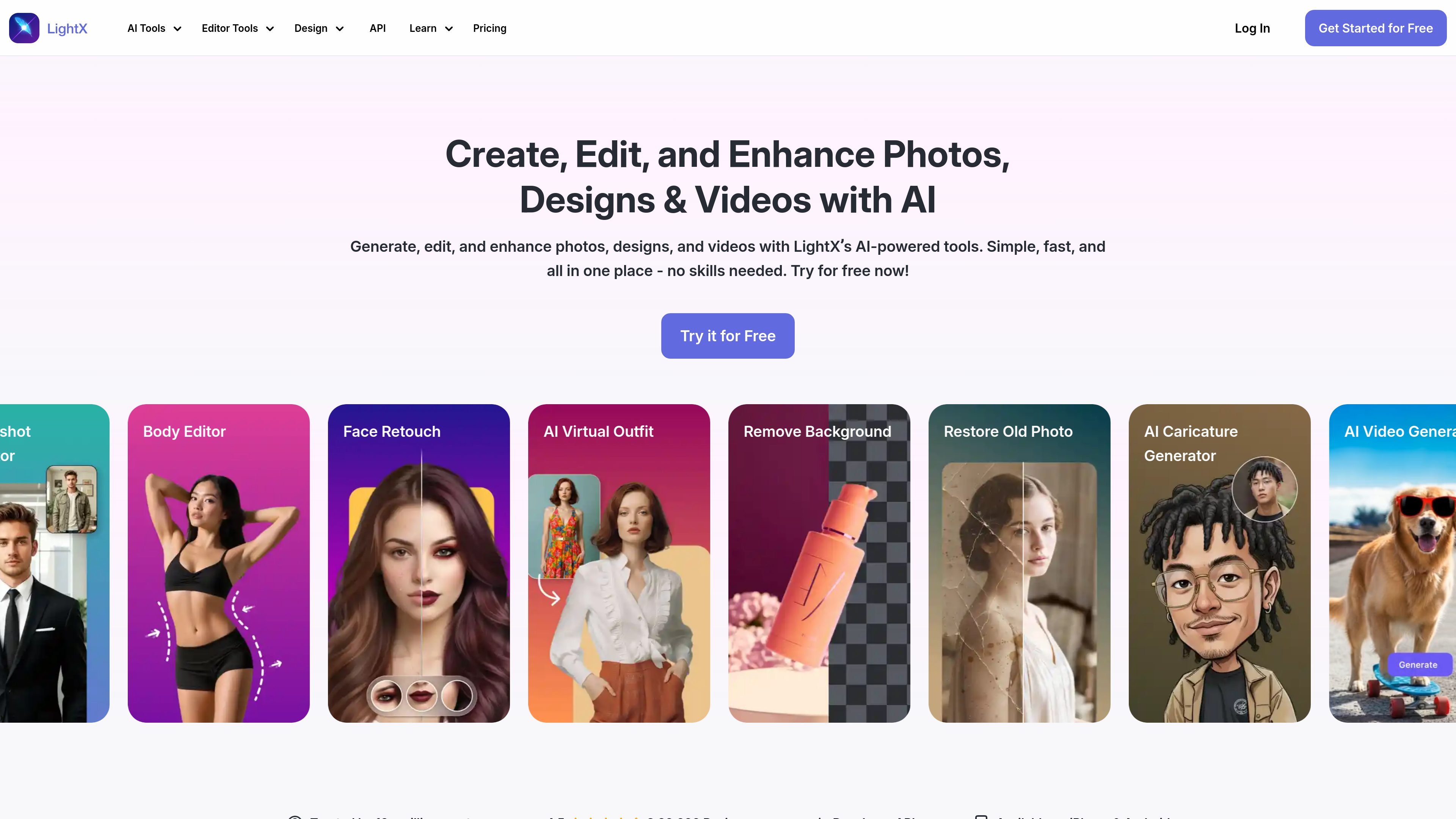
LightX is an online AI editor for photos, designs, and videos. It combines browser-based editing tools with generative features so users can make quick adjustments, create new visuals, and work across image and video tasks in one place.
The product pages position LightX as a tool for everyday photo cleanup, portrait retouching, background editing, restoration, design creation, and AI-assisted video generation. The site also offers a developer API for image-processing workflows such as background removal and cleanup.
Edit photos online with tools for text, graphics, cropping, resizing, format conversion, compression, and other common image adjustments.
Use AI tools to enhance portraits with retouching, face reshaping, body editing, and related look-improvement controls.
Remove or replace backgrounds, blur backgrounds, and work with background templates or custom uploads for portraits and products.
Restore old or damaged photos, including colorizing black-and-white or sepia images, removing scratches, and recovering detail.
Generate visuals with AI, including headshots, avatars, caricatures, logos, and design assets such as posters and packaging.
Create or edit videos with AI tools, including text-to-video generation and video-focused editing workflows.
Clean up portraits by retouching faces, refining body shape, and improving lighting or clarity before sharing or publishing.
Edit product photos by removing backgrounds, replacing scenes, or creating cleaner e-commerce visuals for listings and promotions.
Restore older images by repairing scratches, colorizing faded photos, and recovering detail from damaged files.
Create branded assets such as logos, posters, packaging concepts, and social graphics from the browser.
Turn short prompts or existing images into motion content with AI video generation and online video editing tools.
Yes. The photo editor page says you can upload an image, use the selected tool, and then download the result. The pricing page also shows a starter tier with free credits and a Pro subscription with more features.
The photo editor page describes steps for uploading an image, using a tool, and downloading the finished file. The pricing page indicates free and paid plans, and the starter plan includes limited free access to tools and credits.
The pricing page states that Pro projects can be downloaded without a watermark, and the photo editor page asks about watermark-free download options. This suggests watermark-free export is part of the paid workflow.
The home page presents LightX as an all-in-one editor for photos, designs, and videos, while the photo-editing page focuses on image editing and the video-editing page covers online video editing. It can be used for marketing designs and ads according to the photo editor FAQ listing.
Yes. The pricing page includes a LightX API section with API pricing, documentation-oriented FAQs, and examples for image-processing tasks such as background removal and cleanup.
Les données de trafic sont fournies à titre indicatif uniquement.

beautyplus.com
BeautyPlus est un éditeur photo basé sur l’IA et un outil d’image en ligne pour améliorer les photos, supprimer les arrière-plans et les objets, et créer du contenu visuel.

deepai.org
DeepAI est une plateforme d’IA accessible depuis un navigateur pour créer des images, retoucher des photos, discuter avec un assistant IA, générer des vidéos et de la musique, et utiliser des API d’images. Elle propose une exploration gratuite, une offre Pro payante et des points d’accès développeur pour les workflows d’image courants.

z-image-ai.run
Générateur et éditeur d’images IA en ligne pour créer des images à partir de textes et restyliser des photos, avec plusieurs modèles, des crédits gratuits et un usage commercial sans filigrane.

ai-img-gen.com
AI Image Generator est un outil en ligne qui permet de créer des images générées par IA à partir de prompts et de parcourir des exemples de résultats. Il intègre également un éditeur photo pour effectuer des retouches simples après la génération.

pokecut.com
Éditeur photo IA en ligne pour supprimer les arrière-plans, objets et créer des photos d’identité

hey-photo.com
Éditeur photo IA gratuit en ligne pour modifier les traits du visage dans les selfies et photos de groupe, avec import depuis le navigateur, formats courants et résultats filigranés en version gratuite.