
Web-based workspace
Work in a browser-based environment for full-stack app development without installing a local IDE.

Espace web de développement full-stack avec codage assisté par Gemini, aperçus, émulateurs et déploiement.
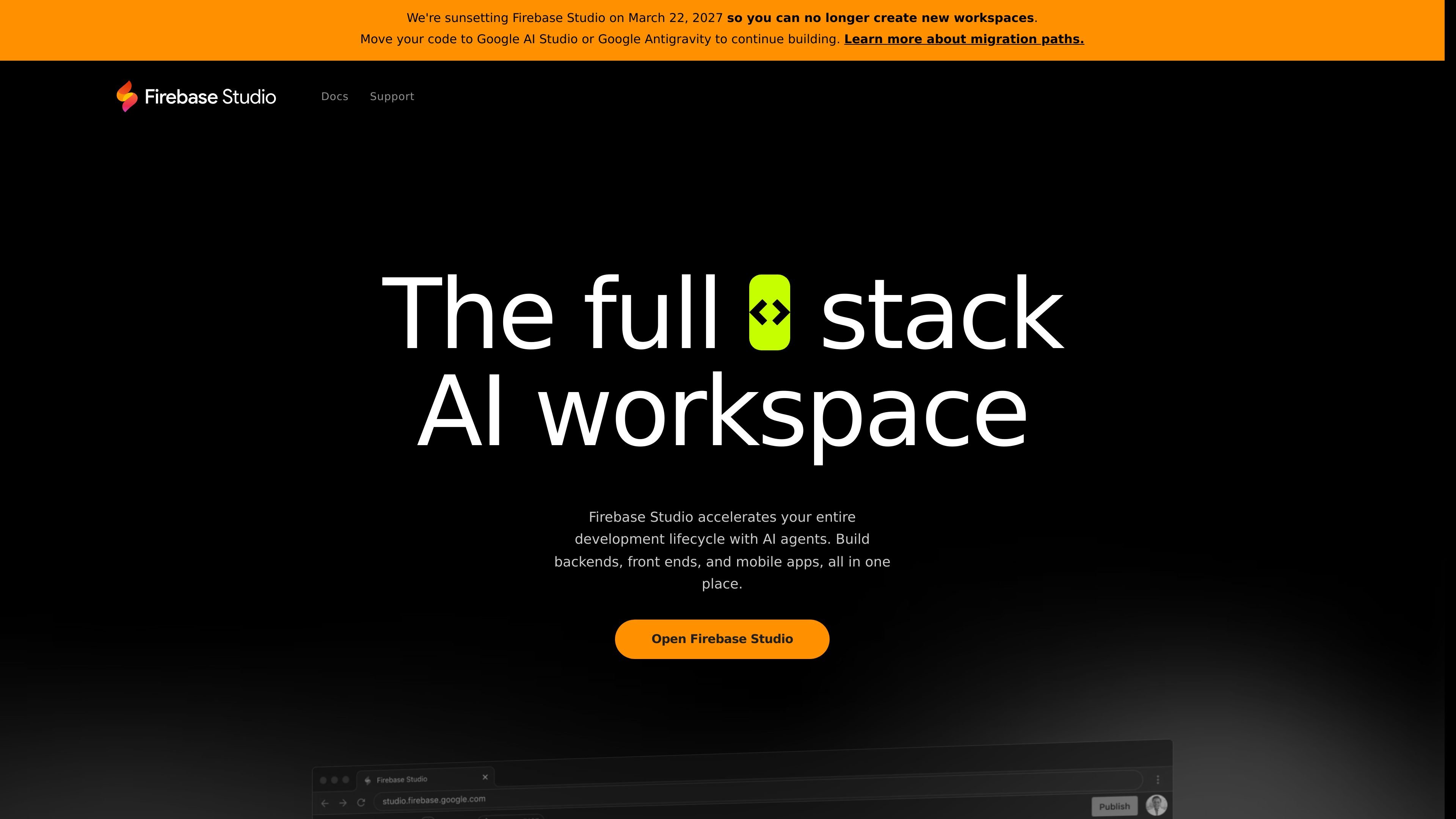
Firebase Studio is a web-based workspace for full-stack application development. It combines Gemini-powered assistance, app prototyping tools, cloud emulators, and deployment options in a single browser-accessible environment.
The product is designed for developers who want to move from a browser to building quickly, while also supporting imported repositories, team collaboration, and preview-driven iteration across web and Android surfaces.
Work in a browser-based environment for full-stack app development without installing a local IDE.
Use Gemini to code, debug, test, refactor, explain, and document code, with the option to use the built-in model or select another model.
Import existing repositories from GitHub, GitLab, Bitbucket, or your local machine, or start from natural-language prompts, mockups, screenshots, drawing tools, or templates.
Preview work with built-in web previews, Android emulators, and cloud emulators to validate app behavior as you build.
Share a preview URL with testers and give teammates access to the same workspace for live collaboration.
Publish to Firebase App Hosting or deploy to Firebase Hosting, Cloud Run, or custom infrastructure.
Start a new application from a natural-language description, a mockup, screenshots, drawing tools, or a framework template when you want to prototype before writing a full codebase.
Bring in an existing repository from GitHub, GitLab, Bitbucket, or a local machine and continue development in a browser-based workspace.
Use Gemini to help with coding, debugging, refactoring, testing, explaining, and documenting code while you work through implementation tasks.
Preview web interfaces and Android behavior with built-in previews and emulators to check how changes behave before publishing.
Share a preview URL with testers or invite teammates into the same workspace when you need collaboration on one project.
Firebase Studio is an entirely web-based workspace for full-stack app development. It combines Gemini-assisted coding help, app previews, cloud emulators, and deployment options in one browser-based environment.
The source shows support for importing repositories from GitHub, GitLab, Bitbucket, or a local machine, and for starting new apps with the App Prototyping agent, templates, or custom environment setup with Nix.
You can share a URL with early testers for preview and share workspaces with other team members so they can contribute to the same project at the same time.
Firebase Studio says you can publish apps to Firebase App Hosting with a few clicks, and you can also deploy to Firebase Hosting, Cloud Run, or your own custom infrastructure.
The pricing page is not available; the homepage states Firebase Studio is currently available with 3 workspaces at no cost during preview, and members of the Google Developer Program get up to 30 workspaces.
Les données de trafic sont fournies à titre indicatif uniquement.
| avr. | 530709 |
|---|---|
| mai | 530903 |
| juin | 496695 |

dyad.sh
Dyad est un générateur d’applications AI local et open source, avec modèles flexibles, code exportable, workflows full-stack et déploiement sans dépendance propriétaire.

nexalibre.com
NexaLibre est une plateforme d’hébergement native de l’IA qui permet de connecter un agent IA pour créer et déployer des sites web ou des applications full-stack. Elle fournit un hébergement géré avec HTTPS, sauvegardes et domaines personnalisés, et prend en charge les applications open source en un clic ainsi que le déploiement de code personnalisé depuis un dépôt, un Dockerfile ou un workflow d’agent.

www.modelarch.io
modelARch est un outil visuel de modélisation de domaine assisté par l’IA qui transforme un modèle métier explicite en application full-stack générée. Validez d’abord le modèle, puis repartez avec le code obtenu.

co.dev
Créateur d’applications IA transformant le texte en applications Next.js full-stack prêtes pour la production, avec GitHub et domaines personnalisés.

createos.nodeops.network
CreateOS est un espace de travail unifié pour créer et déployer des applications à partir de prompts, de modèles, de dépôts GitHub, d’images Docker ou de fichiers importés, avec une infrastructure gérée et un déploiement en un clic.

meku.dev
Meku est un créateur de sites et d’applications web avec IA qui permet aux développeurs et créateurs de concevoir, personnaliser, déployer et héberger des sites ou applications full-stack à partir de prompts, avec offres gratuites et payantes, exports, domaines personnalisés, collaboration et intégrations pour développeurs.