
Clip-based screen recording
Record in clips, pause and resume as needed, and bring in b-roll, images, video, or new clips later without starting over.

Éditeur vidéo et enregistreur d’écran IA pour Mac, pour créer tutoriels, démos et vidéos à partager.
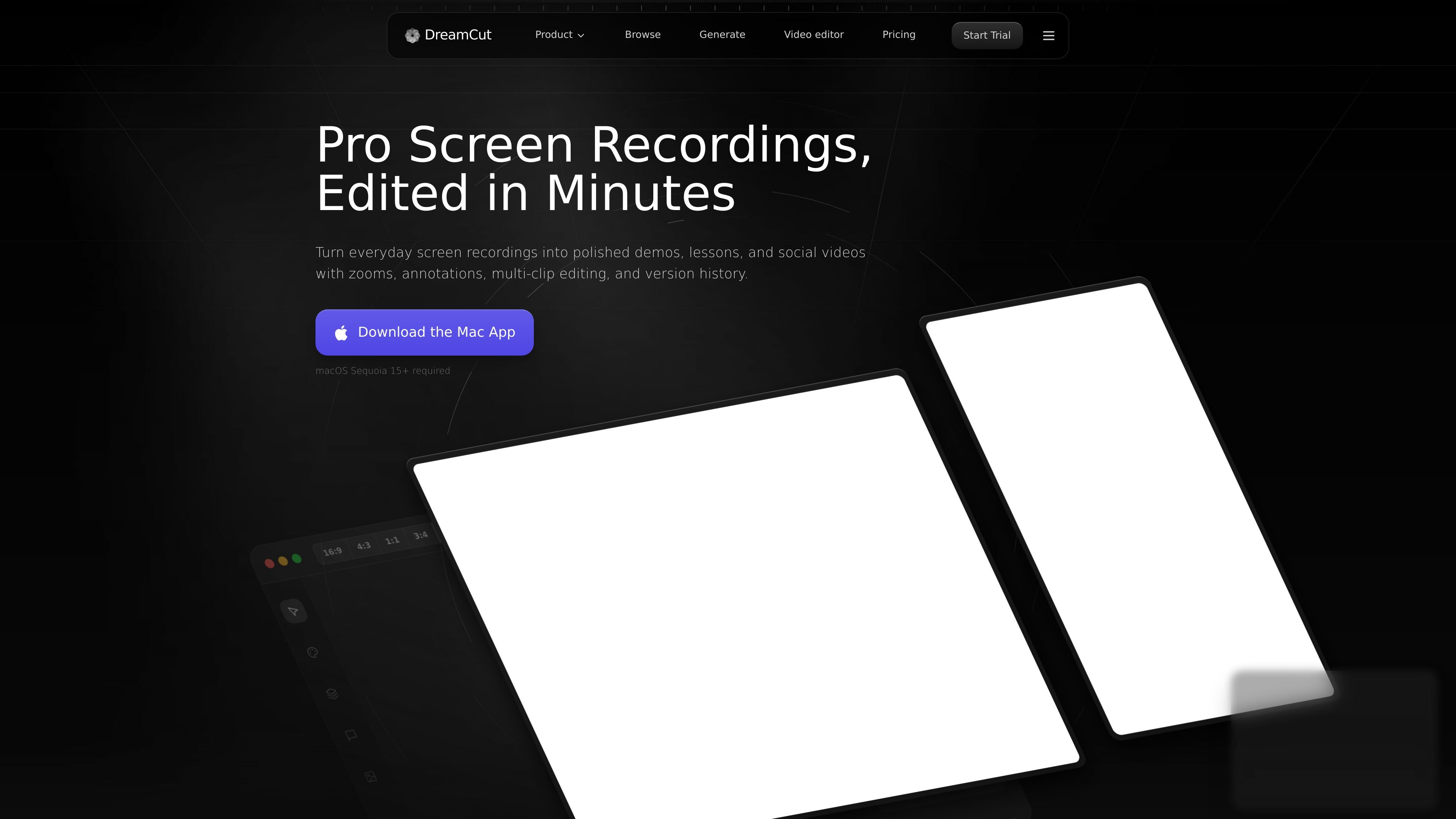
DreamCut is an AI video editor and screen recorder built around a single workflow for recording, editing, generating media, and sharing finished videos. It is positioned for creators who make tutorials, demos, walkthroughs, and social videos from screen recordings.
The product combines clip-based recording, timeline editing, AI-assisted cleanup, voice generation, image and video generation, notes, and a shareable viewer page. The site also shows a Mac app download and says macOS Sequoia 15+ is required.
Record in clips, pause and resume as needed, and bring in b-roll, images, video, or new clips later without starting over.
Add clean focus zooms, mouse-follow motion, cropping, and multi-track edits to turn raw screen capture into a structured walkthrough.
Generate editable captions, normalize volume, and remove background noise so tutorials and demos are easier to follow.
Create narration with ElevenLabs voices, including support for multiple languages and custom voice IDs.
Generate supporting media inside the editor, including B-roll clips, still images, thumbnails, and AI video assets from models such as Seedance 2.0, Grok Imagine Video, and Google Veo.
Use chat for editing help, keep versions and media in a reusable library, and share finished videos through a private URL.
Record a tutorial in short segments, then add zooms, captions, and cleanup so the final video is easier to watch and revise.
Turn product walkthroughs or screen demos into polished videos with multi-track editing, auto zooms, and mouse-follow motion.
Generate narration, supporting visuals, and a share link from inside the editor when you want to finish a video without moving between separate tools.
Prepare social-ready clips, thumbnails, and short-form edits using AI image and video generation alongside the main timeline.
Reuse saved media, copy assets between projects, and keep versions organized when you are producing multiple iterations of the same video.
DreamCut offers a 30-day money-back guarantee for new subscriptions, subject to a 5% processing fee and any usage fees for tokens or voice minutes already consumed.
Paid plans include DreamCut’s recording, editing, AI, sharing, and cloud workflow. The FAQ says Pro includes unlimited projects, 4K 60 FPS recording, saved versions, a reusable media library, AI voices through ElevenLabs, image generation, Grok Imagine video generation, chat, notes, transcription, background noise removal, audio normalization, and Studio Sound.
Not at the moment. DreamCut says it is using its own API keys for the included AI features and is considering user-provided keys if there is enough demand.
DreamCut accepts major credit cards through Stripe. For yearly subscriptions for teams of 5 or more users, wire transfer options are also available for enterprise customers.
Paid plans include priority email support. Pro, Max, Ultra, and Elite subscribers also get access to a private Discord community for faster response times.
Les données de trafic sont fournies à titre indicatif uniquement.

yiqijian.com
一起剪 est un éditeur vidéo en ligne et outil de création IA pour transformer des textes en vidéos, traiter sous-titres et voix, composer dans le cloud et publier en un clic.

latte.social
Éditeur vidéo IA pour les réseaux sociaux, avec clips, sous-titres animés et texte-vers-vidéo

loom.com
Enregistrement d’écran et messagerie vidéo asynchrone pour les équipes

movavi.com
Movavi Video Editor est un éditeur vidéo de bureau pour couper, rogner et améliorer des clips grâce à une timeline et des assistants IA. Il propose un téléchargement gratuit, de nombreux formats pris en charge et la configuration requise pour Windows.

flexclip.com
FlexClip est un outil en ligne de création et de montage vidéo avec des modèles, un montage sur la timeline et des outils d’IA pour créer, modifier et partager des vidéos. Il aide les particuliers et les équipes à réaliser depuis leur navigateur des contenus pour les réseaux sociaux, des vidéos explicatives, des leçons et des clips de marque.

berrycast.com
Berrycast est un outil d’enregistrement d’écran et de messagerie vidéo pour le travail asynchrone sur Windows et Mac.