
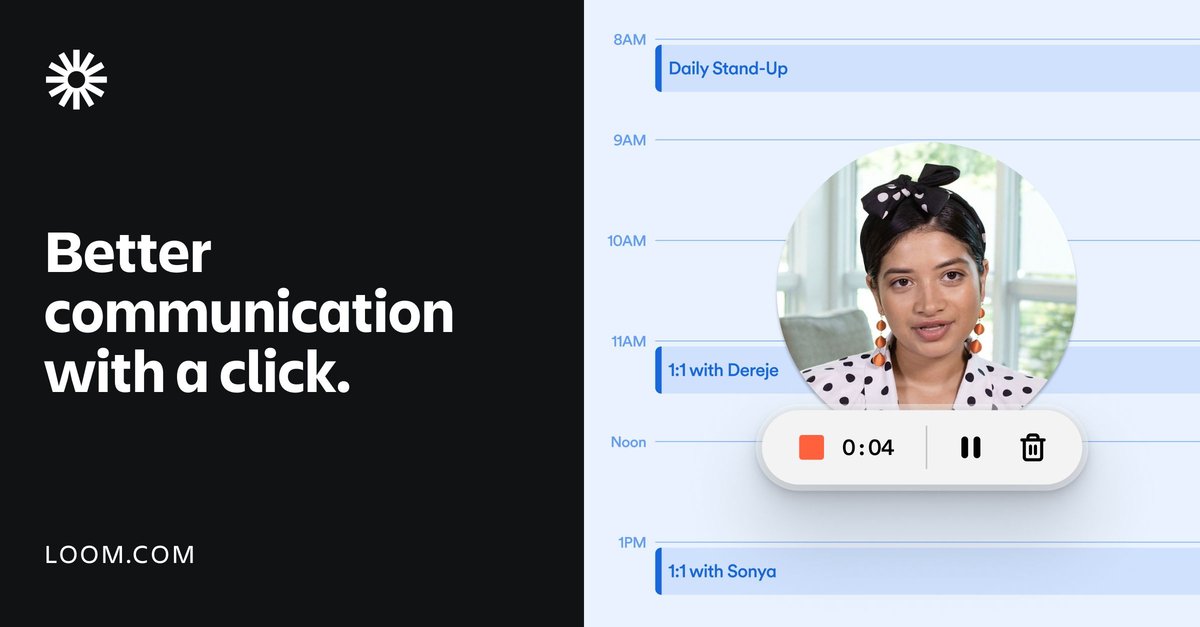
Screen and camera recording
Record your screen and camera together, with support for system audio, camera frames, custom recording dimensions, drawing tools, mouse emphasis, and blur.

Enregistrement d’écran et messagerie vidéo asynchrone pour les équipes
Loom is a screen recording and video messaging product for work. It lets people record their screen, camera, or both, then share the result through links or embeds instead of relying only on text or live meetings.
The site positions Loom as a tool for asynchronous communication across individuals and teams. It is available on Mac, Windows, iOS, and Android, with plans that range from a free Starter tier to Business, Business + AI, and Enterprise options.
Record your screen and camera together, with support for system audio, camera frames, custom recording dimensions, drawing tools, mouse emphasis, and blur.
Share videos quickly through links or embeds, and use download and upload options when you need to move recordings between workflows.
Trim and stitch clips, edit from the transcript on Business + AI, and use GIF thumbnails, custom thumbnails, and basic waveform editing on paid plans.
Add transcriptions and closed captions in 50+ languages on the Starter plan, with editing and automation features expanding on higher tiers.
Control who can view content with privacy settings, password protection on paid plans, and workspace defaults or advanced admin controls on Enterprise.
Connect with tools such as Slack, Jira, Confluence, GitHub, Gmail, FigJam, Notion, Intercom, Zendesk, Dropbox, GitLab, and Salesforce on higher tiers.
Loom AI on Business + AI and Enterprise adds auto summaries, auto chapters, auto tasks, auto titles, and meeting notes or recaps.
Record walkthroughs, code reviews, bug reports, and demo context so engineering teams can explain issues without extra meetings. The engineering page highlights screen sharing, drawing tools, transcript-based editing, and tool integrations for Jira, Linear, GitHub, and GitLab.
Create personalized prospecting videos and follow-up messages that help sales teams communicate with prospects in a more direct format. The sales page emphasizes faster outreach, higher personalization, and sharing videos as part of the sales cycle.
Replace long email threads or repetitive 1:1 trainings with short recorded tutorials that can be watched later. The site specifically calls out customer education, team collaboration, and sharing ideas across distributed teams.
Send quick status updates, feedback, or project reviews when a live meeting is unnecessary. The homepage frames Loom as a way to connect over video, share ideas more easily, and keep work moving asynchronously.
Share visual feedback on creative work with a camera bubble and screen recording when voice-over alone is not enough. The use-case page points to creative and campaign-style communication as a fit for Loom.
Loom can be started for free on the Starter plan. The pricing page shows a free option for individuals and teams, with paid plans available for additional features and capacity.
Yes. The pricing page includes team-oriented plans, and the Starter plan supports up to 50 members, making it usable for small teams as well as individuals.
Loom is used to record screen and camera video, then share it through links or embeds. The site also highlights transcription, comments, emoji reactions, and video insights as part of the workflow.
The source highlights screen and camera recording, easy sharing and embedding, trimming and stitching clips, transcriptions and closed captions, privacy controls, and viewer insights. Higher plans add more storage, editing, branding, and administrative controls.
Loom is available for Mac, Windows, iOS, and Android, and the homepage says it works across those platforms for recording and sharing.
Les données de trafic sont fournies à titre indicatif uniquement.

berrycast.com
Berrycast est un outil d’enregistrement d’écran et de messagerie vidéo pour le travail asynchrone sur Windows et Mac.

usevelo.ai
Enregistrement d’écran et messagerie vidéo IA pour des démos soignées

canvid.com
Enregistrement d’écran pour Windows et Mac avec montage, sous-titres, nettoyage vocal par IA et partage.

flexclip.com
FlexClip est un outil en ligne de création et de montage vidéo avec des modèles, un montage sur la timeline et des outils d’IA pour créer, modifier et partager des vidéos. Il aide les particuliers et les équipes à réaliser depuis leur navigateur des contenus pour les réseaux sociaux, des vidéos explicatives, des leçons et des clips de marque.

detail.co
Detail est une application de capture et de montage vidéo pour iOS et macOS, avec téléprompteur, sous-titres, écran vert et montage automatique pour les créateurs.

videobgremover.com
Outil d’IA pour supprimer et remplacer les arrière-plans vidéo sans écran vert, avec aperçu gratuit et exportation à l’usage.