
Automatic AI sorting
Upload footage and let the platform sort it automatically, while preserving the original folder structure when needed.

Clipcrafter est une plateforme SaaS pour les marques e-commerce et les agences, qui organise les vidéos, crée des briefs liés et gère les retours créatifs grâce au tri, au marquage et au suivi des workflows par IA.
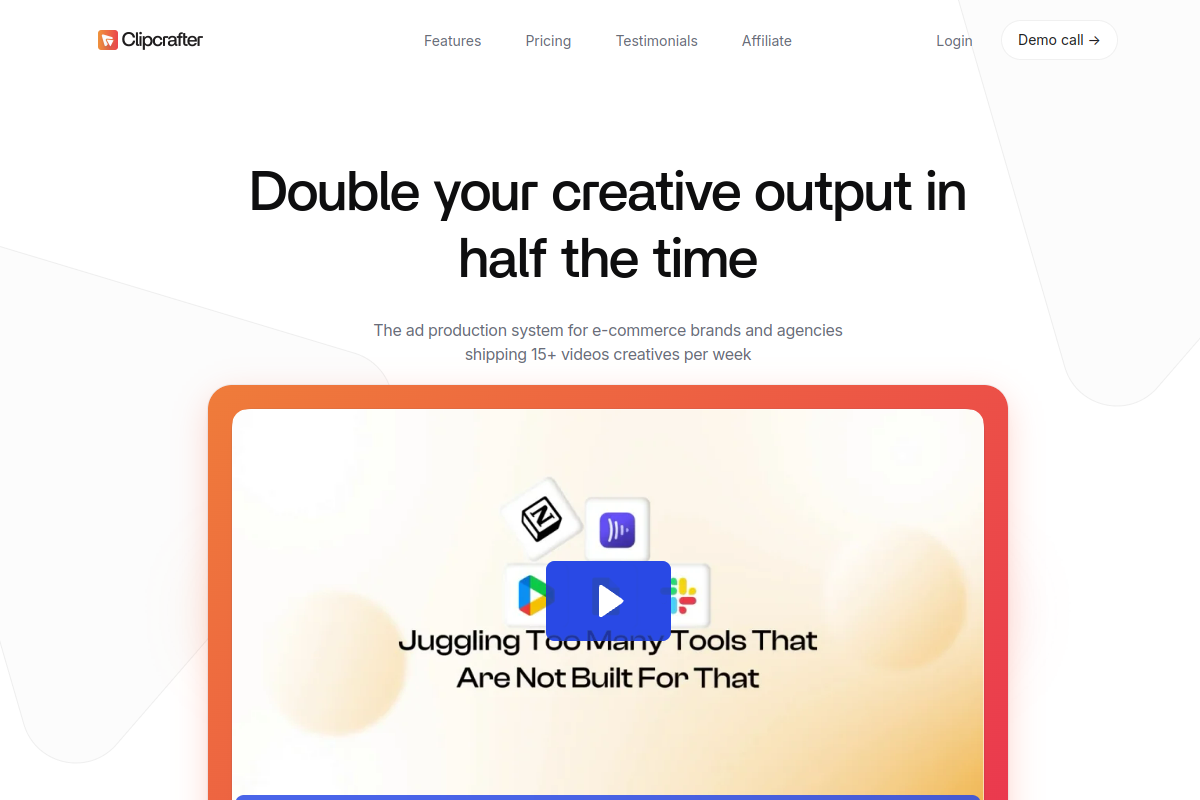
Clipcrafter is a SaaS platform for teams that need to upload, organize, manage, and securely share video and media content. Its homepage positions the product as an ad production system for e-commerce brands and agencies that ship a high volume of video creatives.
The workflow centers on automatic footage sorting, tagging, brief creation, and a creative pipeline that keeps raw assets, briefs, and feedback in one place. The terms of service describe cloud-based storage and sharing with signed, time-limited access URLs, while the privacy policy confirms account, upload, and usage data handling for the service.
Upload footage and let the platform sort it automatically, while preserving the original folder structure when needed.
Create tags for common e-commerce clip types or define brand-specific custom tags with a short description and image for the AI.
Build briefs and link footage directly to script lines so editors can match clips to the right part of the plan.
Track briefs as projects in a creative pipeline so teams can see what is in progress and what is due.
Leave precise feedback directly on the video frame to reduce back-and-forth during revisions.
Import content by drag and drop or from Google Drive, and upload UGC through shareable links on supported plans.
Organize large libraries of rushes or B-roll with AI sorting and tags so editors can locate the right clip without manually searching folders.
Build creative briefs that link specific clips to script lines, giving editors and creators a shared reference for ad production.
Manage multiple creatives through a pipeline with clear status and due-date visibility, which helps teams prioritize what to produce next.
Review edits with frame-level comments so feedback is specific and editors can act on it without long back-and-forth.
Reuse older footage alongside recent shoots to assemble new ad variations faster, especially when a team needs more versions from the same asset library.
Yes. The site says Clipcrafter can be used free of charge for 15 days with a maximum of 10GB storage.
Clipcrafter supports drag-and-drop uploads and direct import from Google Drive. The homepage also describes a one-click import from Google Drive.
The source says Clipcrafter uses AI to sort footage, apply tags and labels, link footage to briefs, and centralize briefs, uploads, and feedback.
The affiliate page says pre-made tags are available on every plan. It also defines custom tags as brand-specific tags you can create and describe for the AI.
The terms describe Clipcrafter as a cloud-based SaaS platform for uploading, organizing, managing, and securely sharing video and media content.
Les données de trafic sont fournies à titre indicatif uniquement.

airtable.com
Plateforme no-code pour créer des workflows, apps et agents IA

n8n.io
n8n est une plateforme d’automatisation des workflows qui combine workflows visuels, code et IA pour les équipes techniques.

tines.com
Tines est une plateforme intelligente de workflows pour les équipes de sécurité et d’IT. Elle connecte les outils, automatise les tâches répétitives et gère en toute sécurité les workflows humains et assistés par l’AI à grande échelle.

unlayer.com
Plateforme développeur pour intégrer des éditeurs visuels, des workflows IA, des modèles et des API d’export dans les apps.

bika.ai
Bika.ai est une plateforme d’automatisation IA et de bases de données pour des workflows structurés et des espaces partagés.

fuser.studio
Fuser est une plateforme de workflows IA dotée d’un canevas basé sur des nœuds pour les projets d’image, vidéo, audio, 3D et LLM, avec des recettes, un large accès aux modèles et des forfaits flexibles pour particuliers et équipes.