
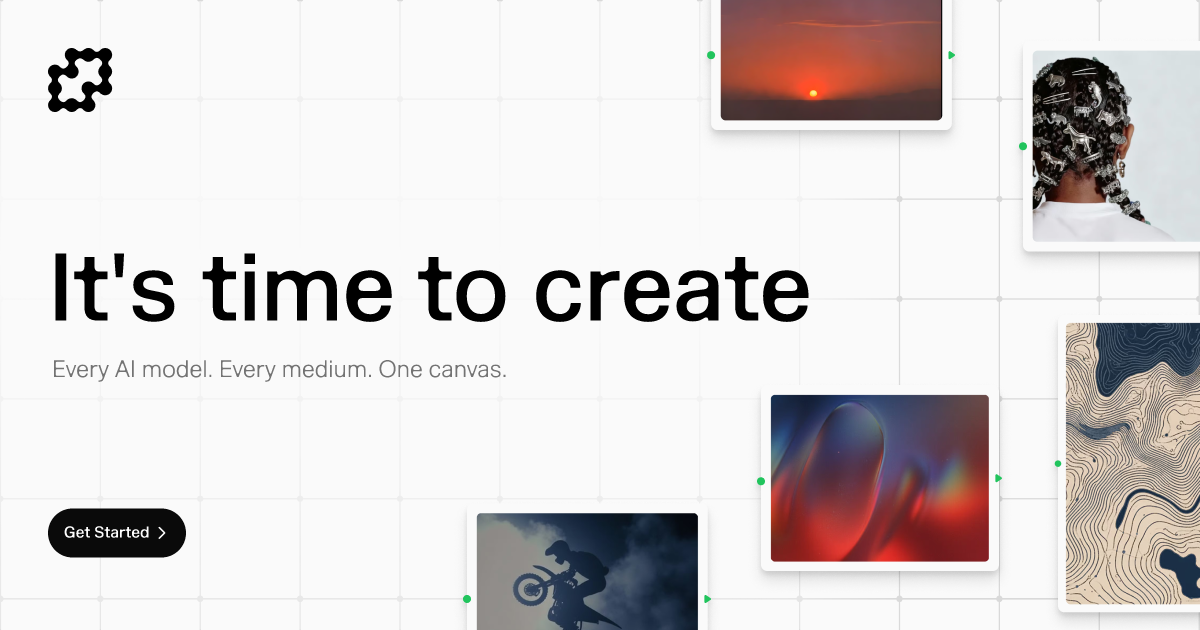
Node-based workflow canvas
Build on a node-based canvas that is positioned around chaining creative and AI steps together instead of starting from a blank page.

Fuser est une plateforme de workflows IA dotée d’un canevas basé sur des nœuds pour les projets d’image, vidéo, audio, 3D et LLM, avec des recettes, un large accès aux modèles et des forfaits flexibles pour particuliers et équipes.
Fuser is an AI workflow platform built around a node-based canvas for creative work. It is positioned as a place to build scalable workflows and projects across multiple media types rather than using separate tools for each output format.
The site frames the product around exploration and iteration. It highlights recipes for starting projects, access to a broad model library, and a workflow that supports prompt, edit, build, collaborate, and share use cases.
Build on a node-based canvas that is positioned around chaining creative and AI steps together instead of starting from a blank page.
Use recipes to begin projects and applications from existing starting points, helping teams explore faster and reduce blank-canvas setup.
Access models across image, video, audio, 3D, and LLM use cases from one platform, with the homepage calling out 260+ models and 300+ LLMs and the meta description referencing 1000 AI models and 1000+ LLMs.
Work with a platform that surfaces providers such as OpenAI, Runway, Kling, Anthropic, Fal, Cohere, Krea, Topaz, Luma, OpenRouter, Ideogram, Perplexity, Black Forest Labs, ByteDance, DeepSeek, Recraft, Minimax, Hailuo, Decart, LTX, Pika, Vidu, PlayAI, Hunyuan, Rodin, Stability, Mistral, and Groq.
Choose a plan structure that keeps credits rolling over month to month and allows pausing, tier changes, or skipping a month without losing credits.
Use team-oriented plan options, including team seat counts and public share/cloning features listed on pricing, for collaborative workflows.
Create image, video, audio, or 3D projects in a single workspace when the work requires moving between multiple model types or output formats.
Start from recipes when you want a structured foundation for a project or application instead of building every step manually.
Use the canvas to connect prompts, edits, and other steps into a repeatable workflow for a team or solo creator.
Work with broader model access when your project needs to compare providers or choose the best model for a specific creative task.
Use team seats and public shares/clones when collaborators need to review, reuse, or continue work from shared outputs.
Fuser is designed as a node-based canvas for building AI workflows and creative projects. The homepage and pricing page emphasize use across image, video, audio, 3D, and LLM-based work, but they do not document a detailed setup process.
The pricing page says Fuser offers a free 30-day trial of the Professional plan. It also shows paid plans and a contact-sales path for enterprise use, but the site text provided does not describe a standalone free tier beyond the trial.
The source mentions credits, workflows, public shares, cloning, and team seats, which suggests both individual and team usage. However, the provided pages do not include full collaboration or permission details.
The homepage describes recipes for starting projects and applications, and the pricing page lists 10 workflows on the Indie plan. Beyond that, the source does not provide a full explanation of how recipes are structured or what they include.
The site text supports broad model access, including image, video, audio, 3D, and LLM use cases, with providers such as OpenAI, Runway, Kling, Anthropic, and others named on the homepage. It does not provide a complete integrations list or model-by-model feature matrix.
Les données de trafic sont fournies à titre indicatif uniquement.
| avr. | 86639 |
|---|---|
| mai | 72635 |
| juin | 67816 |

n8n.io
n8n est une plateforme d’automatisation des workflows qui combine workflows visuels, code et IA pour les équipes techniques.

tines.com
Tines est une plateforme intelligente de workflows pour les équipes de sécurité et d’IT. Elle connecte les outils, automatise les tâches répétitives et gère en toute sécurité les workflows humains et assistés par l’AI à grande échelle.

artworkflowhq.com
Artwork Flow est un logiciel de gestion des artworks pour les équipes packaging, avec automatisation des workflows, épreuves, contrôles de conformité et stockage centralisé.

complif.com
Plateforme de gestion de la conformité pour institutions financières avec workflows IA

airtable.com
Plateforme no-code pour créer des workflows, apps et agents IA

feishu.cn
Lark est une superapp de productivité pour les équipes, réunissant chat, documents, réunions, workflows et IA.