
Multiple AI models in one place
Switch between 25+ models from providers including OpenAI, Anthropic, Google, DeepSeek, xAI, Perplexity, Mistral, and others in one workspace.

Zemith is an AI workspace with multiple model providers, document tools, image generation, and workflows in one subscription.
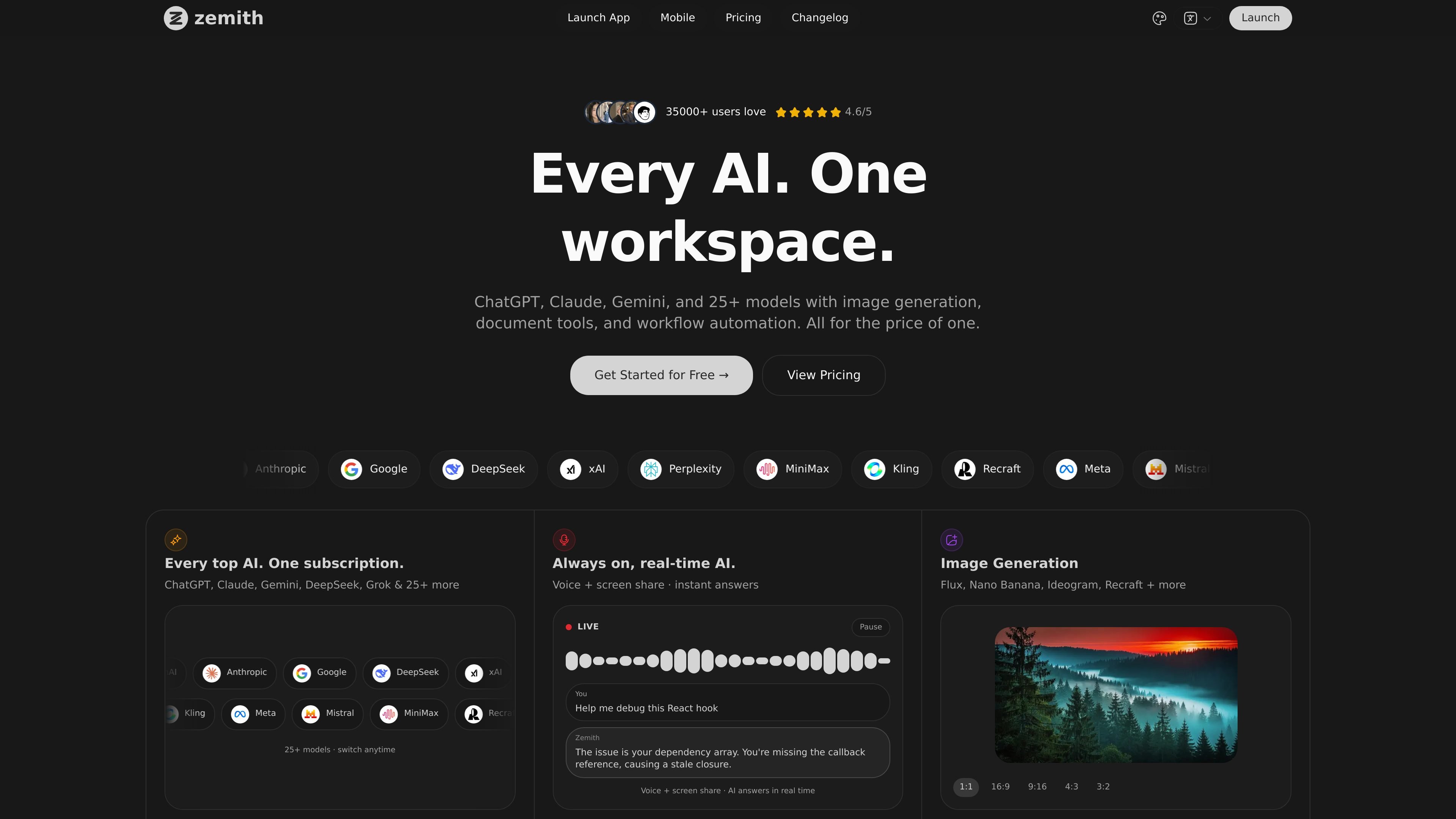
Zemith is an AI workspace that brings multiple leading models into one interface. The site presents access to ChatGPT, Claude, Gemini, Grok, DeepSeek, Perplexity, Mistral, xAI models, and others, alongside tools for image generation, document analysis, video creation, notetaking, and workflow automation.
The product is positioned for people who want to work across research, writing, creative output, and automation without switching between separate subscriptions or apps. The pricing page shows free and paid plans, with the paid tiers adding higher credit limits, more model access, and workspace features such as agent mode, project library, Workflow Studio, FocusOS, and live tools.
Switch between 25+ models from providers including OpenAI, Anthropic, Google, DeepSeek, xAI, Perplexity, Mistral, and others in one workspace.
Use agent mode with web search, computer tools, and deep research to handle more involved tasks than plain chat alone.
Generate and edit images, and access video generation on paid plans with on-demand credits.
Chat with PDFs, DOCs, TXT, CSV files, URLs, YouTube content, and a project library for document-based work.
Write, rewrite, and expand text in an AI notepad with inline suggestions, plus support for auto notes sync and auto whiteboard sync.
Build side-by-side workflows in Workflow Studio and FocusOS, with live mode for real-time screen sharing and motion tools on higher tiers.
Use Zemith when you want to compare or switch between model families without opening separate products. The workspace bundles chat access to providers such as OpenAI, Anthropic, Google, DeepSeek, Perplexity, Mistral, and xAI in one place.
Upload PDFs, DOCs, TXT, CSV files, or reference URLs and YouTube content to ask questions, summarize material, or build study aids. The site also mentions quizzes, reports, and document-to-podcast generation for content review.
Use the image and video tools when your task includes visual output rather than only text. The site highlights image generation, creative editing, and video generation on paid plans.
Draft, rewrite, and expand content in the AI notepad when you want a writing surface with inline assistance. This is suited to notes, outlines, and working text that needs quick refinement.
Use Workflow Studio, FocusOS, agent mode, and live screen-sharing tools for broader sessions that combine research, chat, and side-by-side tools. This fits longer, multi-step tasks where you want a single workspace instead of separate tabs.
Zemith is an all-in-one AI workspace that combines access to multiple AI models with tools for chat, document analysis, image generation, video creation, notetaking, and workflow automation.
The pricing page shows a free plan and paid Plus and Professional plans billed yearly. The free plan includes 100 credits daily and access to 3 AI models, while the paid plans add more models, more credits, and additional workspace tools.
Zemith includes image generation and creative tools, and the pricing page also lists video generation for paid tiers, with the feature table noting video generation available via on-demand credits on Plus and Professional plans.
The site presents features for chatting with uploaded documents, URLs, PDFs, YouTube content, and more, plus a project library, document-to-podcast generation, and AI notepad support.
Zemith offers iOS and Android apps, so you can use the workspace on mobile as well as on the web.