
AI proofreading and editing
Use the AI Proofreader to correct grammar and style issues and improve clarity in English writing.

Wordvice AI is a web-based AI writing assistant and text editor for proofreading, paraphrasing, translation, summarization, plagiarism checking, and AI detection. It also includes a document editor, ChatPDF, and team plan options.
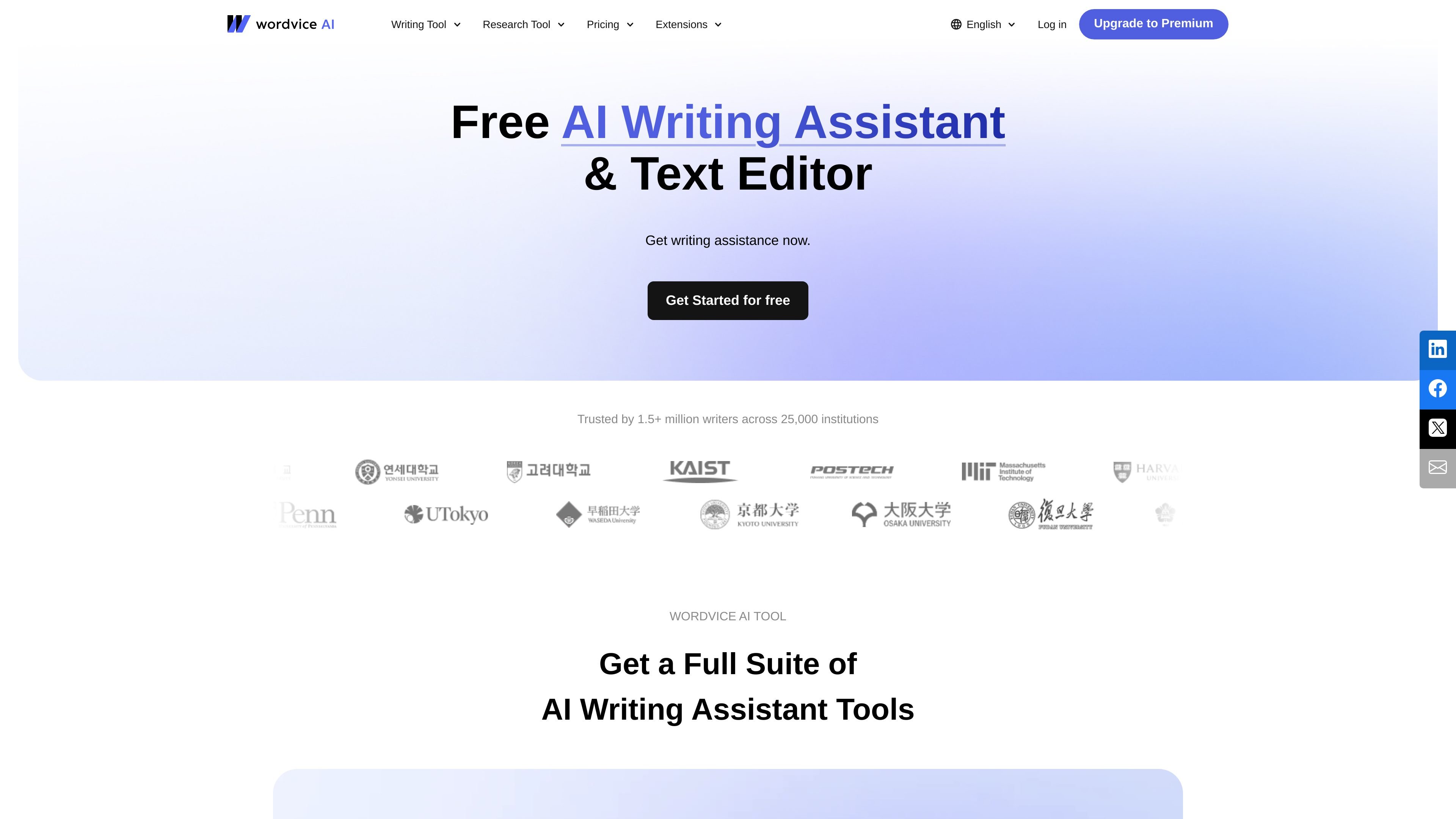
Wordvice AI is an AI writing assistant and text editor that combines proofreading, paraphrasing, translation, summarization, plagiarism checking, and AI detection in one web-based workspace. The product is organized around writing and revision tasks, with separate tools for drafting, editing, document analysis, and PDF workflows.
The platform’s document editor brings several of these functions into a single editing environment so users can paraphrase, summarize, translate, and run grammar checks without switching tabs. Wordvice AI also offers plans for individual users and teams, plus browser and MS Word extensions listed on the pricing page.
Use the AI Proofreader to correct grammar and style issues and improve clarity in English writing.
Rewrite text with the AI Paraphraser using multiple modes to preserve meaning while changing wording.
Translate text and documents directly in the editor, including side-by-side PDF translation in ChatPDF.
Summarize documents and long PDFs into shorter outputs for faster review and understanding.
Check documents for plagiarism and AI-generated content using dedicated detection tools.
Work in a single document editor that combines writing, grammar checking, analytics, translation, and paraphrasing.
Researchers can draft and refine academic writing, then use proofreading, paraphrasing, and document tools to prepare papers for submission workflows.
Students can revise essays, summarize readings, and check writing for clarity before turning in assignments.
Professionals can improve reports, emails, and other business writing with grammar checking, rewriting, and translation tools.
Teams can use the shared plan structure, permissions, and centralized billing to manage writing workflows across multiple users.
Readers working with PDFs can ask questions about a file, generate summaries, and translate content while preserving layout in supported workflows.
Wordvice AI includes a free Basic plan with access to basic tools and a monthly word limit, plus paid Premium and Team plans for broader access to premium tools.
The document editor is designed to let you paraphrase, summarize, translate, and run grammar checks in one place without switching between separate tools.
Yes. The ChatPDF page says the service is available on both desktop and mobile devices.
The ChatPDF tool supports PDF files only, with a maximum file size of 50 MB per PDF file.
Yes. The pricing page includes a Team plan with multiple subscriptions, discounted pricing, account roles and permissions, and centralized billing.
Les données de trafic sont fournies à titre indicatif uniquement.
| avr. | 521625 |
|---|---|
| mai | 462100 |
| juin | 453683 |
Les analyses de trafic ne sont pas encore disponibles.
Les analyses de trafic ne sont pas encore disponibles.