
AI component creation
Use AI-powered tools to create and refine frontend components without starting every element from scratch.

Webcrumbs Frontend AI is a web-based frontend tool with AI generation and a visual editor for faster, clean, consistent component refinement.
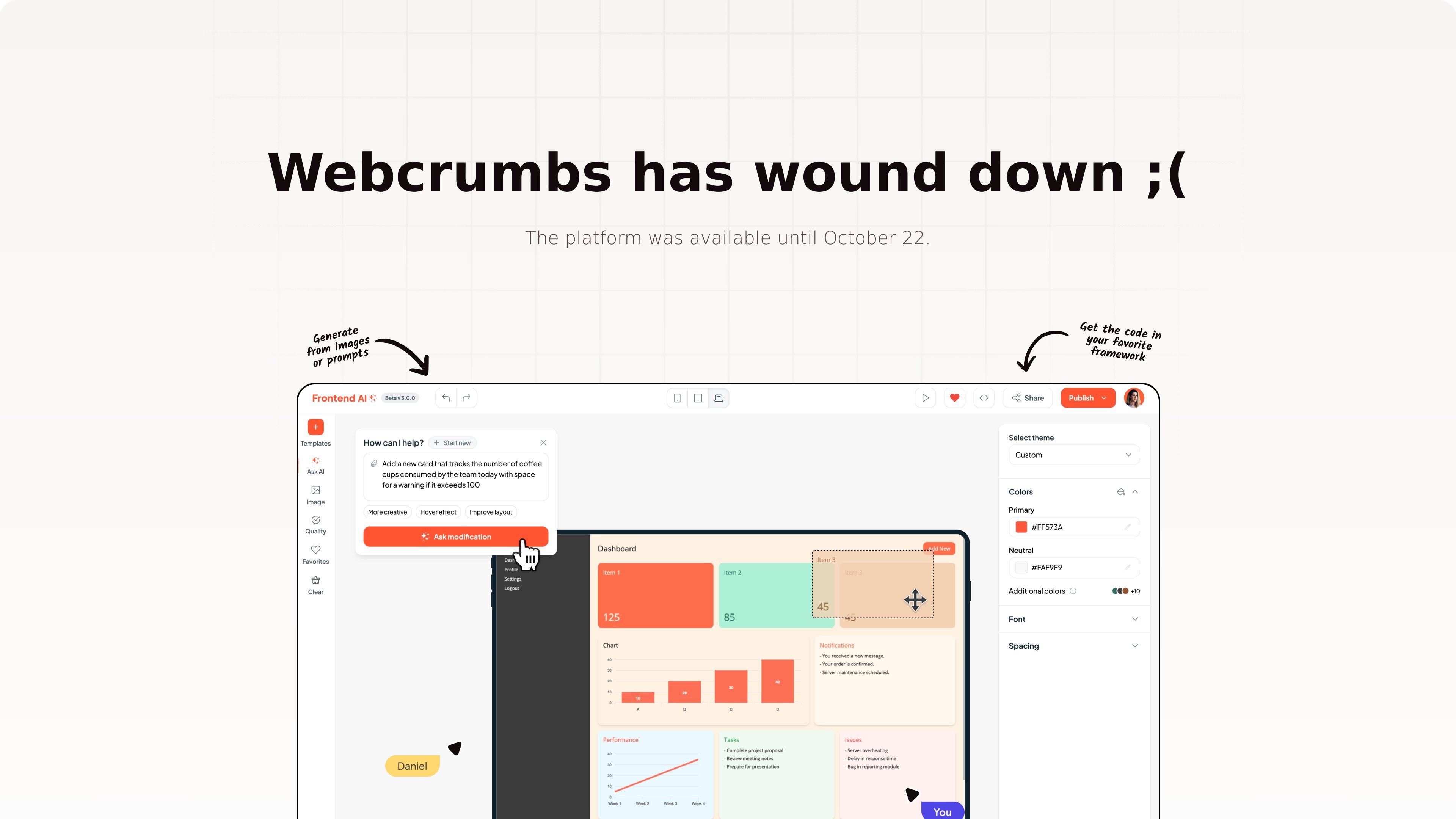
Webcrumbs Frontend AI is a frontend-oriented product that combines AI-powered tools with a visual editor for component work. The site description says it helps users create, refine, and perfect components in seconds while keeping designs clean and consistent.
The source pages and client quotes consistently frame the product around frontend development workflows. It appears aimed at people who want to generate or refine UI components quickly, then keep adjusting them in a visual interface rather than moving entirely between separate design and code tools.
Use AI-powered tools to create and refine frontend components without starting every element from scratch.
Adjust components in a visual editor, which supports iterative design changes alongside AI-assisted generation.
Work toward consistent UI output, with the product description emphasizing clean and consistent designs.
Move from idea to component faster by combining generation and refinement in one workflow.
Support frontend development tasks specifically, rather than generic website building alone.
Generate or reshape UI components while staying inside a frontend workflow instead of switching tools for each edit.
Tighten up an existing interface by iterating on component appearance and structure in a visual editor.
Keep a design system or project UI visually aligned by using tools that emphasize clean and consistent output.
Speed up frontend implementation tasks when you need to move from concept to component quickly.
Webcrumbs Frontend AI is positioned as a frontend-focused AI tool for creating, refining, and perfecting components with a visual editor.
The source indicates it is intended for frontend development workflows, especially for developers working on component design and iteration.
The site text highlights AI-powered tools and a visual editor for working on components quickly while keeping designs clean and consistent.
The pricing page is available, but the provided source text does not include any pricing numbers, plan names, or limits.