
Multiple input methods
Upload an image or paste a URL, with support shown for image, PDF, and video inputs on the homepage.

WatermarkRemover.io is a browser-based AI tool from Pixelbin that removes watermarks from images, PDFs and videos, with free testing, live preview and paid plans.
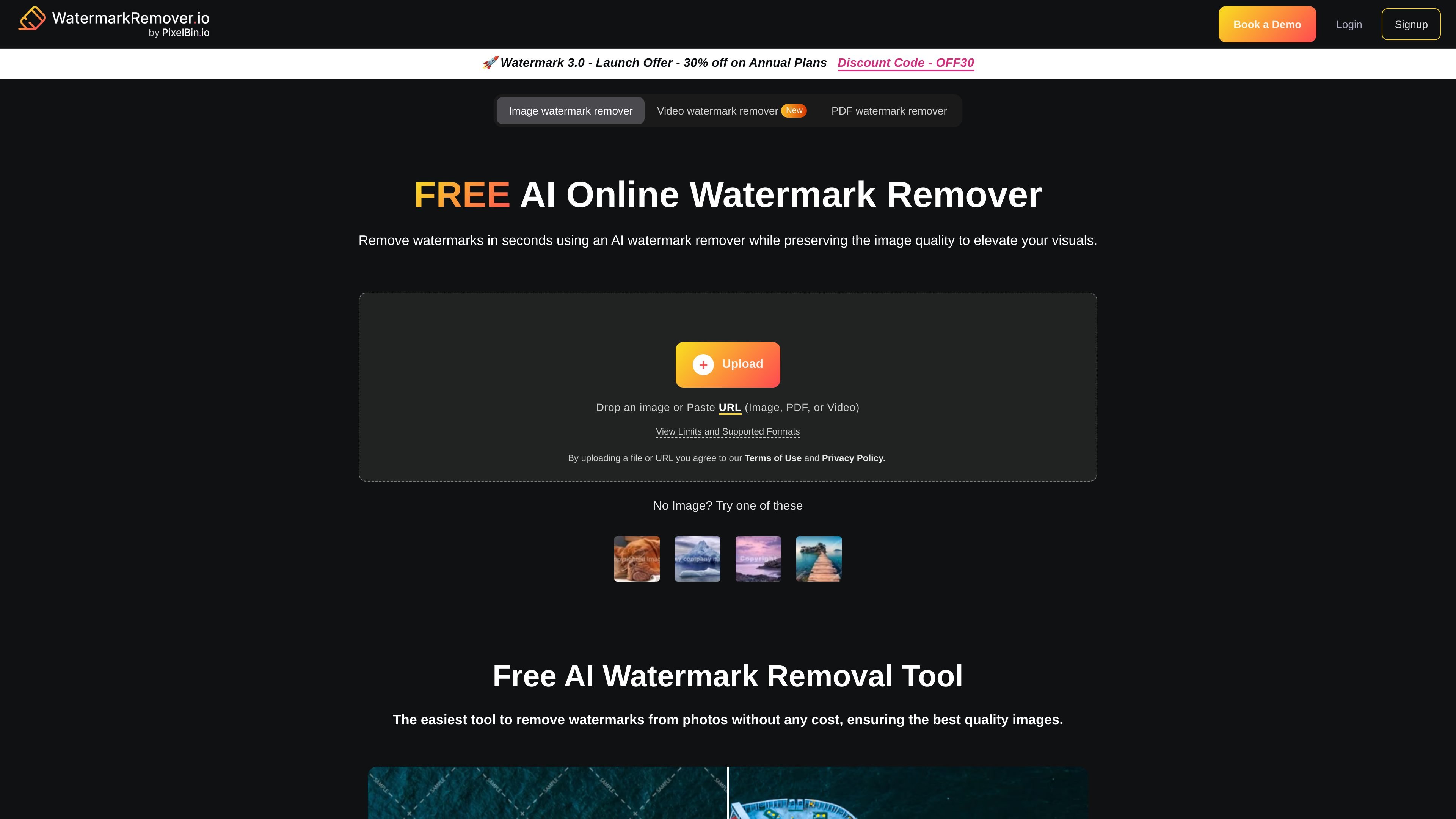
WatermarkRemover.io is an online AI watermark remover from Pixelbin that removes watermarks from images and shows support for PDF and video inputs on the site. The homepage positions it as a browser-based tool that can process uploads or pasted URLs and return a cleaned result without manual editing.
The product is built for users who want a fast way to clean up visuals while keeping image quality intact. The site highlights live previewing before download, published file limits and supported formats, free access for small usage, and broader paid plans for heavier or enterprise use.
Upload an image or paste a URL, with support shown for image, PDF, and video inputs on the homepage.
The homepage says watermarks can be removed in seconds while preserving image quality, and the product page highlights fast, AI-assisted processing.
A split-screen live preview lets you compare the original and the enhanced result before downloading.
The homepage lists supported limits and formats, including image, PDF, and video constraints, so users can check fit before uploading.
The pricing page states that plans include easy API integration, which points to programmatic use in Pixelbin workflows.
The site says the tool works on mobile, computer, or laptop, making it accessible across common browser devices.
Remove watermarks from photos when you need a cleaner image for personal review, internal use, or content preparation.
Process PDF files when you need to remove visual marks from document pages, within the product’s stated PDF support and credit model.
Work with video files when you need to remove logos or watermarks from footage without using complex desktop editing software.
Use the live preview to verify image quality before downloading a finished version and deciding whether the output is usable.
Use the browser tool on a phone, laptop, or desktop when you need a quick cleanup workflow without installing software.
Yes. The pricing page says you can try the service for up to 2 images per day without creating an account, and that signing up gives you 3 free credits.
The pricing page describes watermark removal as part of the product’s credit-based system. One credit equals one image or two PDF pages, and video support is also shown on the homepage with a separate video watermark remover entry.
The homepage says the tool can remove watermarks in seconds while preserving image quality, and it shows a live preview so you can review the result before downloading.
The pricing page lists a free plan, subscription options, pay-as-you-go credits, and an enterprise plan for custom solutions.
The homepage says the tool works on mobile, computer, or laptop through the browser, so it is positioned as an online tool rather than a desktop-only app.