
AI avatars
Generate videos with AI avatars and choose from a library of 100+ realistic presenters, or create a custom avatar from a single image on supported plans.

vidBoard Technologies Inc. is a web-based AI video creation platform for turning documents, URLs, text, and prompts into avatar-led videos, voiceovers, and captions.
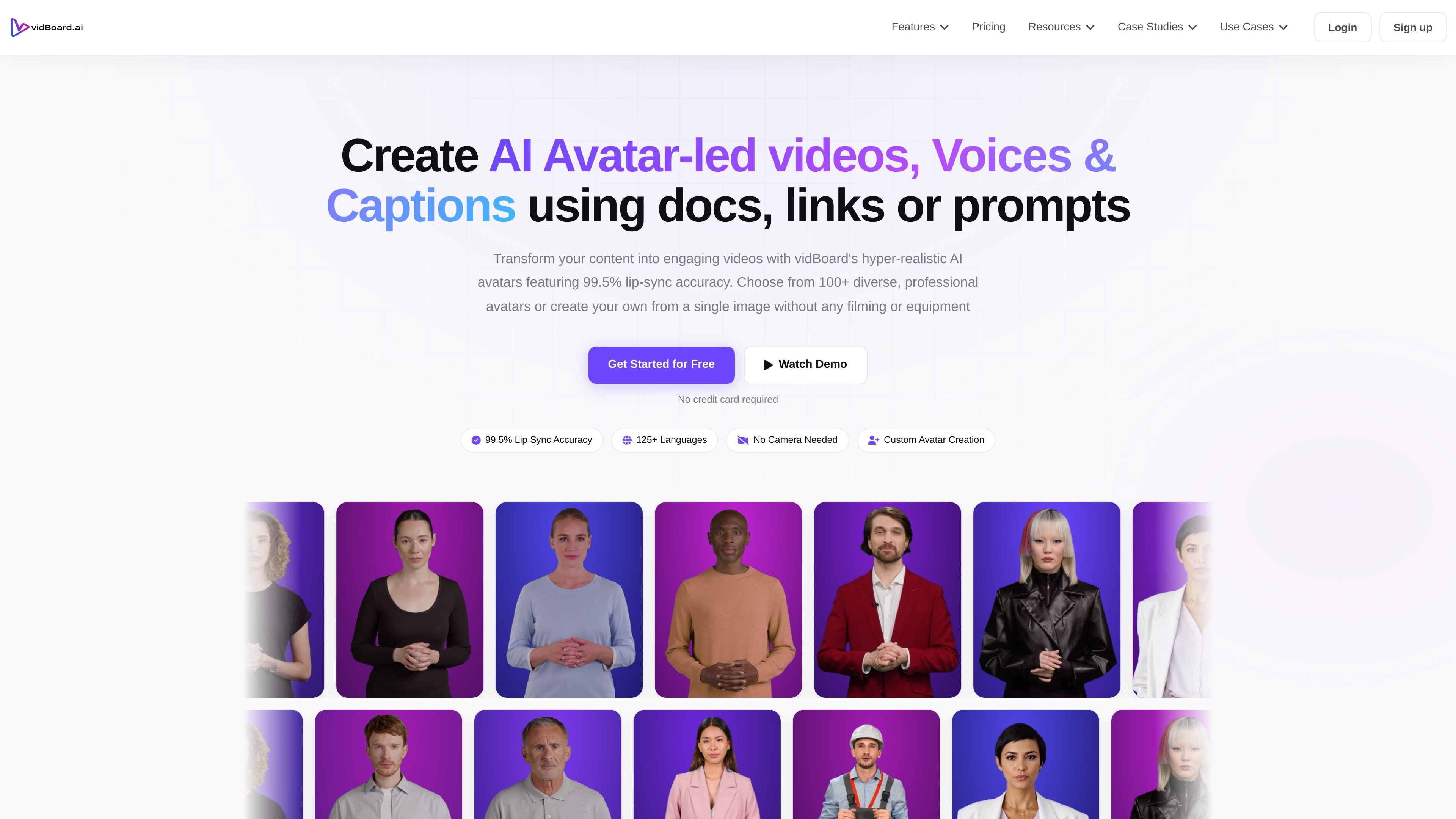
vidBoard is an AI video creation platform for building avatar-led videos, voiceovers, captions, and scripted content online. The site positions it as a tool for turning documents, links, text, and prompts into publishable videos without filming or using separate editing software.
The product is designed for creators and teams that want to produce videos faster for marketing, onboarding, outreach, lessons, social posts, and other recurring communication tasks. Its main workflow combines script generation, avatar selection, voice selection, captioning, and export in one browser-based process.
Generate videos with AI avatars and choose from a library of 100+ realistic presenters, or create a custom avatar from a single image on supported plans.
Turn documents, plain text, URLs, PDFs, or prompts into scripts and videos, which supports both content repurposing and from-scratch creation.
Create voiceovers with 500+ voices and multi-language support, with voice cloning available on supported plans.
Add auto-synced captions with brand styling options, including custom fonts, colors, placement, and multi-language subtitle support.
Work from a guided multi-step flow that moves from script and avatar selection to preview and export in high-quality video formats.
Turn a script, document, or URL into an avatar-led video for social posts, landing pages, or campaign assets without recording a new take.
Produce personalized outreach videos or pitch-style messages at scale using avatars, voice selection, and scripted prompts.
Create onboarding, training, or lesson videos where a consistent presenter and reusable script format help standardize delivery.
Publish customer updates, announcements, or recurring explainers when you need to ship videos regularly and keep production time down.
Build faceless or camera-free videos when the goal is to share information without filming a presenter.
vidBoard is a browser-based AI video creation platform, so users can start from scripts, documents, URLs, or prompts and build videos online without installing desktop editing software.
The site presents vidBoard as suitable for creators, marketers, teachers, agencies, and teams that need to produce avatar-led videos, voiceovers, captions, or short-form content more quickly.
The pricing page shows paid lifetime plans, and the homepage says users can get started for free with no credit card required. The site also offers an enterprise option with custom requirements and a demo flow.
The homepage says exports are available in HD quality and ready to publish, and the pricing page mentions MP4 download on at least one plan.
The source shows a broad set of video creation features, but it does not provide detailed setup requirements or a complete list of integrations for all plans.