
Real-time voice dictation
Typeless turns spoken input into polished text in real time, with the home page describing it as a faster alternative to typing and showing support for natural speech conversion.

Typeless is an AI voice dictation app that turns speech into polished text on Mac, Windows, iOS, and Android. Draft, edit, and translate by speaking.
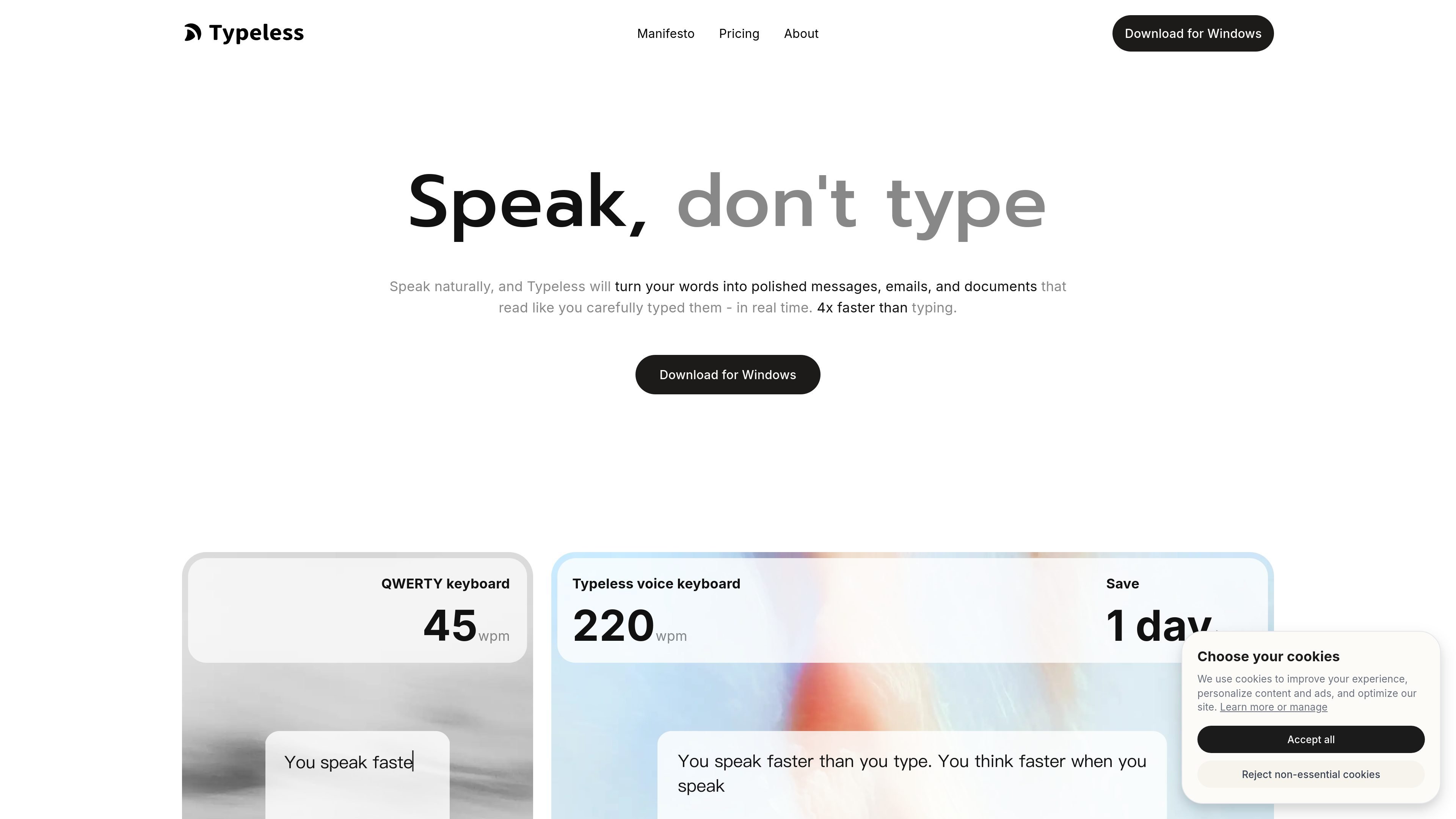
Typeless is an AI voice dictation product for people who want to speak naturally and turn that speech into polished writing. The site positions it as a faster alternative to typing and says it works in real time across the apps and devices you already use.
Beyond basic transcription, Typeless focuses on cleanup and rewriting. It removes filler words and repetition, auto-formats lists and steps, adapts to your style and tone, and can also act on selected text with commands such as shortening, lengthening, changing tone, summarizing, or translating text.
Typeless turns spoken input into polished text in real time, with the home page describing it as a faster alternative to typing and showing support for natural speech conversion.
The product removes filler words such as “um,” “uh,” and “you know,” and also detects repeated language so the final text reads more clearly.
It can ignore mid-sentence course corrections and keep the intended final message, which helps produce cleaner drafts from spoken edits.
Typeless automatically organizes spoken lists, steps, and key points into structured text, reducing the need to reformat afterward.
The product adapts to your tone and writing habits, and it includes a personal dictionary for names, terms, and expressions you use often.
It supports 100+ languages, detects language automatically, and can translate speech as you speak.
Draft emails, messages, and documents by speaking instead of typing, then let Typeless clean up filler words and repetition so the result is ready to send or refine.
Turn spoken bullet points, step-by-step instructions, and notes into structured text without manually formatting everything afterward.
Select text in an app or browser and ask Typeless to shorten it, expand it, change its tone, summarize it, or translate it.
Use the built-in translation and multilingual support when you need to speak in one language and produce text in another.
Use the team features in the paid plan when multiple people need access and member management in a shared workflow.
Typeless processes speech in real time and turns it into polished text as you speak. The product pages do not describe a separate setup flow, so the safest takeaway is that it is meant to be used as a general dictation tool across supported devices and apps.
Yes. The pricing page shows a Free plan with 8,000 words per week, standard accuracy, and standard access during high demand, and a Pro plan with unlimited words and enhanced accuracy.
The pricing page says paid plans support adding more team members, and Pro includes team member management.
Yes. The pricing page lists macOS, Windows, iOS, and Android under device and platform support, and the home page says Typeless works across apps on those platforms.
The product can remove filler words, repetition, and mid-sentence changes, and it can auto-format spoken lists and steps. It also supports selected-text editing and asking about selected text.