
Recording and transcription
Record and transcribe meetings from Google Meet, Zoom, and Microsoft Teams, with editing tools for stored meeting evidence.

tl;dv is an AI meeting note-taking and workflow automation tool for teams. It records meetings, generates summaries, and routes outcomes into connected apps for follow-up and collaboration.
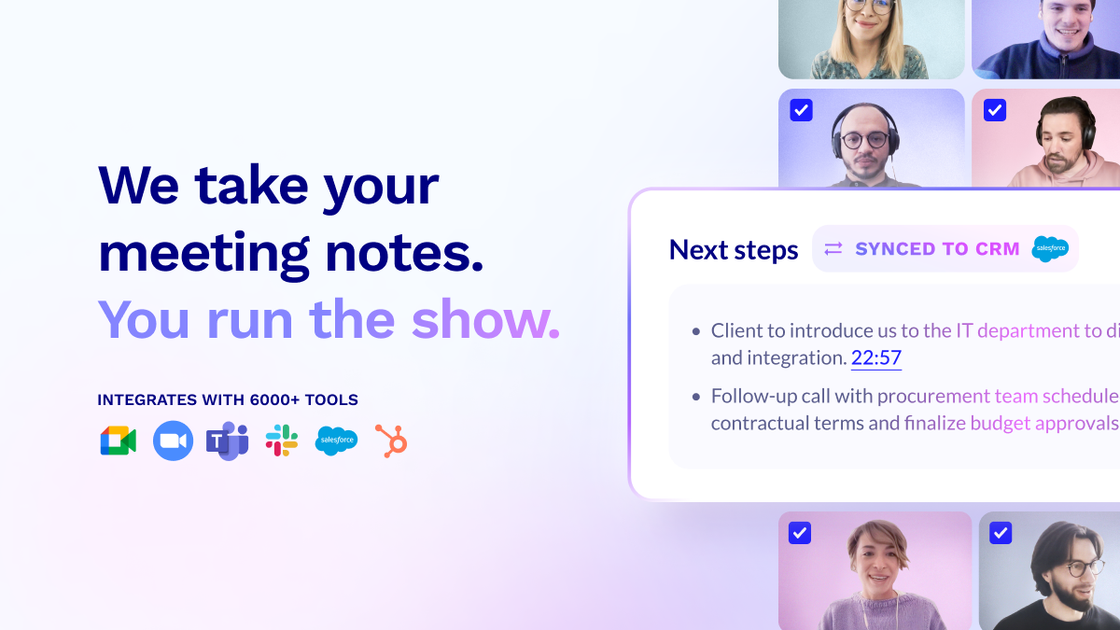
tl;dv is an AI meeting note-taking and workflow automation tool for teams. It records and transcribes meetings, generates AI summaries, and pushes meeting insights into other apps so teams can capture knowledge without manual note taking.
The product is positioned around collaboration and post-meeting follow-through. Its site highlights use cases such as CRM logging, follow-up drafting, project updates, collaboration app sharing, and multi-meeting analysis, while the security pages emphasize GDPR compliance, SOC 2 Type II compliance, encryption, and a privacy-first approach.
Record and transcribe meetings from Google Meet, Zoom, and Microsoft Teams, with editing tools for stored meeting evidence.
Generate AI notes and summaries after meetings, including configurable summary formats and multilingual note styles mentioned on the home page.
Automatically log call notes and CRM outcomes, and draft follow-up emails and next-step tasks from meeting content.
Route meeting transcripts, notes, reports, and recordings into collaboration, project management, storage, and note-taking tools.
Provide multi-meeting AI insights and reports that turn meeting content into distilled takeaways for teams.
Offer security features including encrypted data handling, GDPR compliance, SOC 2 Type II compliance, and SSO.
Sales teams can capture call notes, push outcomes into the CRM, and draft follow-up emails or next-step tasks after customer conversations.
Customer success teams can keep account records current, share summaries with the team, and review insights from multiple meetings.
Product and marketing teams can pull customer feedback from meetings and use it to inform messaging or product decisions.
Leaders can review distilled insights and reports from several meetings instead of manually comparing separate notes.
Teams can route notes, transcripts, recordings, and tasks into collaboration, project management, and storage tools to keep workflows moving.
tl;dv is designed to capture meetings, generate AI notes and summaries, and send meeting outcomes into connected tools such as CRMs, collaboration apps, project management tools, and notes apps.
The source states tl;dv works with Google Meet, Zoom, and Microsoft Teams for recording and transcription.
The pricing page text shows a free-forever entry point and links for pricing, contact sales, and login, but it does not provide plan prices or limits in the collected sources.
The security page says no customer data is used to train the AI, tl;dv is GDPR compliant, and tl;dv is SOC 2 Type II compliant.