
Interactive story creation
Generate an interactive story from a prompt, then continue it through branching choices. The pricing page frames this as a playable story format with longer branching runs on paid plans.

Story AI helps writers create interactive stories, full stories, story ideas, and character portraits from one prompt in a single workspace.
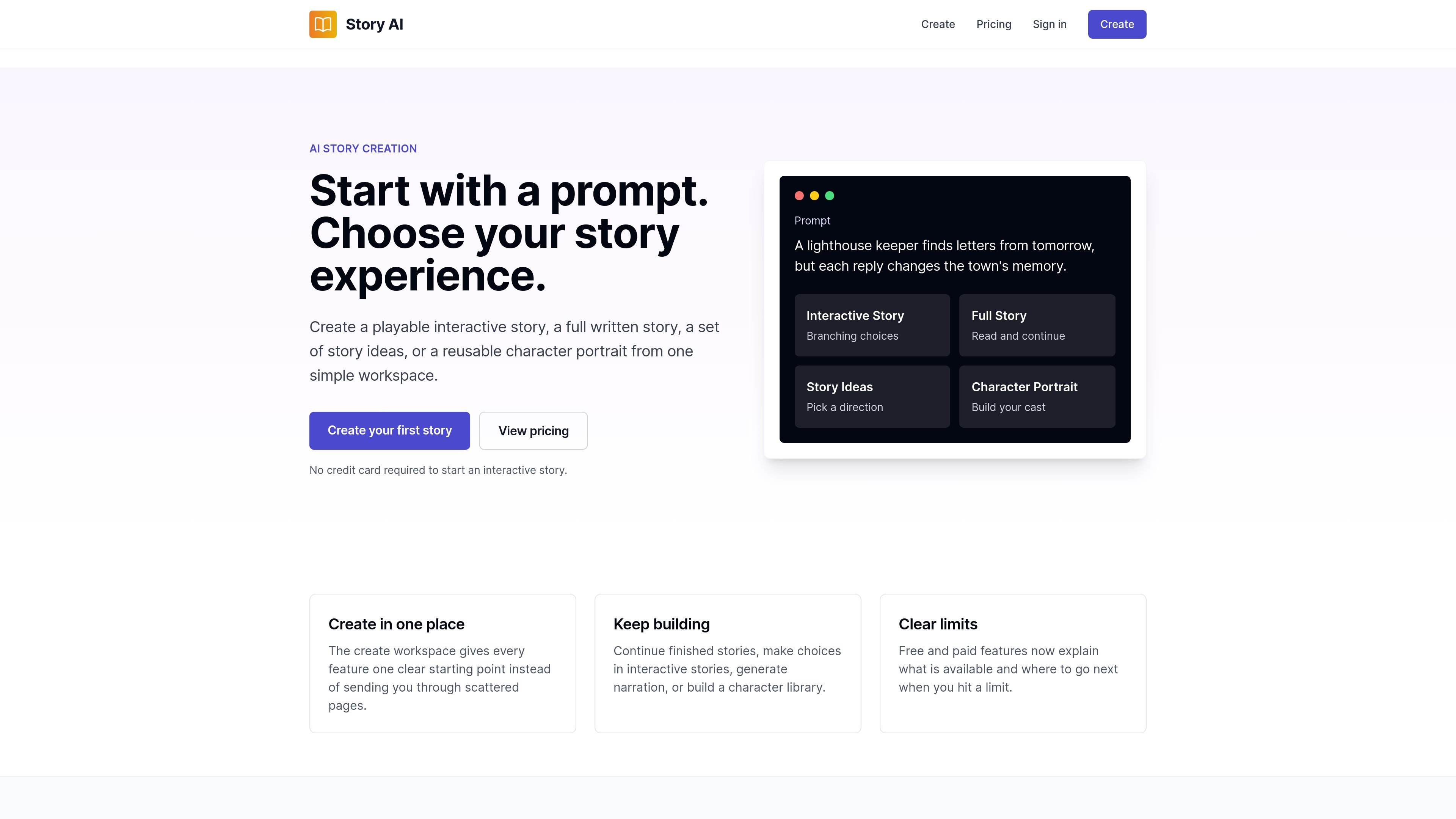
Story AI is a web-based AI story creation product for making interactive visual novels, full written stories, story ideas, and character portraits from a single prompt. The home page describes it as a place to start with one idea, choose the story format you want, and keep building with AI.
Its core workflow centers on a create screen where you pick an output type and continue from there. Interactive stories are described as free to start, while full stories, story ideas, and characters require sign-in; the pricing page adds paid tiers for longer stories, watermark-free sharing, priority generation, commercial use, and higher-volume creation.
Generate an interactive story from a prompt, then continue it through branching choices. The pricing page frames this as a playable story format with longer branching runs on paid plans.
Create a complete written story that you can read and continue from the create workspace. This gives Story AI a non-branching format alongside interactive stories.
Generate a set of story directions from one prompt when you are not ready to commit to a single path. The create page presents this as a separate output type.
Build a reusable character portrait and character entry for a library. The home page and create page both describe character portrait creation as a distinct workflow.
Work from a single create workspace instead of moving through separate pages for each output type. The home page says the workspace is the starting point for continuing stories, making choices, generating narration, or building a character library.
Switch between free and paid capabilities with clear limits and upgrade paths. The home and pricing pages both emphasize that the product explains what is available and what happens when you hit a limit.
Start a branching story from a single prompt when you want readers to choose what happens next. This fits visual novel-style projects and other interactive fiction formats.
Generate a complete story draft that you can read and continue in the same workspace. This is useful when you want a longer narrative without branching choices.
Use the story ideas mode to explore multiple directions before committing to one plotline. This helps with brainstorming and early concept development.
Create character portraits and reusable character entries for a story library. This is useful when you want consistent cast elements across multiple stories.
Upgrade to a paid plan when you need watermark-free sharing, higher story limits, priority generation, or commercial usage rights. The pricing page groups these needs into higher tiers.
Story AI lets you start from one prompt and choose an output type such as an interactive story, a full story, story ideas, or a character portrait. On the create page, interactive stories are described as free to start, while full stories, story ideas, and characters require sign-in.
The create workspace starts with one prompt and a format choice. From there, you can keep building, continue finished stories, make choices in interactive stories, generate narration, or build a character library.
Interactive stories are free to start and do not require a credit card according to the home page. The pricing page also shows paid plans for longer stories, more story slots, watermark-free sharing, and other higher-volume features.
The source pages do not describe a public API setup for general users. The pricing page mentions API access on the Studio plan, and no other integration details are provided.
You can contact the team through the contact form on the site or by emailing team@storyai.cc. The login page supports magic-link sign-in by email.