
Video ideation workflow
The homepage describes Spotter Studio as a system for brainstorming and developing video ideas, which positions ideation as the main workflow.

Spotter Studio helps pro YouTubers and creators brainstorm, research, and plan videos with a creator-focused workflow and free entry point.
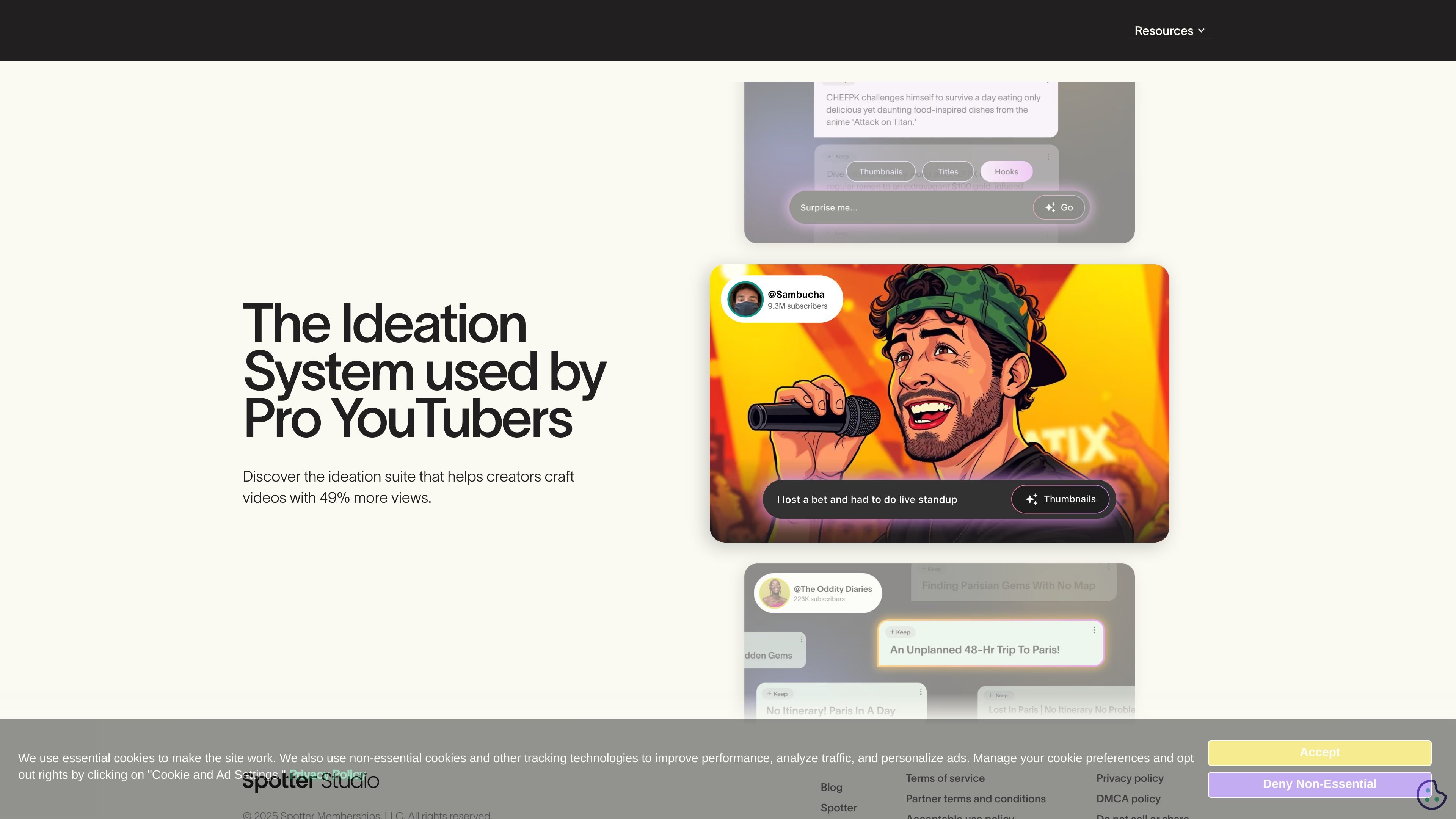
Spotter Studio is an ideation system for pro YouTubers and other serious creators. The public site describes it as a tool that helps users brainstorm, research, and plan winning videos.
The homepage positions the product around a structured creative workflow rather than a single task. It is framed for creators who want to develop stronger video ideas, work more efficiently, and support their channel strategy with a repeatable planning process.
The site also states that Spotter Studio is trusted by top creators, including Dude Perfect, and that it is used by creators looking to improve ideation and productivity. A blog and contact page sit alongside the main product experience, reinforcing that the product is part of a broader creator-focused platform.
The homepage describes Spotter Studio as a system for brainstorming and developing video ideas, which positions ideation as the main workflow.
The product says it helps creators research videos, supporting the planning process before production begins.
The site explicitly mentions planning winning videos, indicating a planning layer alongside idea generation and research.
Spotter Studio claims to help creators craft videos with 49% more views, backed by aggregated Spotter Studio data shown on the homepage.
The blog categories include Product Info, Winning Strategies, Member Highlights, and Trends & Insights, suggesting the product sits within a broader creator resources ecosystem.
Use Spotter Studio when you need a repeatable way to move from a rough concept to a more developed YouTube video plan. The product is framed around structuring ideation before production starts.
Use it to research potential topics and shape them into stronger video directions. The source copy specifically links the product to research as part of the planning process.
Creators can use it to organize planning work for upcoming uploads, especially when they want a more efficient creative process for a channel with ongoing output.
Teams or solo creators who want to streamline ideation can use the product to support a more consistent workflow. The homepage testimonials emphasize efficiency and reduced friction in the creative process.
Creators looking for a creator-specific tool can use Spotter Studio alongside its blog content for strategies, product updates, and channel-growth guidance.
Spotter Studio is presented as an ideation system for pro YouTubers and creators. The site says it helps users brainstorm, research, and plan winning videos.
The homepage frames it around video ideation, research, and planning. It is built for creators who want to develop videos with a more structured workflow.
The source does not provide accessible pricing details because the pricing page is protected. The homepage does offer a "Try for free" call to action.
The source mentions top creators, including Dude Perfect, and the blog is focused on serious YouTube creators. That suggests it is aimed primarily at professional or high-volume YouTube workflows.
The provided sources do not list integrations or platform compatibility details. No specific software connections are confirmed in the available text.