
Automatic meeting capture
A meeting assistant can auto-join Zoom, Microsoft Teams, Google Meet, and Webex to capture conversations without manual recording setup.

Speak AI captures interviews, meetings, and calls, then turns them into transcripts, structured insights, and shareable outputs. It also supports integrations, an API, MCP access, and mobile capture for teams and developers.
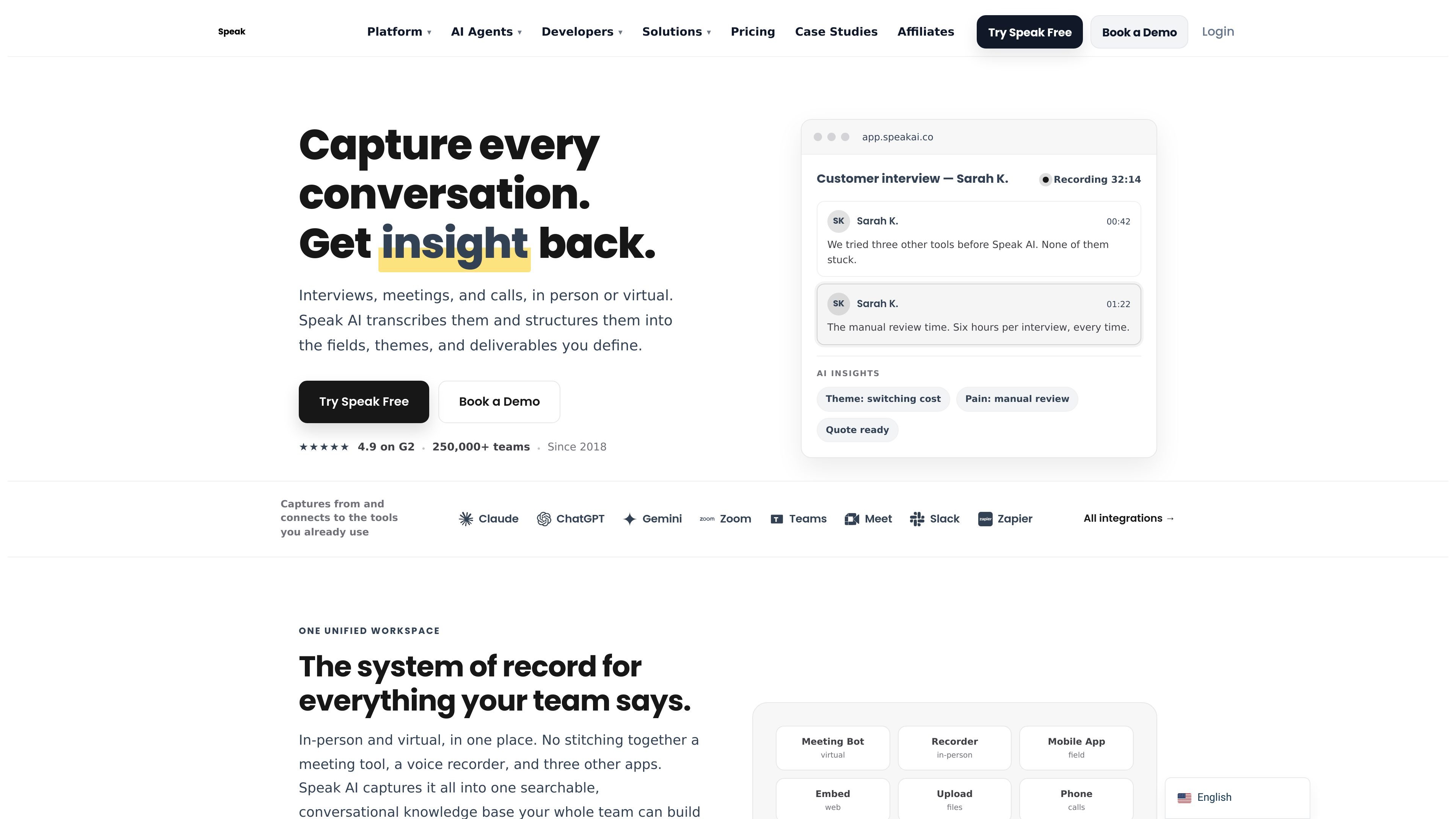
Speak AI is a conversation capture, transcription, and analysis platform for interviews, meetings, calls, and other spoken content. It combines recording, transcription, structuring, sharing, and automation in one workspace so teams can work from the same conversation record instead of stitching together separate tools.
The site positions the product as a system of record for team conversations. Users can capture live meetings, upload files, record in the field or through embeds, then turn those inputs into transcripts, themes, summaries, structured fields, and shareable outputs that can also be queried through integrations, an API, or an MCP server.
A meeting assistant can auto-join Zoom, Microsoft Teams, Google Meet, and Webex to capture conversations without manual recording setup.
Upload audio or video files, record with iOS and Android apps, or embed a recorder into a site, portal, or intake form for live capture.
Speak AI transcribes content in 100+ languages on the home page and 70+ languages on the developer page, with speaker identification, timestamps, and editing tools.
The platform extracts themes, sentiment, keywords, entities, and custom fields so teams can turn conversations into structured data rather than raw text.
Share recordings, transcripts, and insights through searchable libraries, embeddable players, widgets, CSV and JSON exports, or API access.
MCP and API access let Claude, ChatGPT, Cursor, and other tools search, analyze, and act on the conversation library, while webhooks and automations support downstream workflows.
Run interviews or focus groups, then turn transcripts into themes, quotes, sentiment, and structured findings that are easier to compare across sessions.
Capture scheduled meetings from Zoom, Teams, Meet, or Webex and generate transcripts, summaries, notes, and action-oriented outputs for follow-up.
Record customer, sales, or client conversations and keep them searchable in one workspace so teams can review what was said without manual note stitching.
Build conversation features into your own product or workflow using the API, webhooks, or white-label embed options for transcription and analysis.
Share recordings, transcripts, and insights with clients or teammates using libraries, players, widgets, and export formats suited to handoff and review.
Yes. The site says you can start with a free 7-day trial and no credit card is required. The product also offers a free plan for some use cases through its pricing structure and account setup flow.
Speak AI is built to capture conversations, transcribe them, and turn them into structured outputs such as themes, fields, summaries, and shareable libraries. The site also describes tools for meeting capture, embedded recording, API access, and MCP-based assistant access.
The pricing and developer pages indicate access through the web app, API, MCP server, integrations, and mobile apps. The home page also mentions iOS and Android apps for recording in the field.
The site says it supports Zoom, Microsoft Teams, Google Meet, and Webex for meeting capture, plus upload, phone calls, and embedded recording. It also offers exports to CSV and JSON and API-based access for workflow integration.
The site positions Speak AI for researchers, analysts, consultants, sales and ops teams, and developers. The developer pages also emphasize API and workflow integration use cases, while the pricing page separates individual, team, and enterprise needs.