音虫(SoundBug) icon

音虫(SoundBug)

Revendiquer

音虫(SoundBug) is music arranging, recording and composition software for Windows and Mac, with manuals, courses and school teaching plans.

音虫(SoundBug)

Product Overview

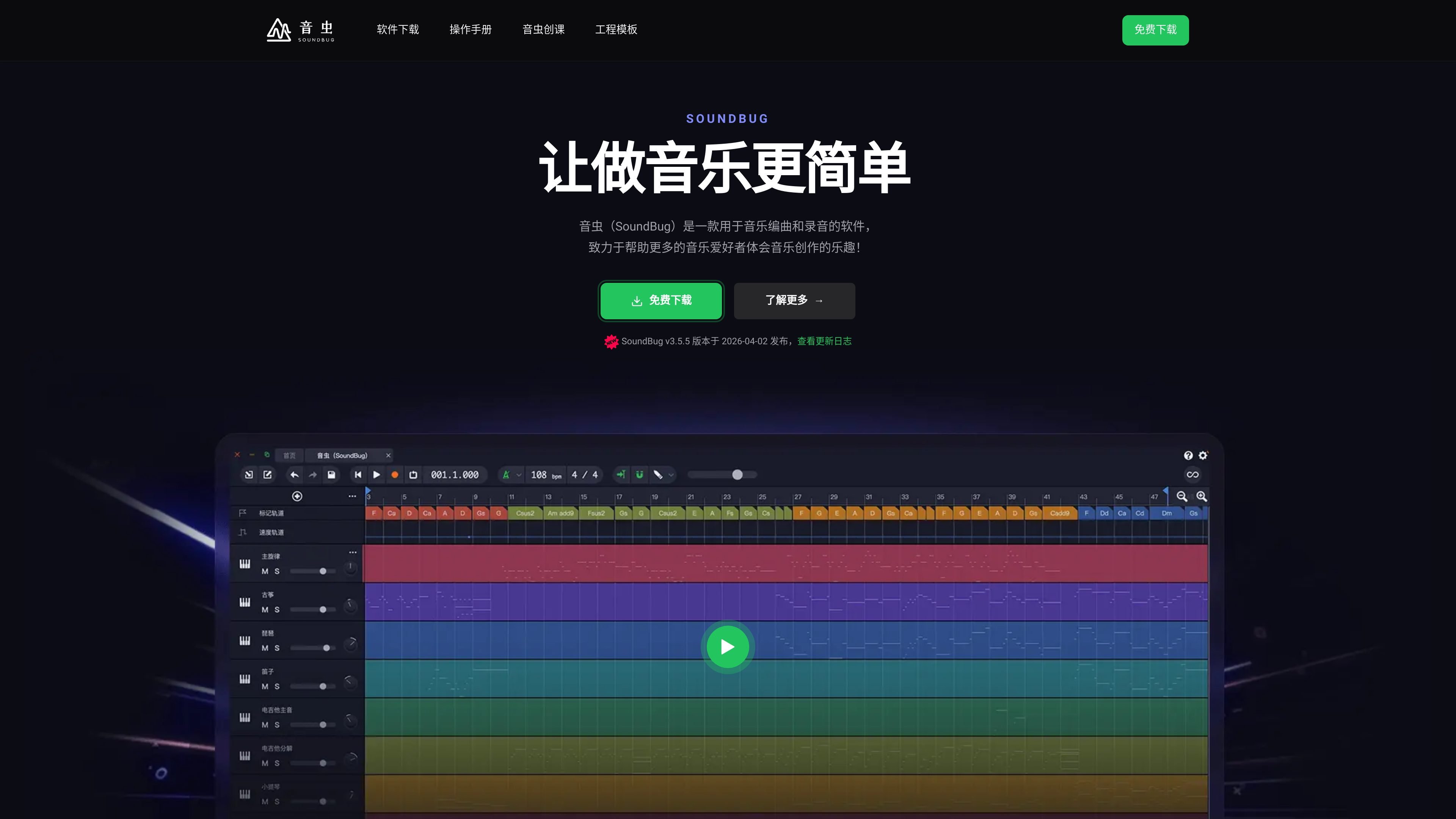
SoundBug is software for music arranging, recording, and composition, designed for students, music enthusiasts, and teaching scenarios that want to create music. The official website positions it as a tool that “makes music creation easier” and emphasizes its goal of lowering the barrier to music creation so more people can get started directly.

Based on the official website information, SoundBug offers built-in virtual instruments, classic phrases, AI arranging, VST/VST3 plugin support, and downloadable versions for Windows and Mac. The site also includes a user manual, course content, and school-focused teaching versions, showing that it is designed not only for individual creation but also for learning and classroom use.

Core Features

Built-in Large Library of Virtual Instruments

The homepage clearly states that the software includes 600+ virtual instruments and emphasizes realistic sound reproduction. The membership page and downloads page also list 600 virtual instruments as a standard benefit.

Provides Classic Phrase Materials

The official website showcases 600+ built-in classic phrases that can be used to quickly build basic material and reduce the time needed to arrange from scratch.

Supports VST and VST3 Plugins

The homepage states support for VST and VST3, allowing compatibility with mainstream plugins and suitable for users who need to expand their sound and effects workflow.

AI Arranging Assistance

Both the homepage and membership page mention AI arranging, described on the official website as helping users who do not know how to arrange music complete their works quickly.

Supports Windows and Mac

The downloads page provides Windows and Mac versions, and the homepage also directly labels Windows and Mac, showing that the software covers mainstream desktop platforms.

Courses and User Manual Included

The courses page provides content ranging from basic operations to arranging, mixing, music theory, and vocal performance, forming a relatively complete learning path alongside the software.

Use Cases

  • Beginner Learning and Self-Study

    Suitable for people who are just starting out in music production to begin with the basic interface, user manual, and introductory courses, then gradually understand the software operations and complete simple works.

  • Rapid Arranging and Turning Ideas into Tracks

    Suitable for users who want to quickly build the outline of a track by using built-in virtual instruments, classic phrases, and AI arranging to speed up the process from inspiration to an audible demo.

  • Classroom Teaching and Music Courses

    Suitable for teaching scenarios that need arranging, mixing, music theory explanations, or vocal demonstrations. The official website provides dedicated course content and school edition plans.

  • Plugin-Expanded Creation

    Suitable for users who already have a plugin-based workflow and want to continue expanding sounds and effects with VST and VST3 inside SoundBug.

  • Desktop Personal Production

    Suitable for individual users who want to do everyday music production on Windows or Mac. The downloads page provides the corresponding desktop versions.

Pros and Cons

Pros

  • Provides a free download entry, allowing individual learners to start with the free version.
  • Includes 600+ virtual instruments and 600+ classic phrases, making it easier to get started quickly.
  • Supports VST and VST3 plugins, making it easier to expand existing sound and effects workflows.
  • Offers both a user manual and tiered courses, making it suitable for learning while creating.
  • Includes both a personal creation version and a version for school teaching.

Cons

  • The official website provides limited in-depth technical details; for example, the specific export formats, audio interfaces, collaboration methods, or full scope of plugin compatibility are not fully explained in the pages provided.
  • Differences among the school edition, personal edition, and free edition, as well as some usage boundaries and licensing details, need further confirmation from the FAQ on the membership page.

FAQ

What devices or systems does SoundBug support?

SoundBug’s official website provides a free download entry. The downloads page separately lists Windows and Mac versions. It also provides a backup download link for the Windows version and a download entry for the “Shanghai City Air Classroom Special Edition.”

What are the differences between SoundBug’s membership plans?

According to the official website, both the Personal Standard Edition and the School Standard Edition include 600 original virtual instruments, an expandable MIDI library, unlimited AI arranging, and unlimited version upgrades. The Forever Free Edition is for personal learning use and provides 40 original virtual instruments, an expandable MIDI library, and unlimited version upgrades.

What kind of learning path is SoundBug suitable for?

The official courses page clearly offers an introductory tutorial, music production basics, complete song production, chord exploration, and pop band arrangement courses, along with theory videos, operation demo videos, and project examples. It is suitable for step-by-step learning by course.

How can new users start using SoundBug?

The user manual page describes it as a detailed guide with clear steps and instructions designed to help users get started quickly. Combined with the courses and downloads pages, it is suitable to install the software first and then learn the basic operations through the manual and courses.

Quick Facts

Category
Music arranging / recording / composition software
Platform
Windows, Mac
Primary Users
Students, music enthusiasts, music teachers, school teaching scenarios
Website
soundbug.com
Pricing Model
Offers a free version, plus Personal Standard and School Standard membership plans
Workflow Features
Built-in instruments, classic phrases, AI arranging, plugin expansion, course-based learning