
Document summarization
Upload multiple documents and get concise summaries, highlights, and source-backed answers without manually scanning each file.

Sharly AI is an AI research assistant for summarizing, comparing, and citing documents with source-backed outputs, plus collaborative workspaces and security controls.
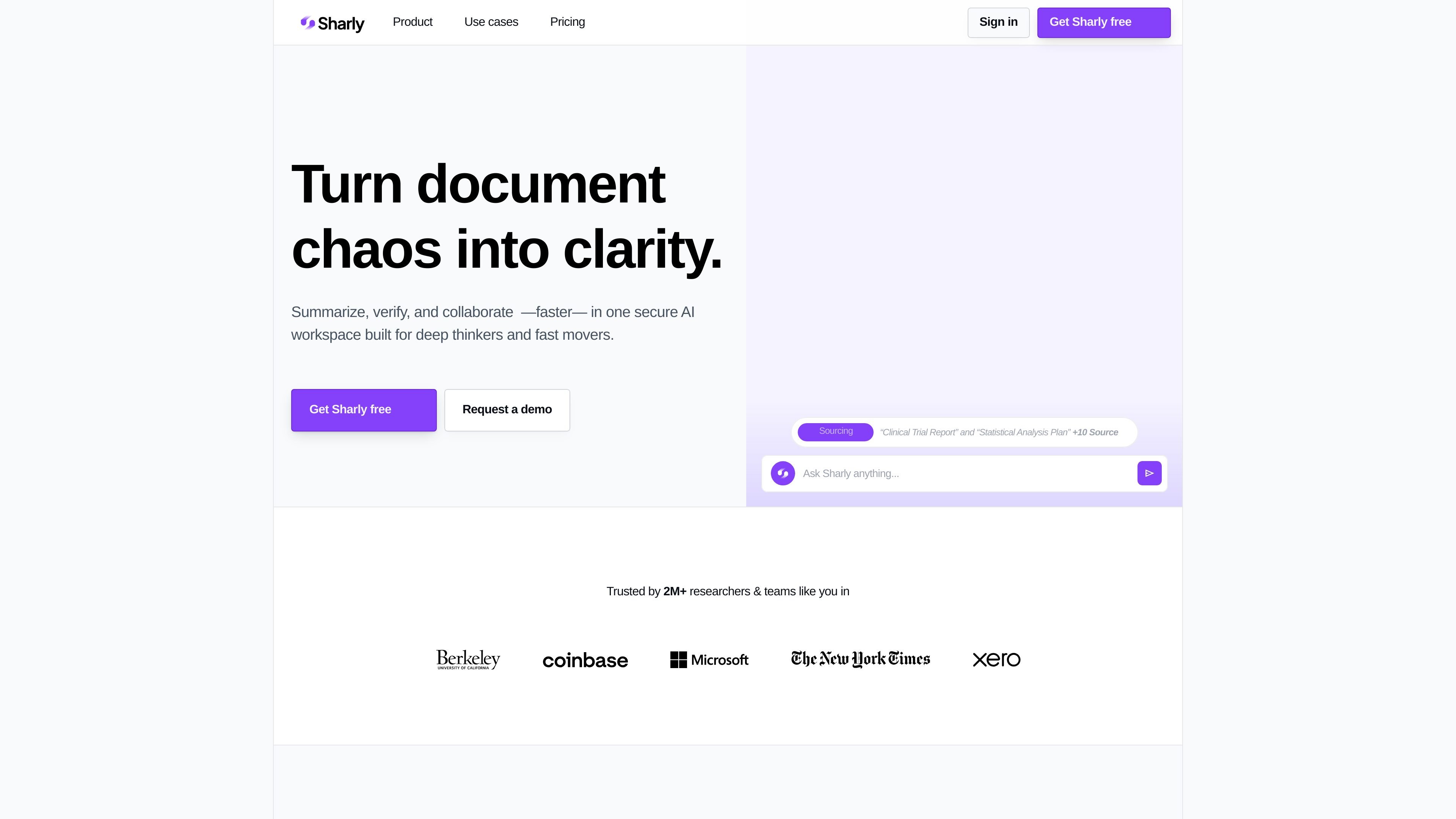
Sharly is an AI research assistant for working through dense documents and extracting source-backed answers, summaries, and comparisons. The site positions it for individuals, teams, and institutions that need to read, verify, and organize research more efficiently.
Across the product and pricing pages, Sharly emphasizes workflows such as summarizing uploaded files, comparing claims across documents, citing sources in common academic formats, and collaborating in shared workspaces. Higher-tier plans add team controls such as annotations, citation history, role-based access, SSO/SAML, version history, audit logs, and private deployment options.
Upload multiple documents and get concise summaries, highlights, and source-backed answers without manually scanning each file.
Compare claims, metrics, and perspectives across documents to surface matches, conflicts, and missing information.
Attach citations to answers and switch citation styles such as APA, MLA, and Chicago to keep outputs easy to verify and reuse.
Work in shared workspaces with annotations, collaborative Q&A, and knowledge retention so teams can review the same evidence together.
Use docs-only answer mode, role-based permissions, version history, audit logs, and SSO/SAML on higher plans for tighter control over sensitive work.
Store and organize research with features such as metadata extraction, semantic extraction, prompt library, and source-restricted workflows.
Review contracts, audit trails, interviews, or internal files to find inconsistencies, align conflicting statements, and trace findings back to their source in a secure workspace.
Upload papers or research documents, extract metadata, generate citations, and compare perspectives across sources while keeping summaries tied to the original text.
Bring together decks, memos, and reports to compare key claims, surface gaps, and build source-backed recommendations for planning or investment decisions.
Use shared workspaces, annotations, and collaborative Q&A to keep teammates aligned when multiple people need to review the same evidence.
Restrict answers to uploaded files, track activity, and manage access with role-based permissions when handling sensitive or regulated information.
Sharly is designed to let you upload documents, ask questions, and get source-backed answers and summaries. The pricing and product pages also indicate document comparison, citation tools, and collaborative workspaces are part of the workflow.
Yes. The pricing page shows a free plan, and the product pages describe upgrade paths for Pro, Team, and Business plans. The site also offers contact-sales flows for custom pricing and demos.
Sharly supports PDF, DOCX, PPTX, Notion, Google Docs, links, and some spreadsheet-style or multi-document workflows shown on the site. The pricing page also mentions DOCX and Notion uploads, while the product page shows PDF, XLSX, DOCX, links, Google Docs, PPTX, and Notion.
The site says Sharly can answer from your uploaded documents, and it includes a docs-only answer mode for keeping reasoning restricted to those uploads. That option is described on the product and pricing pages.
The site describes team workspaces, annotations, citation history, role-based permissions, version history, audit logs, SSO/SAML, and private deployments on higher-tier plans. For enterprise-specific needs, Sharly directs users to contact sales.