
Multiple image models in one place
Access a large set of image-generation models from a single workspace, including Z-Image, Flux variants, Nano Banana, Seedream v4, Qwen Image, Juggernaut models, Ideogram, Recraft, and Bria.

RunDiffusion is a web-based AI image and video platform with multiple models, open-source apps, and workflow tools in one workspace.
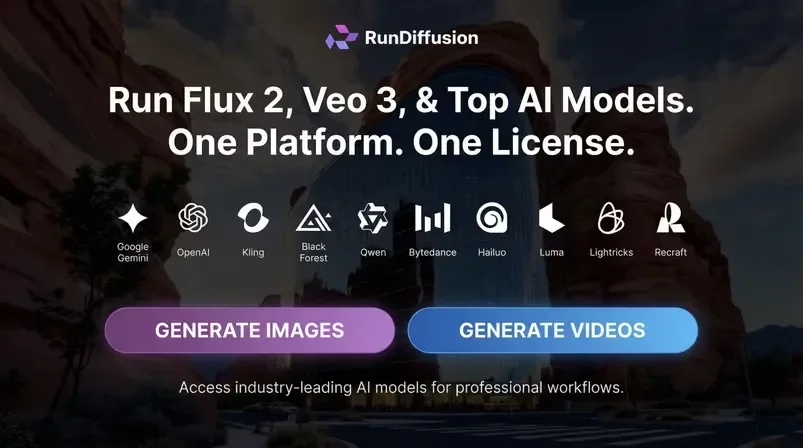
RunDiffusion is an AI image and video generation platform that centralizes multiple models, open-source apps, and workflow tools in one workspace. The site positions it as a single-license environment for professionals who want access to many current AI tools without juggling separate subscriptions.
The platform supports both individual creation and team collaboration. Its pages describe image generation, video generation, editing, style transfer, composition, upscaling, and model training, alongside shared boards, media assets, and enterprise-grade permissions for organizations that need structured collaboration.
Access a large set of image-generation models from a single workspace, including Z-Image, Flux variants, Nano Banana, Seedream v4, Qwen Image, Juggernaut models, Ideogram, Recraft, and Bria.
Generate video with supported models such as LTX-2, Sora 2, Kling, Veo 3 and Veo 3.1 variants, Wan 2.5 Video, Pixverse v4, Hailuo 2, and Luma Ray 2.
Edit images with tools for inpainting, removing unwanted objects, replacing backgrounds, adding elements, and broader image-editing tasks.
Create and chain workflows using boards, assets, live image models, video models, custom model fine-tuning, and editing tools.
Train custom models and LoRAs, with support for downloading trained LoRA models on eligible plans.
Work with open-source apps directly in the platform, including ComfyUI, Foooocus, Auto1111, and Kohya.
Use the platform to generate still images from text or image prompts with a range of model families, making it suitable for concept art, marketing graphics, and visual exploration.
Create animated clips, effects, and short-form video with supported video models when a project needs motion rather than a static frame.
Remove objects, replace backgrounds, add elements, or transfer styles when you need to refine an existing asset instead of starting over.
Build repeatable creative pipelines with boards, assets, and linked tools for projects that require the same sequence of steps across multiple outputs.
Coordinate shared media, permissions, and model access across a group when multiple people need to work in the same environment.
RunDiffusion is a web platform that brings multiple AI image and video tools into one workspace, including open-source apps such as ComfyUI and Auto1111 on the free plan, plus premium image, video, and editing tools on paid plans.
The pricing page shows a free plan with up to 100 daily tokens, as well as paid plans for individuals, creators, teams, and enterprise customers. Monthly and yearly billing are available, with yearly billing offering savings on some plans.
The platform includes shared workflows, boards, media assets, permission controls, team libraries, team boards, multi-team management, and enterprise features such as SSO, reporting, and analytics.
RunDiffusion supports a wide range of image and video generation workflows, plus image editing, style transfer, composition, model training, and upscaling within a single customizable interface.
The source pages show access to open-source apps like ComfyUI and Auto1111, along with premium tools and model access. They do not provide a complete public integration catalog beyond the platforms and model families named on the site.