
Natural-language analysis
Ask in plain language to extract data from PDFs, import business data, create reports, merge datasets, and surface insights without using code, SQL, or formulas.

Rows is a spreadsheet-based AI data analyst for importing, analyzing, and sharing business data in one workspace using plain language, not code or formulas.
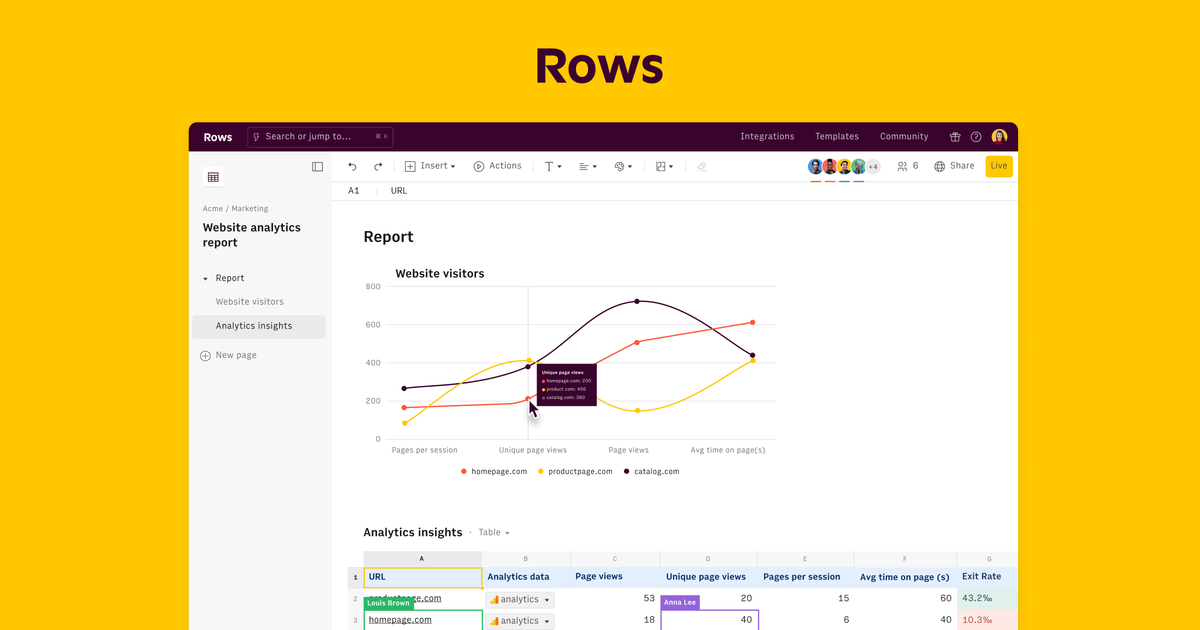
Rows is a spreadsheet-based AI data analyst for people who need to import, reshape, and analyze data from business tools, documents, and web sources. Its core workflow is built around plain-language requests instead of SQL, formulas, or manual spreadsheet stitching.
The product combines AI analysis, built-in integrations, data tables, and report sharing in one workspace. It supports tasks such as extracting tables from PDFs, merging datasets, building live reports, and keeping connected data refreshed on a schedule. Rows also offers paid plans for higher usage and automation, alongside a Free plan with limited AI usage and manual import.
Rows positions itself for teams and individuals who want a flexible spreadsheet environment with AI assistance for analysis, reporting, and repetitive data work. The platform includes collaboration features, embeds, website data capture through RowsX, and integration accounts for common business systems and APIs.
Ask in plain language to extract data from PDFs, import business data, create reports, merge datasets, and surface insights without using code, SQL, or formulas.
Pull data from connected business tools and sources, then combine live information from more than 50 sources in one spreadsheet workflow.
Use AI to turn documents, images, and screenshots into editable tables and structured data with AI vision support.
Build live reports and share them as dashboards or embedded views that stay up to date across devices.
Use RowsX to import tables from websites directly into spreadsheets, turning web pages into usable data.
Automate recurring refreshes so connected tables stay in sync on a schedule, with faster refresh options on paid plans.
Work with AI inside cells and tables to add columns, join tables, clean data, classify text, forecast, and build charts.
Import PDFs, screenshots, or other documents and turn them into editable tables for follow-up analysis.
Connect analytics, marketing, finance, or database tools to build tables that stay synced and can be refreshed automatically.
Ask AI to add columns, join tables, summarize data, or build charts when you need analysis without manual formulas.
Create reports, calculators, and dashboards that can be shared or embedded in other tools and web pages.
Capture tabular data from websites with RowsX when the source lives on the web rather than in a file or connector.
Yes. Rows offers a Free plan that is free forever, with no trial period or credit card required. Paid plans add higher usage limits and more automation.
Rows is designed around workspaces and members. A workspace has an owner, a plan, and users who can be members or guests; members can create spreadsheets, while guests can be invited to edit or view up to three spreadsheets.
AI Tasks cover actions that use Rows’ AI, including messages in the AI Analyst, AI-triggered tasks inside tables and charts, and file processing with AI Vision for PDFs and images.
Rows uses integrations in two main ways: Data Tables import data from connected services, and Cell enrichment loads data into a cell or column. The pricing page also distinguishes between manual import on Free and automated refresh on paid plans.
Rows’ AI features are available across plans, but the Free plan includes only a limited number of executions per month while paid plans include unlimited executions.