
Prompt- and template-based creation
Create games by typing a prompt, selecting a template, or starting from a game type. The homepage also shows an option to upload an image as part of the creation flow.

Rosebud AI is a browser-based game maker for creating playable games from prompts or templates without coding, plus browser-playable games and web app tools.
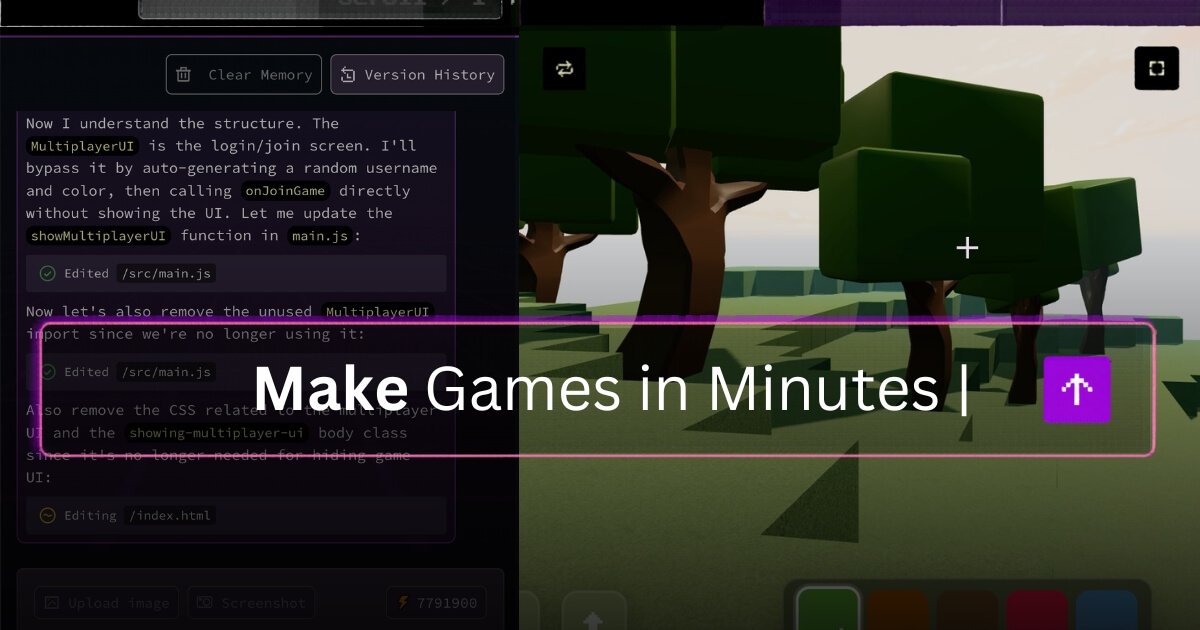
Rosebud AI is a browser-based AI game maker for creating playable games with prompts and templates. The homepage says you can describe your idea, choose a template, upload an image, and then build and deploy your game without coding.
The site also presents Rosebud as a broader creation platform with game development and web development tools, including AI code generation, AI website and web app builders, 3D game tools, and other genre-specific starting points. Rosebud Play shows that the platform also hosts free online games that run in the browser.
Create games by typing a prompt, selecting a template, or starting from a game type. The homepage also shows an option to upload an image as part of the creation flow.
The site presents build-and-deploy as part of the workflow, indicating that projects can move from idea to a playable result without leaving the platform.
Rosebud Play highlights a browser-first library of free online games, showing that the platform supports playable experiences accessible through the web.
The homepage navigation lists game development features such as 3D Game Maker, Sprite Sheet Generator, AI NPCs, Visual Novel Maker, RPG Maker, Cozy Games Maker, Interactive Story Maker, Therapeutic Games, and Free Online Game Maker.
The same navigation also lists web development features including AI Code Generator, AI Website Builder, AI Web App Builder, AI Portfolio Maker, Landing Page Templates, Three.js Editor, and a Vibe Coding Tool.
The engineering page positions Rosebud’s work around AI-powered game development tools, real-time code generation, and browser-native game engines.
A solo creator can sketch a game idea in a prompt, pick a template or game type, and use the guided creation flow to get to a playable prototype without coding.
Someone building a specific genre can start from the site’s genre-oriented options such as RPG, visual novel, 3D game, or interactive story maker instead of assembling every piece manually.
A web creator can use the platform’s web development tools, such as the AI website builder or AI web app builder, to create a site or app alongside game-related work.
A publisher or creator can use Rosebud Play as a browser destination for playable projects, making it easier to share games without asking players to install software.
An educator or workshop leader can use the prompt-based flow and template starting points to demonstrate how games and creative apps are assembled in a classroom or demo setting.
Rosebud AI is presented as a game maker that lets you create playable games with AI prompts. The homepage says you can describe your idea or choose a template, then build and deploy your game without coding.
The homepage shows a start-from-a-template flow and an input-based creation flow where you can describe a game idea, upload an image, and start creating from a game type. The pricing page also frames the product around making games and creative apps from a few prompts.
The site emphasizes browser-based play through Rosebud Play, which showcases free online games that can be played instantly in a browser.
The source shows categories such as game creation, web development features, and game dev features, including AI code generation, AI website builder, AI web app builder, 3D game maker, sprite sheet generator, AI NPCs, and visual novel maker.