
Chatbot assistance
Ask questions, generate responses, and carry out general assistant tasks through the Qwen Studio chatbot experience.

Qwen Studio is a free AI assistant for chat, research, image generation, multimodal understanding, and web-based creation on web, iOS, Android, macOS, and Windows.
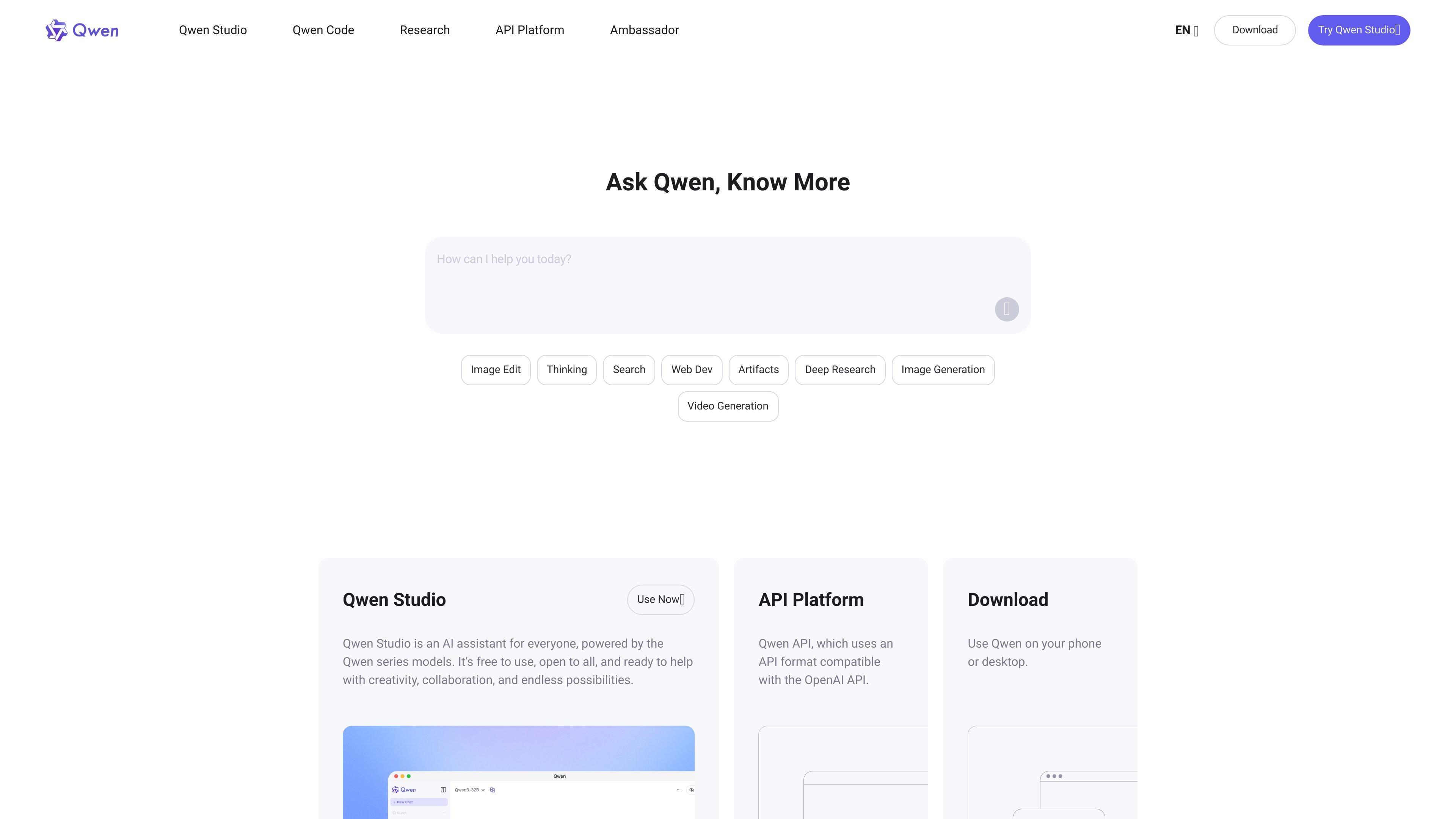
Qwen Studio is an AI assistant built on the Qwen series models and presented as a general-purpose product for creativity, collaboration, and everyday assistance. The homepage positions it as free to use and open to all, with access points for web and desktop/mobile downloads.
Its visible feature set centers on chat, image and video understanding, image generation, document processing, web search integration, tool use, artifacts, deep research, and web development. That makes it a broad assistant environment for people who want to ask questions, create content, analyze media, or produce working outputs from natural-language prompts.
Ask questions, generate responses, and carry out general assistant tasks through the Qwen Studio chatbot experience.
Create and modify visuals with Qwen VLo, including generating images from scratch, transferring styles, combining elements, and editing existing images.
Use Deep Research to run multi-step web searches and turn collected information into readable summaries and reports.
Prompt Web Dev in natural language to generate a complete webpage with code and modern design.
Use the search capability to find answers, resources, and inspiration across the web with contextual understanding and filtering.
Work with text, images, audio, and video in a single assistant flow for multimodal understanding and analysis.
Use Qwen Studio as a general assistant for questions, drafting, brainstorming, and everyday task support in one interface.
Turn prompts into visuals, refine existing images, and combine elements for design-oriented or creative work.
Use Deep Research when a task requires multiple searches, source synthesis, and a concise report instead of a quick answer.
Generate a webpage from a natural-language description when you want a fast starting point for a site or landing page.
Analyze text, images, audio, or video together when a task depends on combining multiple input types.
Qwen Studio is described as an AI assistant for everyone, powered by the Qwen series models. It focuses on chatbot-style assistance together with multimodal tasks such as image and video understanding, image generation, document processing, web search integration, tool utilization, and artifacts.
The homepage presents Qwen Studio as open to all and free to use. The pricing page available in the collected sources did not provide additional pricing details.
The site highlights Qwen Studio on web, iOS, Android, macOS, and Windows, and includes a download path for using Qwen on phone or desktop.
The homepage emphasizes chatbot use, image generation and editing, deep research, web development, reasoning, search, and multimodal understanding. Those are the core workflows supported in the visible product pages.