
AI-assisted spreadsheet work
Ask questions in natural language and work with formulas, Python, and SQL in the same spreadsheet. The product positions AI as a way to generate, explain, and verify analysis inside cells.

Quadratic is an AI spreadsheet for live data, formulas, Python, SQL, and connected sources. Analyze and automate workflows with AI, MCP, and a REST API.
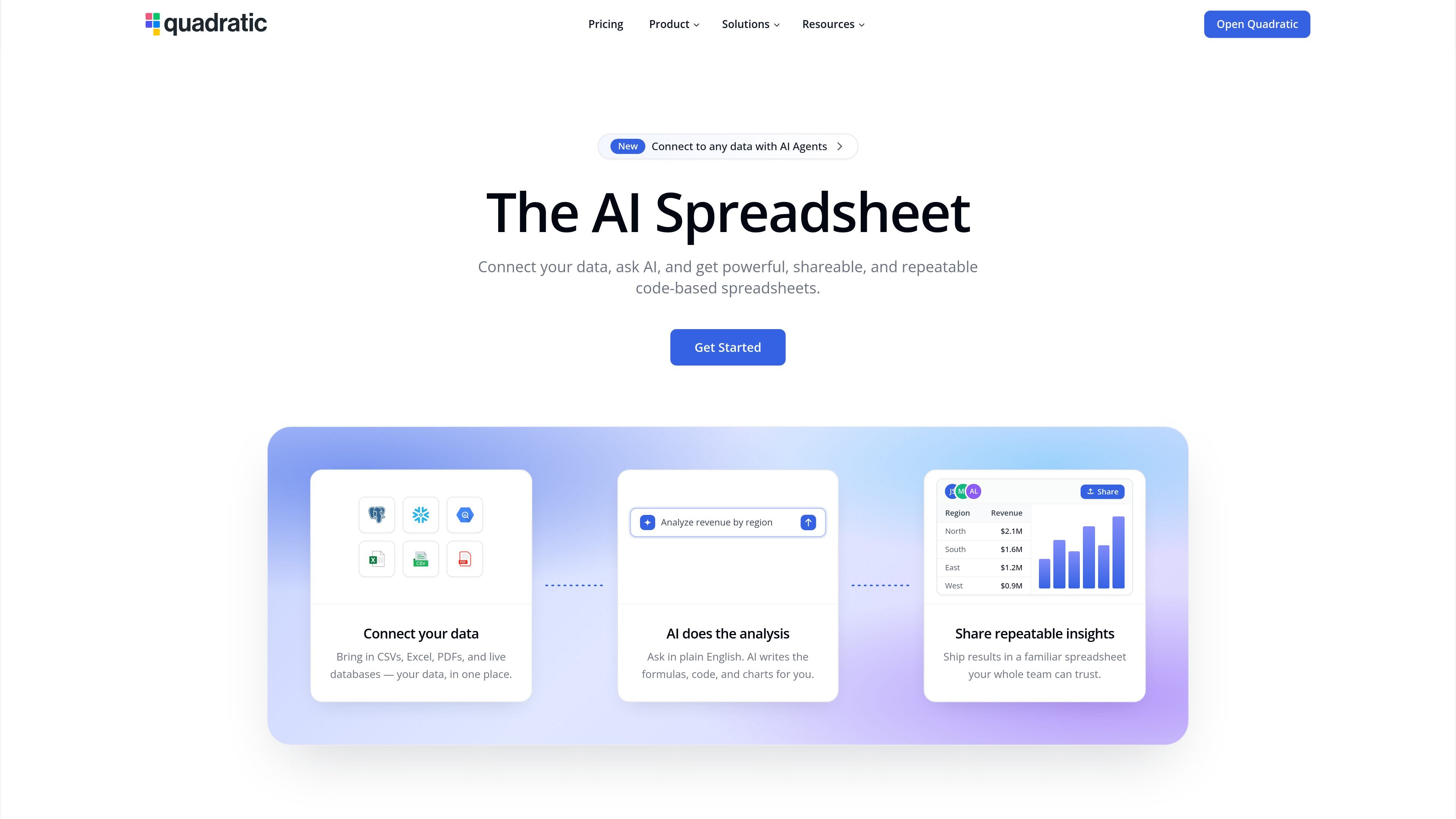
Quadratic is an AI spreadsheet for working with live data, formulas, Python, SQL, and connected sources in one place. The site presents it as a spreadsheet built for speed, clarity, and instant insights, with AI that can help generate analysis and explain its own work.
It connects to databases, warehouses, accounting tools, analytics services, files, and APIs so the sheet can stay synchronized with upstream data. Quadratic also exposes both an MCP server and a REST API, letting compatible AI clients and developer tools read, write, and verify spreadsheet work programmatically.
Ask questions in natural language and work with formulas, Python, and SQL in the same spreadsheet. The product positions AI as a way to generate, explain, and verify analysis inside cells.
Connect live data from databases, warehouses, files, APIs, accounting tools, analytics platforms, and banking sources so the spreadsheet stays in sync with upstream systems.
Use the Model Context Protocol to let compatible AI clients read, write, and verify work in Quadratic. The source cites ChatGPT, Claude, Cursor, VS Code, and Windsurf as supported clients.
Use the REST API to read and write cells, create or update code cells, build tables and charts, and batch changes with undo and redo support.
Move data in and out of files, tables, formats, validations, and charts with typed SDKs for Python and TypeScript, plus interactive API docs.
Share work with individuals, small teams, or larger organizations using plan tiers that include shared workspaces, privacy controls, SSO, and self-hosting on higher tiers.
Connect a sheet to operational data and ask questions in natural language, then inspect formulas or code cells to verify the result before sharing it with stakeholders.
Use the MCP server to let ChatGPT, Claude, Cursor, or another compatible client read from and write to a Quadratic file while keeping changes tied to your account permissions.
Call the REST API from scripts or backend jobs to write rows, update formulas, run Python or SQL cells, and read computed values back into an automated pipeline.
Pull in sources such as QuickBooks, Google Analytics, Mixpanel, Postgres, or Snowflake to maintain dashboards and financial models without manual CSV exports.
Use plan features such as shared workspaces, unlimited sharing on paid tiers, and enterprise controls like SSO or self-hosting to support team collaboration and governance.
Quadratic MCP is its official Model Context Protocol server. It lets compatible AI clients such as ChatGPT, Claude, Cursor, and VS Code read and write Quadratic spreadsheets through a secure authenticated connection.
The pricing page shows a free Personal plan plus Pro, Business, and Enterprise options. Pro adds shared workspace features, more AI usage, unlimited sharing and files, while Business adds higher AI usage and on-demand AI usage; Enterprise is custom.
Quadratic’s API supports reading and writing cells, running Python, SQL, and formulas, building sheets and charts, and using atomic batches with undo and redo support.
Quadratic can connect spreadsheets to databases, warehouses, accounting tools, analytics services, and banking sources. The connections page and homepage show examples such as Postgres, Snowflake, BigQuery, QuickBooks, Google Analytics, Mixpanel, Plaid, and many more.
The source states that Quadratic is SOC 2 and HIPAA certified and that MCP access uses OAuth-secured authentication with revocable client access.