
Automatic prompt enhancement
Improves prompts with clearer structure, added detail, and more specific instructions so the AI has more context to work with.

Prompt Perfect is an AI prompt tool for ChatGPT and browser-based AI platforms, plus a guided image workflow for turning short ideas into visuals. Free and paid plans available.
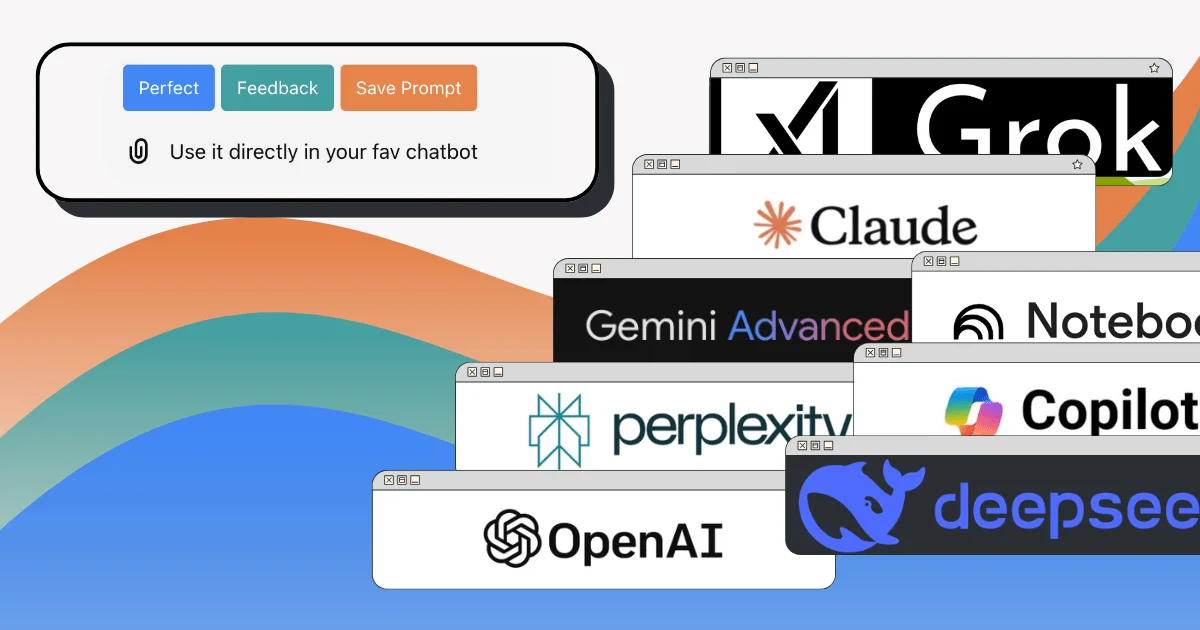
Prompt Perfect is a set of AI prompt tools built to improve the quality and specificity of prompts across different workflows. The product line includes a Chrome Extension for browser-based AI tools, a custom GPT for ChatGPT, and an Imagery workflow for turning short ideas into image instructions.
Its main purpose is to help people get clearer, more useful AI responses without needing to learn prompt engineering. The Chrome Extension adds prompt-enhancement buttons and saving tools inside supported platforms, while the GPT version works inside ChatGPT and the imagery product guides users through creating visuals from a simple sentence.
Improves prompts with clearer structure, added detail, and more specific instructions so the AI has more context to work with.
Lets you use prompt-help controls directly inside supported AI tools instead of moving text between apps.
Supports saving prompts for later reuse, including sidebar access in the Chrome Extension.
Works across multiple chat and research platforms, including ChatGPT, Gemini, Claude, Copilot, DeepSeek, Sora, Grok, NotebookLM, Google AI Studio, and Perplexity.
Offers a guided image workflow that turns a short idea into image instructions without requiring prompt engineering syntax.
Provides free access paths and paid unlimited plans, with a 3-day free trial on paid tiers.
Use the Chrome Extension when you work across several browser-based AI tools and want the same prompt-improvement workflow in each one.
Use the GPT version when you want to stay inside ChatGPT and improve prompts without switching tools or copying text elsewhere.
Use Imagery when you have a simple visual idea and want a guided process that converts it into a more detailed image instruction set.
Use the saving tools when you have prompts you reuse often and want them available later in the sidebar for future tasks.
Use the feedback flow when you want to improve a draft prompt before sending it, especially if you are unsure how much context or structure to add.
Prompt Perfect offers a free path for each product. The Chrome Extension free plan includes 1 perfect prompt per day, unlimited prompt feedback, and unlimited saved prompts within storage limits. The Prompt Perfect GPT free plan includes 3 prompts per day.
The Chrome Extension works in Google Chrome and adds prompt-enhancement controls inside supported AI tools. The GPT version works inside ChatGPT and uses ChatGPT’s built-in GPT Store experience.
The Chrome Extension is designed to refine, enhance, and save prompts directly in browser-based AI tools. The GPT version refines prompts inside ChatGPT, while Imagery uses a guided workflow to turn a short idea into images.
The Chrome Extension supports ChatGPT, Gemini, Claude, Copilot, DeepSeek, Sora, Grok, NotebookLM, Google AI Studio, and Perplexity. The GPT version is limited to ChatGPT.
The Chrome Extension is currently only supported on Google Chrome. The FAQ notes that other Chromium-based browsers such as Edge, Brave, and Opera are not officially supported.