
Core photo adjustments
Adjust exposure, color, light, detail, curves, toning, grains, borders, perspective, and related controls from a single editing workspace.

Polarr is a photo and video editor with web, desktop, and mobile tools for filters, masking, retouching, RAW editing, and export.
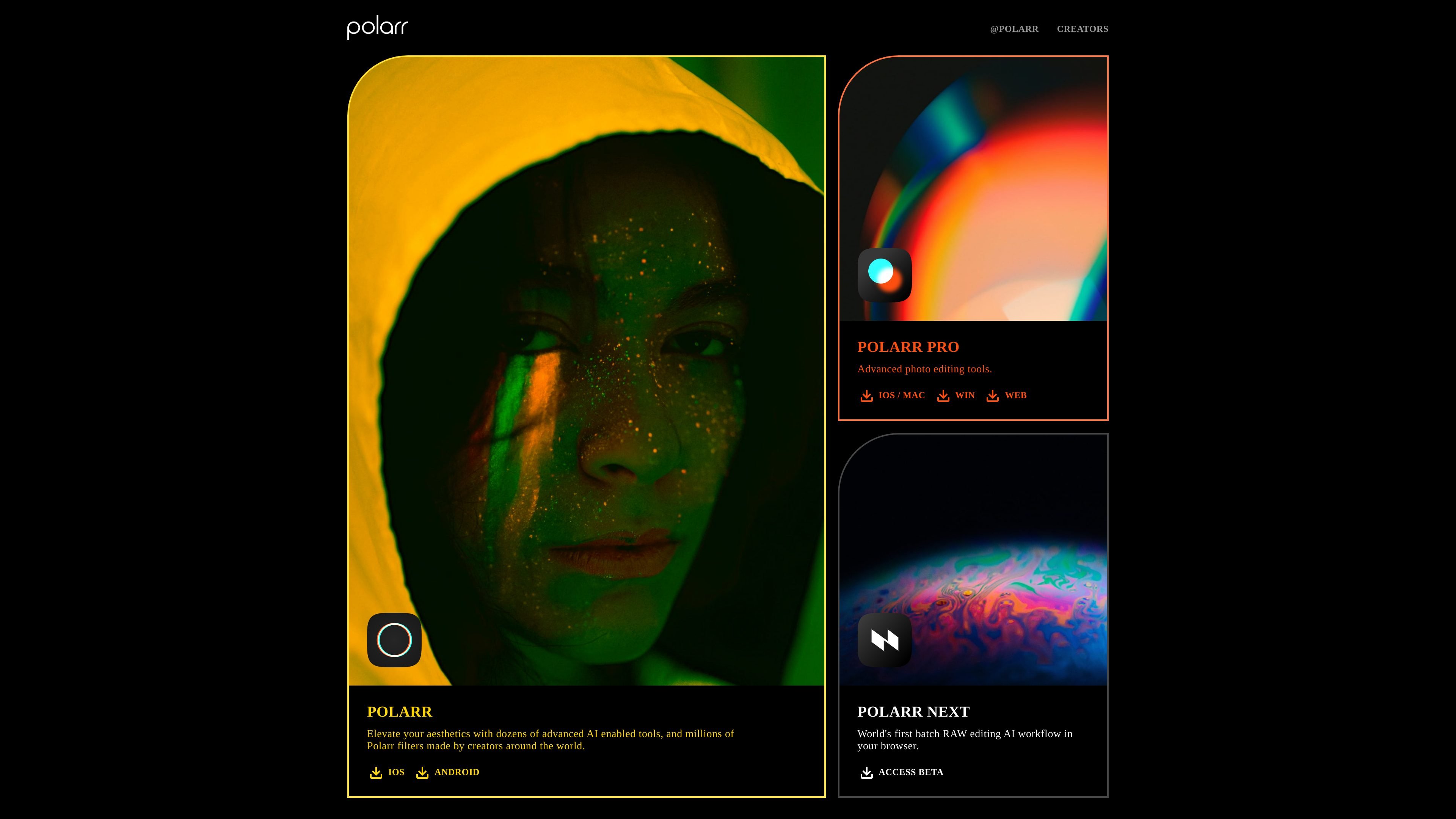
Polarr is a photo and video editing product line centered on AI-assisted editing, filters, and creative tools across web, desktop, and mobile platforms. Its site highlights Polarr Pro for photo editing, Polarr Next for RAW editing in the browser, and a separate video effects offering for iOS and Android.
The web editor page presents Polarr Pro Online Photo Editor as a tool for simple, powerful photo editing with adjustment controls, local masking, retouching, layers, filters, and export options. The pricing page indicates a Polarr membership that unlocks pro features across platforms, with monthly and yearly billing options.
Adjust exposure, color, light, detail, curves, toning, grains, borders, perspective, and related controls from a single editing workspace.
Build selective edits with depth, brush, color, radial, gradient, and luminance masks, plus blending and stacking for layered local adjustments.
Create, import, sync, and reuse filters, including basic presets, custom filters, premium emulation presets, and LUT import/export.
Retouch portraits with face-aware controls, liquify tools, and spot removal for healing or cloning blemishes.
Add text, shapes, preset overlays, custom overlays, and blending modes for composite-style image work.
Manage output with history, undo/redo, histogram, tutorials, watermark controls, export settings, and batch export options.
Use the web editor for structured photo work that combines exposure and color adjustment with masks, layers, and export controls.
Apply face-aware retouching, liquify, and spot removal when refining portraits for personal or professional use.
Create repeatable visual styles by saving custom filters, importing presets, or working from premium emulation filters.
Prepare batches of images with resize, rename, filter application, and metadata controls for consistent delivery.
Use the mobile apps or browser-based tools when you need editing access across multiple devices tied to the same account.
Polarr offers a web photo editor as well as iOS, Android, macOS, and Windows apps. The site also points to a separate video editing offering for iOS and Android.
The source shows Polarr membership with unlimited access to pro features across platforms, plus monthly and yearly billing options. It does not provide a full tier breakdown beyond that.
The web product page describes Polarr Pro Online Photo Editor as a simple, powerful photo editing tool with adjustment, masking, retouching, layer, and export features.
The source mentions export controls such as file format, compression rate, resize, and metadata, but it does not list every supported output format.