
Automatic background removal
Remove backgrounds automatically for product photos and other foreground subjects, producing white-background or transparent PNG outputs for marketplace and design workflows.

PixMiller is an AI background remover for product photos and subject images, creating transparent PNGs, white-background listings, and automated cutouts via web app or API.
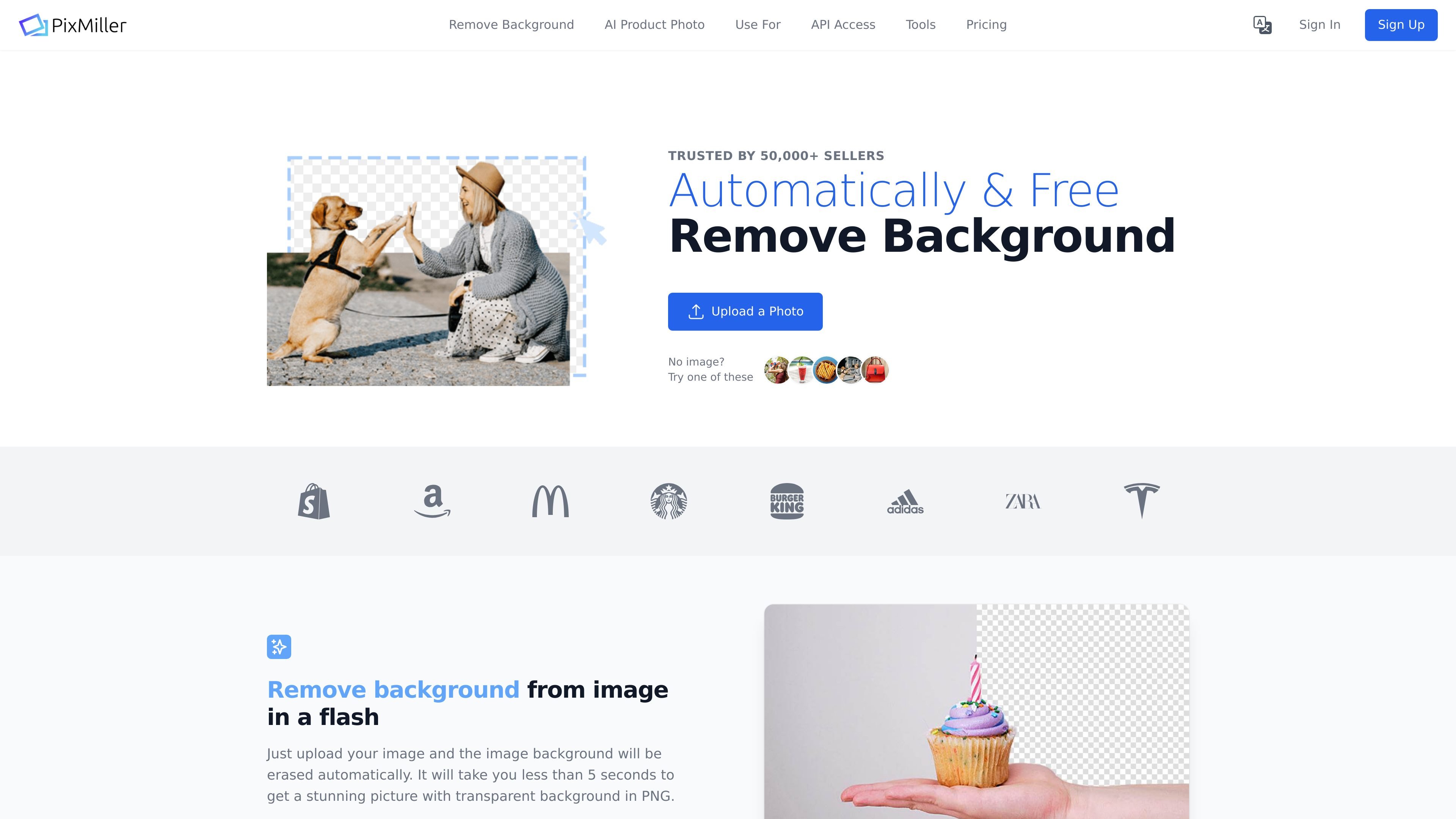
PixMiller is an AI background remover built for product photos and other subject-focused images. It removes backgrounds automatically so sellers and teams can produce transparent PNGs or white-background images without manual cutout work.
The site positions the product for ecommerce, marketplace listing, and API-driven image processing workflows. It highlights fast background removal, batch handling through the dashboard, and a developer API for automated processing.
Remove backgrounds automatically for product photos and other foreground subjects, producing white-background or transparent PNG outputs for marketplace and design workflows.
Process images through the dashboard or the API, with the site stating support for large-scale workflows and documentation for a `/v1/remove` endpoint.
Choose between `auto`, `preview`, and `full` output modes in the API, with preview output carrying a watermark and full output returning a full HD image.
Handle batch-style workloads, with the homepage stating support for processing 10,000+ images and the API page noting a throughput limit of up to 10 images per minute.
Export watermark-free full-resolution results, with the pricing page stating 0 loss in image quality for paid full-resolution outputs.
Use a security setup that includes SSL-encrypted checkout and GDPR-compliant storage, as described on the site.
Prepare product images for ecommerce listings by removing backgrounds and exporting white-background or transparent assets that are easier to place in catalogs and on marketplaces.
Create Amazon main images and similar marketplace assets using white backgrounds and padding presets mentioned on the site for compliant listing images.
Process large image sets through the dashboard or API when a seller or team needs background removal at scale rather than one image at a time.
Automate background removal inside a development workflow using the documented API endpoint and code samples for cURL, Python, and Node.js.
Reuse the tool for non-product assets such as portraits, cars, signatures, logos, and mannequin images, which are all shown on the site as supported scenarios.
PixMiller supports PNG, JPEG, JPG, and BMP uploads. On the main site, files can be up to 20 MB, while the API page states up to 10 MB for API requests. The image should have a clear foreground subject such as a person, car, or product.
The pricing page says PixMiller is free for low-resolution images under 640 px width for personal use. For commercial use or higher resolution, it offers paid plans based on usage, including monthly subscriptions and pay-as-you-go credits.
Yes. The pricing page says subscriptions can be canceled through the billing email, and users can contact the team to upgrade or downgrade.
The API documentation shows a `remove` endpoint for background removal and supports `size` values of `auto`, `preview`, and `full`. It also shows code samples for cURL, Python, and Node.js.
PixMiller says it works well for people, products, sky, and cars, but some images are more challenging than others. The site recommends trying a few images first or using the free version to judge the output on your own photos.