
Text-to-Pine Script generation
Describe the strategy, indicator, or Pine Script function you need in plain language and have the AI generate code from that prompt.

Pine Script Wizard is an AI code generator for TradingView that turns plain-language strategy or indicator requests into Pine Script, with guidance and compile-error fixes.
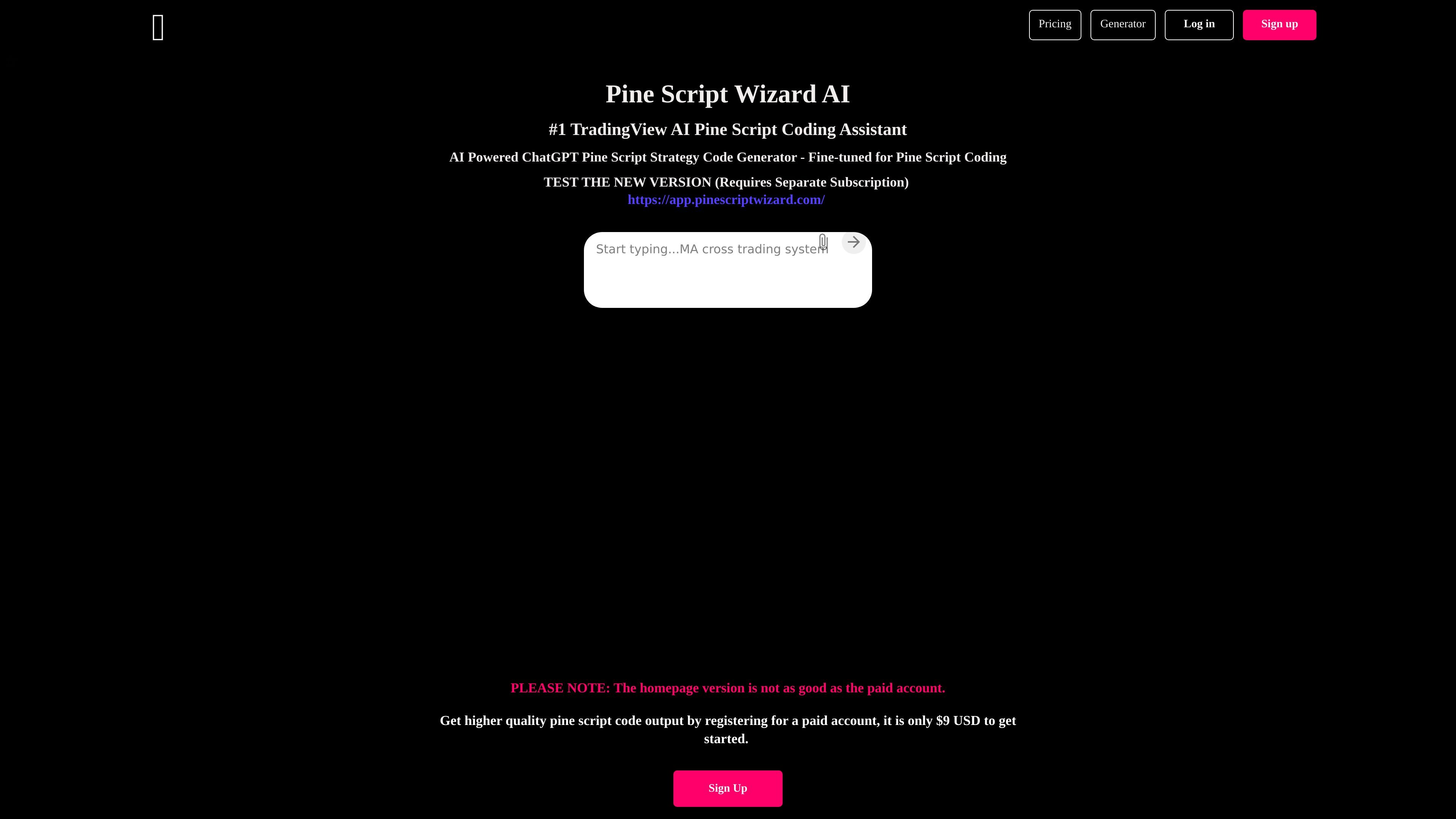
Pine Script Wizard is an AI code generator for TradingView users who need Pine Script strategies, indicators, or functions written from a text prompt. The site presents it as a ChatGPT-powered assistant that helps turn a plain-language trading idea into Pine Script that can be pasted into TradingView’s Pine Editor.
The product’s main workflow is simple: describe the script you want, generate code, copy it into TradingView, and return any compile errors to the chat for correction. The homepage also points users to a separate paid account and states that the homepage version is not as good as the paid version.
Pricing information shows three paid plans with different token budgets and model access. The plans are meant for individual users and are offered on a cancel-anytime basis, with the site noting that payments are non-refundable because API requests are not free.
Describe the strategy, indicator, or Pine Script function you need in plain language and have the AI generate code from that prompt.
The homepage frames the tool as tuned for Pine Script coding, with output intended for TradingView’s Pine Editor.
If the generated script throws errors in TradingView, you can paste the error back into the chat and ask the AI to fix it.
The site provides step-by-step guidance for moving generated scripts into TradingView, including saving and adding them to a chart.
Pricing is organized into paid plans with different token allowances and model access, including ChatGPT and ChatGPT-4 depending on plan.
The pricing page explains token usage and prompt size limits so users can estimate how much code generation they can do on each plan.
A trader can describe a trend-following, mean-reversion, or breakout idea and get a starting Pine Script strategy instead of coding from scratch.
Someone building a chart study can ask for indicator code that matches a plain-language specification and then paste it into TradingView.
If TradingView reports an error after compilation, the user can return the error text to the chat and request a fix.
A user who wants to move from generated code to a working chart can follow the site’s instructions for saving the script and adding it to a chart.
A user comparing plans can choose between the starter and higher-token paid tiers based on how much code generation and prompt space they expect to need.
It generates Pine Script code for TradingView based on a text description, then lets you paste compile errors back into the chat so the AI can help fix them.
The site says the homepage version is not as good as the paid account. The paid plans are aimed at users who want higher-quality output and more token allowance.
The page workflow is written for TradingView’s Pine Editor: generate code, copy it into Pine Editor, save it, and add it to a chart.
The site positions the product for TradingView strategies, indicators, and function code, so it is useful when you need Pine Script output without writing everything from scratch.
The site includes an educational-use disclaimer and says generated code should not be used for actual trading without proper testing and analysis.