
All-in-one Face Swap Studio
The flagship web studio combines image face swap, video face swap, GIF face swap, Artify, and Xtreme modes in one interface, with batch processing and lightbox previews.

Picsi.Ai is an AI face swap and identity-generation platform for photos, videos, and GIFs, with web, desktop, mobile, browser, Photoshop, and Discord workflows.
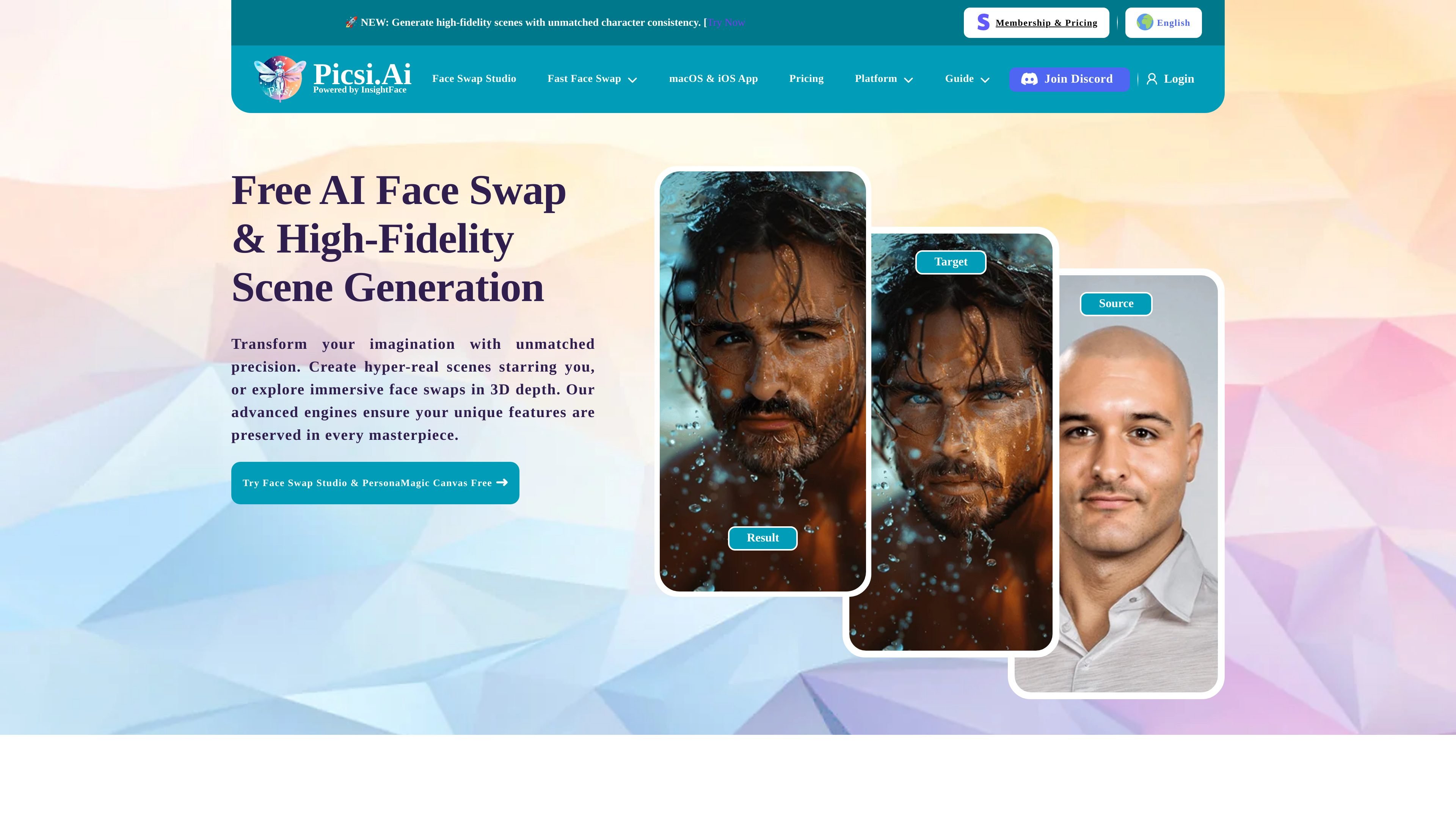
Picsi.Ai is an AI face swap and identity-generation product centered on swapping faces in photos, videos, and GIFs, then extending that workflow into desktop, mobile, browser, Photoshop, and Discord-based tools. Its home page positions the service around preserving a subject’s features across creative edits, while the docs frame it as a broader platform for advanced face swapping and image generation.
The product’s main split is between standard face swap workflows and PersonaMagic Canvas. The site describes PersonaMagic Canvas as a premium engine for generating new scenes from prompts while maintaining high character consistency, while standard plans and apps focus on daily credits for swaps, video processing, and related editing modes. The pricing page also shows that paid memberships are organized into Basic, Pro, and Ultra tiers, with separate Tokens for PersonaMagic Canvas generation.
The flagship web studio combines image face swap, video face swap, GIF face swap, Artify, and Xtreme modes in one interface, with batch processing and lightbox previews.
The docs describe tools for precision video targeting, multi-face video face swapping, and pro image controls such as Dax, Shapify, Expressionify, and fixers for eyes, ears, and occlusion.
The macOS app adds live camera and screen capture workflows for real-time swapping, plus watermark-free output and longer video processing limits on paid tiers.
The iOS app supports on-device LiveCam face swapping, watermark-free swaps, real-time recording, and saving short videos from mobile.
The Chrome extension enables right-click face swapping on supported webpages, while the Photoshop plugin brings face selection into Adobe Photoshop for paid members.
The Discord bot supports image, video, GIF, Artify, and Xtreme workflows, with commands for multi-face swaps and additional controls such as composite blending and facial fix tools.
Use the web studio when you want a general-purpose place to swap faces in photos, process videos or GIFs, and preview results before downloading.
Use PersonaMagic Canvas when the goal is not a direct swap, but a newly generated scene that still keeps a character consistent across the image.
Use the macOS or iOS apps when you need live camera or screen-based workflows for more immediate face swapping on desktop or mobile.
Use the Chrome extension or Photoshop plugin when you want face swapping inside an existing browsing or editing workflow instead of moving files into a separate app.
Use the Discord bot when you need multi-face swaps, command-driven control, or a server-based workflow that can save source identities and support team-style usage.
PersonaMagic Canvas is Picsi.Ai’s premium AI scene-generation engine. According to the site, it generates new high-fidelity scenes from prompts while preserving identity consistency, rather than swapping a face into an existing image.
Standard face swaps use daily credits that reset every 24 hours. PersonaMagic Canvas uses permanent Tokens instead, and the pricing page says Token packs are purchased separately from membership plans.
Picsi.Ai documents web tools, a Face Swap Studio, a macOS app, an iOS app, a Chrome extension, a Photoshop plugin, and a Discord bot. The exact experience varies by platform, but the product is built around face swapping across photos, videos, GIFs, and related creative workflows.
The pricing page says paid memberships can grant commercial use of results, with attribution to Picsi.Ai and clear image rights to source images. Users are also directed to review the Terms of Use, Disclaimer, License, and Privacy Policy before using the service.
The site points users to its Discord support server and documentation for setup, syncing subscriptions, and troubleshooting. The docs also describe account syncing between website purchases, Discord, Patreon, Google, and iOS subscription flows.