
Multiple entry points
Convert by dragging a PDF into the browser app, pasting a PDF URL, or using the Chrome extension. The same converter is also available through the REST API and hosted MCP for automation.

PDF to Markdown Converter turns PDFs into structured Markdown for browser users, developers, and AI agents. Supports web, extension, API, and hosted MCP workflows with OCR, tables, formulas, and configurable output handling.
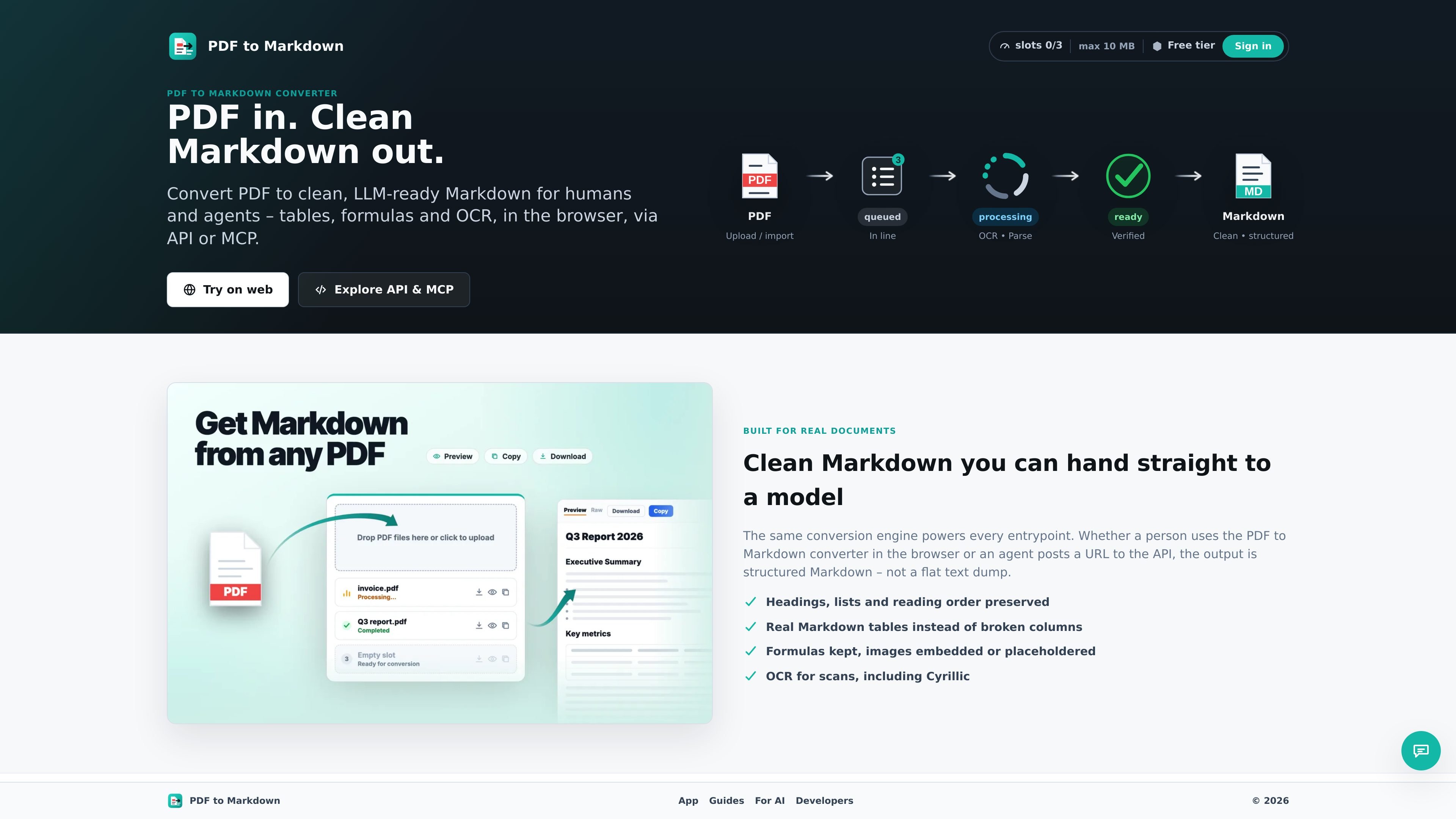
PDF to Markdown Converter is a browser-first and API-friendly tool for turning PDFs into clean Markdown. It is designed for both people and agents, with access through a Chrome extension, a web app, a REST API, and a hosted MCP endpoint.
The product focuses on preserving document structure in the conversion result. Its rendered output keeps headings, lists, tables, formulas, links, and footnotes in Markdown form, and it offers OCR for scanned or image-only PDFs so the result is usable in LLM workflows and other downstream tools.
Convert by dragging a PDF into the browser app, pasting a PDF URL, or using the Chrome extension. The same converter is also available through the REST API and hosted MCP for automation.
The product can preserve headings, lists, reading order, real Markdown tables, links, footnotes, and formulas instead of flattening them into plain text.
Scanned and image-only PDFs can be OCR'd into selectable Markdown, including Cyrillic text. The app also offers engine choice between MinerU and Docling.
Image handling can use embedded base64 images or lighter placeholders, depending on whether the user wants pixels preserved or a smaller result.
The developer hub exposes job creation, polling, download, and delete actions through REST endpoints and matching MCP tools. Paid tiers also add webhooks and batch create.
The site provides an OpenAPI spec, llms.txt, and machine-readable setup docs so developers and agents can integrate without reading source code.
Use the web app when you want to convert a single PDF quickly in the browser, then preview, copy, or download the Markdown without setting up code or signing up.
Use the REST API when your application needs to create jobs, poll for completion, fetch Markdown, and delete completed jobs as part of an automated pipeline.
Use the hosted MCP when you want a compatible AI agent to call conversion tools directly while staying within the same slot and retention rules as the API.
Use the Chrome extension when you are already on a page with a PDF link or need drag-and-drop conversion from the browser popup or inline button.
Use paid tiers when you need more parallel conversions, larger PDFs, longer processing windows, or webhooks instead of polling.
No. The web app and Chrome extension can be used anonymously for everyday conversion. A free Google account is only needed if you want API keys, hosted MCP access, or paid tiers.
Create an API key from the account area, then send it as `Authorization: Bearer p2m_…` over HTTPS. The key is separate from the anonymous browser flow and can be revoked at any time.
Hosted MCP exposes the same conversion workflow as agent tools through a managed Model Context Protocol endpoint. The site describes it as a thin wrapper over the same REST API, so it follows the same slots, limits, and retention rules.
The web app lets you upload a PDF or paste a direct PDF URL, choose conversion settings, preview the rendered or raw Markdown, then copy or download the result. It also supports OCR, table handling, formulas, and image handling options.
Paid plans add more slots, larger file limits, longer processing time, longer result retention, webhooks, batch create, and higher queue priority. The pricing page also says paid jobs run on a dedicated paid pool instead of waiting behind the free backlog.