
Text-to-image generation
Generate images from text prompts directly in the browser, with a workflow aimed at creating art in seconds.

OpenDream is a web-based AI art generator that turns text prompts into images, with templates, a gallery, and paid plans with expanded model access.
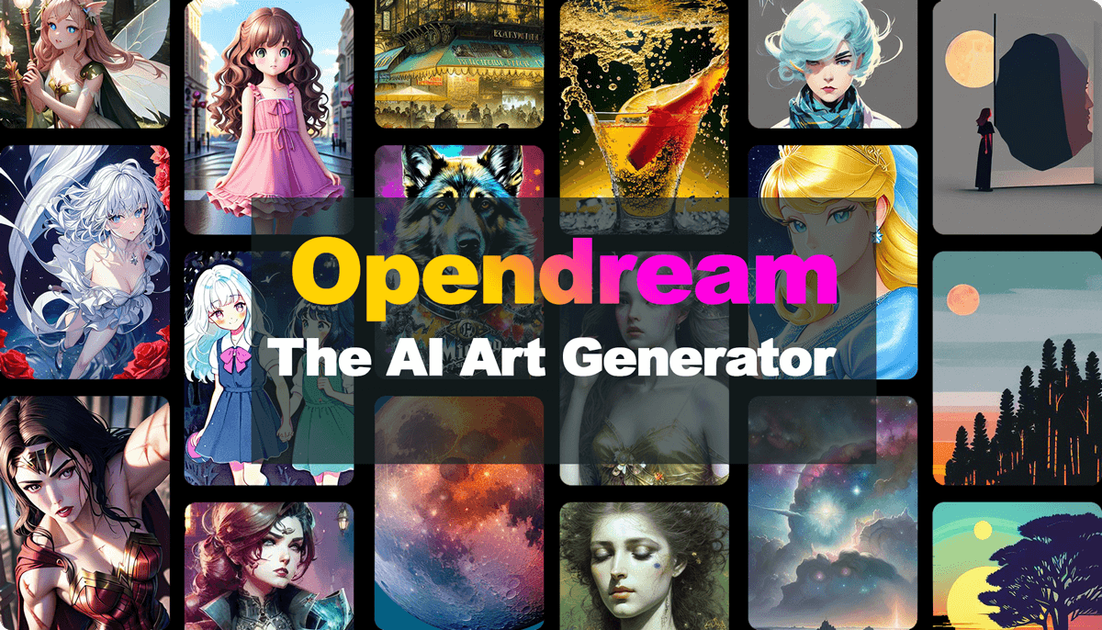
OpenDream is a web-based AI art generator for creating images from text prompts. It lets users start from a prompt alone or select from templates, then generate artwork in the browser.
The site positions the product around fast, accessible image creation for people who want to make AI art, explore different styles, and share results through its gallery and template ecosystem. The free plan is available with limited features, while paid plans add more credits and access to additional models and tools.
Generate images from text prompts directly in the browser, with a workflow aimed at creating art in seconds.
Start from prebuilt templates when you want a guided workflow, or skip templates and build from your own prompt.
Browse and reuse template categories such as Graphic Design, 3D Art, Game, and Texture on the templates page.
Work with several model choices, including Dreamlike Photoreal 2.0, Dreamlike Anime 1.0, Stable Diffusion 2.1, and Deliberate, depending on plan access.
Use the gallery to view art created by OpenDream users, with sorting and filtering by type, model, and recency.
Upgrade from the free plan to paid plans that add credits and additional capabilities such as image upscaling, variations, and face fixing.
Describe an image in a prompt and generate a first draft quickly, without needing external design software.
Start from a template when you want a guided structure for a specific style or output type, such as logos, anime characters, or scenic imagery.
Compare generated results in the gallery and browse template examples to find a style direction before making your own art.
Use the paid plans when you need broader model access or extra generation tools such as upscaling, variations, or face fixing.
Create and share artwork through the browser-based interface on common desktop browsers.
OpenDream provides a text-to-image workflow: sign up, choose a template if desired, enter a prompt, and click Create or Generate to produce art. The site also says you can skip templates and create your own prompt-based image.
Yes. The site says OpenDream has a free plan with limited features, and it also offers paid plans for additional access.
The site says users generally retain ownership of artworks they create and may use generated images commercially, subject to OpenDream’s policies and guidelines.
OpenDream’s FAQ says it is available through web browsers such as Safari, Google Chrome, and other modern browsers.
OpenDream lists four image generation models on its FAQ and pricing pages: Dreamlike Photoreal 2.0, Dreamlike Anime 1.0, Stable Diffusion 2.1, and Deliberate. The free plan is limited to Dreamlike Photoreal 2.0 and Dreamlike Anime 1.0.