
Unique inbox address for each database
Create a dedicated email address for a Notion database so incoming messages can be saved into that database automatically. The address can be enabled or disabled as needed.
NotionSender is a Notion email integration that saves incoming emails into Notion databases and lets users send emails from Notion pages. It supports forwarding from Gmail, Outlook, and Apple Mail, plus property extraction for structured email data.
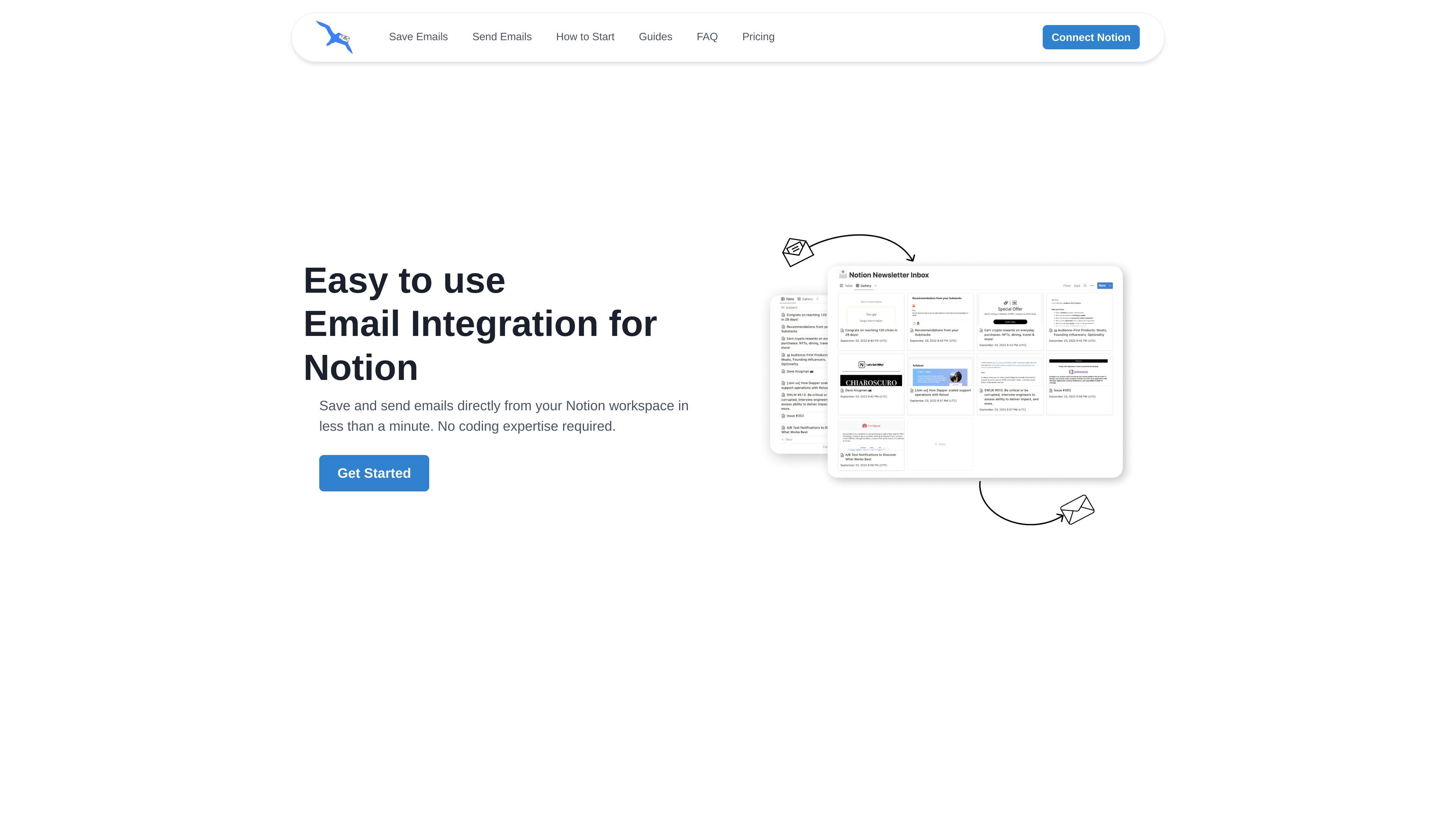
NotionSender is a Notion email integration for saving incoming emails into Notion databases and sending emails from Notion pages. It is positioned for users who want email content, attachments, and structured message details to live inside their Notion workspace.
The product assigns a unique email address to a Notion database, then uses that address to capture messages and related metadata such as sender, date, attachments, and configurable extracted properties. It also supports composing outbound emails from Notion using page properties, templates, and automatic delivery rules.
Create a dedicated email address for a Notion database so incoming messages can be saved into that database automatically. The address can be enabled or disabled as needed.
Choose between an email widget for a styled view or plain text mode for native Notion blocks when saving messages. This gives teams a way to preserve email formatting or keep content editable inside Notion.
Map email data into Notion properties and use descriptions to guide extraction of text fields, dates, selects, and other property types. The site also shows AI-assisted extraction for items such as invoice numbers, event details, and meeting information.
Compose an email inside a Notion Outbox page and send it without leaving the workspace. Template expressions such as `{{page.Name}}` can personalize content using page properties.
Add multiple recipients separated by commas and attach files directly in Notion. The site also notes the option to connect a separate recipient database for sending workflows.
Enable auto-sending for pages marked as Outbox so messages are delivered automatically. The API documentation also exposes a render endpoint for turning public Notion pages into HTML email output.
Forward incoming emails into a Notion database so project notes, sender details, attachments, and dates are stored in one workspace instead of split across inboxes and docs.
Draft a message as a Notion page, fill in recipient and subject fields, and send the email from the same workspace where the content was prepared.
Use property extraction on structured emails such as invoices, meeting notices, or event confirmations so key fields land in dedicated Notion properties.
Set up an Outbox database with template expressions and auto-send rules for recurring or status-based messages that should leave Notion without manual copy-paste.
Use the render API to convert a public Notion page into HTML email content for marketing or transactional messages that start in Notion.
NotionSender connects a Notion workspace and a database, then gives that database a unique email address so incoming messages can be saved into Notion. The setup steps on the site are: connect Notion, choose or create a database, and then use the assigned address for forwarding or direct sends.
The site says emails can be saved as either styled content through an email widget or as native Notion blocks in plain text mode. It also supports saving details such as attachments, sender information, date, and extracted properties when configured.
Yes. The homepage describes sending emails from Notion, and the walkthrough explains creating an Outbox page with recipient, subject, and body fields before sending it from NotionSender.
The blog post says automated forwarding can be set up for Gmail, Apple Mail, and Outlook, with conditional forwarding possible depending on the email provider.
The pricing page was not available, so the site text reviewed here does not confirm a current pricing model or plan structure. The API page does state that render requests are free below 100 requests per week, with higher usage requiring contact by email.