
No-code machine learning
Build, train, and deploy predictive models without writing code, with plan options that include classification, regression, time series, clustering, synthetic data, and anomaly detection on higher tiers.

NextBrain AI is a web-based platform for AI workflow automation and no-code machine learning. Build predictive models, extract and compare documents, and deploy AI workflows via web apps, APIs, notebooks, or self-hosted infrastructure.
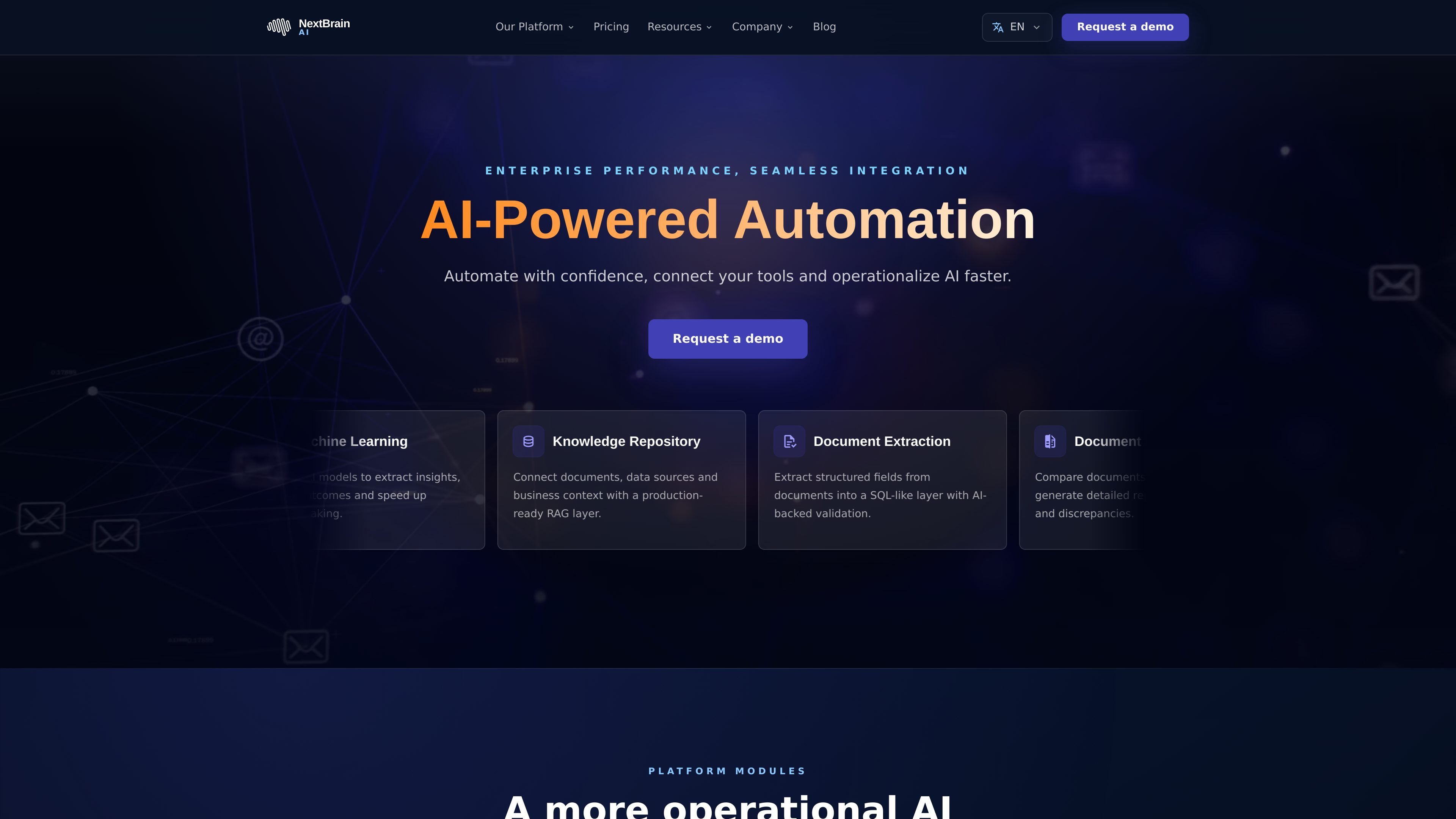
NextBrain AI is an AI workflow automation and no-code machine learning platform. It combines predictive modeling, document intelligence, knowledge retrieval, and workflow orchestration in one product.
The homepage and pricing page show a product designed for teams that want to operationalize AI without a large engineering lift. Users can build models, extract and compare documents, connect data sources, and deploy outputs through web apps, APIs, notebooks, or self-hosted infrastructure depending on plan.
Build, train, and deploy predictive models without writing code, with plan options that include classification, regression, time series, clustering, synthetic data, and anomaly detection on higher tiers.
Connect documents and data sources into a retrieval layer for organizational context, with grounded answers and permission-aware access described on the site.
Extract structured fields from documents into a SQL-like layer, with AI validation to support repeatable downstream workflows.
Compare documents and generate detailed reports on differences and discrepancies, including clause-level review for operational or legal work.
Design automated workflows that connect tools, approvals, and actions through a visual interface, with support for nodes and integrations on paid plans.
Start with web app deployment and, on some plans, expand to API deployments, notebook output, and self-hosted Docker deployment.
Teams can build predictive models from historical data to support forecasting, anomaly detection, or classification workflows without building a custom training pipeline from scratch.
Operations teams can connect tools, approvals, and actions into a visual workflow so AI steps fit into existing business processes instead of staying in isolated experiments.
Teams handling contracts, reports, or other repeatable paperwork can extract structured fields and validate them before sending the results into downstream systems.
Knowledge-heavy teams can centralize source material in a retrieval layer to support grounded responses and faster access to internal context.
Legal and operations teams can compare documents and generate discrepancy reports to speed up review work that would otherwise require manual side-by-side checks.
NextBrain AI describes itself as a no-code machine learning platform that lets teams create, train, and deploy predictive models. The site also presents workflow automation, document extraction, document comparison, and knowledge repository capabilities.
The pricing page shows a free plan and paid plans, and it also offers a contact-sales path for custom or enterprise needs.
Yes. The pricing page lists web app deployments and API deployments on selected plans, and the higher tiers add notebook output and deployment options for more advanced setups.
The contact page asks users to share project context, current constraints, and desired outcomes, which suggests the product is intended for teams that want help scoping operational AI or workflow automation work.
Payments are processed through Stripe, and the pricing FAQ says major credit cards are accepted.