
Room photo analysis
Upload a room photo and the system analyzes the layout and key features before generating redesign concepts. The homepage says this helps optimize the redesign, and the pricing page mentions AI room analysis from uploaded photos.

MyRoomDesigner.AI is an AI interior design tool for redesigning rooms from photos, styles and color prompts, with before-and-after ideas and shopping lists.
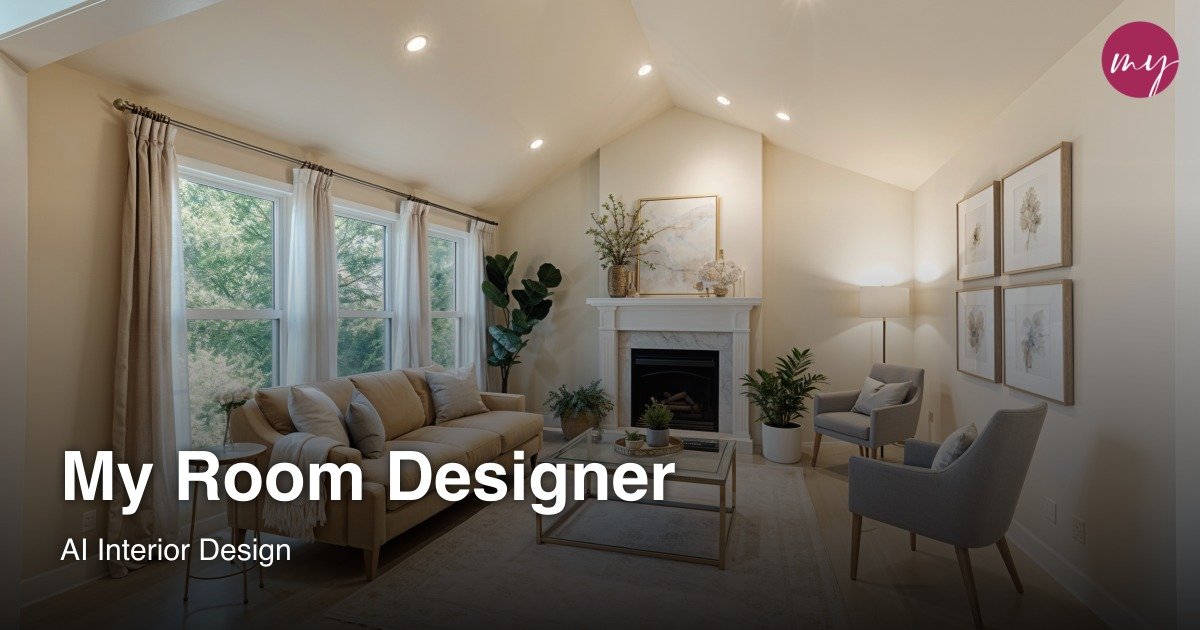
MyRoomDesigner.AI is an AI interior design and room-redesign tool built around uploaded room photos, style prompts, and iterative editing. It helps users turn an existing space into redesign concepts, compare before-and-after options, and refine the result through chat and design-studio tools.
The product covers common room types such as living rooms, bedrooms, kitchens, and bathrooms, while the homepage also shows a broader set of spaces including home offices, nurseries, studios, and specialty rooms. Users can choose styles, colors, add reference products, and move into a design studio for further editing, shopping lists, background removal, and item adjustments.
Upload a room photo and the system analyzes the layout and key features before generating redesign concepts. The homepage says this helps optimize the redesign, and the pricing page mentions AI room analysis from uploaded photos.
Generate room redesigns, concept variations, and before/after transformations from your current space. The pricing page and homepage both position the product around turning an existing room photo into alternate design directions.
Use chat to refine layout ideas, furniture placement, color changes, style updates, and ambiance adjustments. The pricing page describes this as an AI interior designer chat for iterative redesign work.
Work across core room types such as living room, bedroom, kitchen, and bathroom, with the homepage also listing many other spaces in the room selector. This makes the workflow useful for both common and specialty rooms.
Save custom room presets, generate style explorations, and keep working in the design studio. The pricing page also includes tools such as background removal, crop/flip/duplicate, import of favorites, and find similar products.
Create shopping lists while building a mood board, with item prices and a summarized total cost. The pricing page frames this as a way to track products while planning a room.
Homeowners can upload a photo of a room they want to change, select a style, and compare redesign ideas before committing to purchases or renovations.
Interior designers can use the tool to generate quick visual directions, share transformation concepts, and help clients react to layout or style options faster.
Users who know the look they want can steer the output by style, color palette, and chat prompts, making it useful for exploring variations without starting from scratch.
People furnishing a room can build mood boards, generate shopping lists, and use the find-similar workflow to match items already shown in a design.
Users with a current room photo and a limited budget can preview layout changes, color swaps, and decor updates before making physical changes.
The pricing page shows a free plan and several paid tiers. Paid plans add higher monthly room-redesign credits, more room projects, more style explorations, more before/after exports, and access to tools like AI photo analysis, AI chat, shopping lists, and design studio features.
The homepage and pricing page show support for living rooms, bedrooms, kitchens, and bathrooms. The homepage also presents many additional room types in the room selector, including home office, nursery, yoga studio, garden, library, theater, studio, game room, wine cellar, music room, fitness room, pantry, laundry room, mudroom, balcony, attic, basement, and closet.
Yes. The pricing page says you can generate before-and-after room transformations, and the homepage describes redesigns, virtual staging, and inspiration generation from an uploaded room photo.
The homepage and FAQ list styles such as contemporary, modern, traditional, rustic, minimalist, industrial, coastal, bohemian, Scandinavian, mid-century modern, art deco, French country, shabby chic, Hollywood Regency, tropical, farmhouse, craftsman, gothic, Asian Zen, Southwestern, Victorian, transitional, Mediterranean, Moroccan, eclectic, and nautical. The pricing FAQ also mentions modern, minimalist, Scandinavian, Japandi, industrial, boho, and custom prompts.
The pricing FAQ says you can upgrade, downgrade, or cancel anytime in billing settings, and changes apply immediately while access continues through the current cycle.