
AI karaoke generation
Turn an uploaded song into a karaoke video by pasting lyrics and letting the AI handle vocal removal and lyric sync.

MyKaraoke Video is a web-based tool for making karaoke and lyric videos from uploaded media and pasted lyrics, with AI syncing and export.
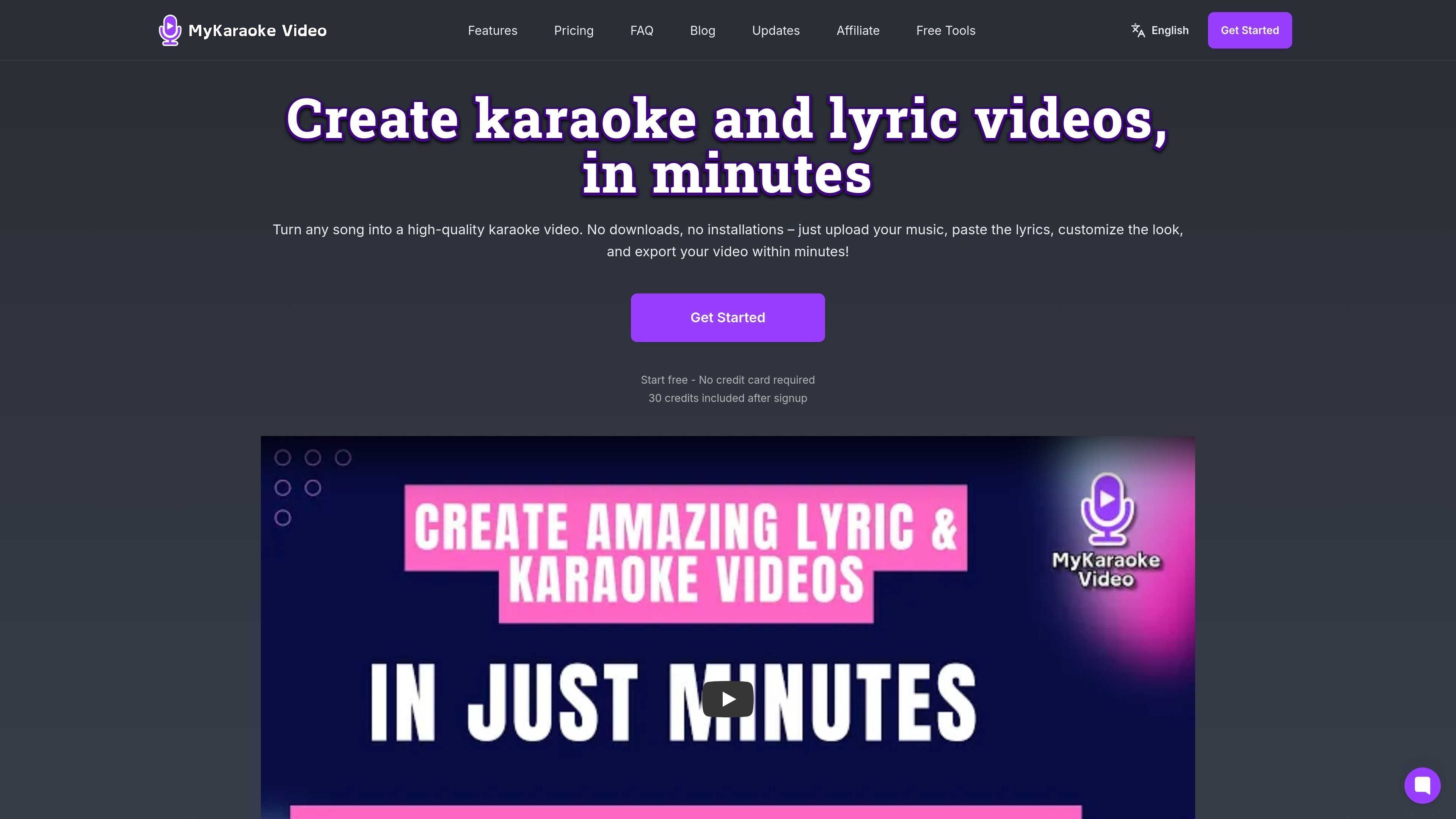
MyKaraoke Video is a web-based AI karaoke and lyric video maker. It is designed to turn a song or music video into a finished karaoke or lyric video by combining uploaded media, pasted lyrics, and automated syncing.
The homepage describes a workflow that starts with uploading music, pasting lyrics, customizing the look, and exporting the result in minutes. The lyric-video page adds a related flow for lyric videos, including upload or direct-link input, word-level scrolling, and customization before download.
Turn an uploaded song into a karaoke video by pasting lyrics and letting the AI handle vocal removal and lyric sync.
Create lyric videos from a music video upload or direct link, then paste lyrics and export the result.
Adjust fonts, colors, effects, animations, and templates to match the style of the video.
The lyric-video page describes word-level scrolling and timing aligned to the beat for lyric display.
The pricing page lists transparent background exports, MP3+G exports, presets, and templates as available features.
The product is web-based and the homepage says there are no downloads or installations required.
Create karaoke versions of songs that do not already have an available karaoke track, using uploaded music and pasted lyrics.
Produce lyric videos for songs you want to share or promote, with word-level lyric scrolling and visual styling controls.
Prepare backing tracks and lyric videos for live performance or small-venue use where a song-specific track is needed.
Convert worship or other vocal music into lyric videos without manually timing every line.
Use the browser tool for occasional or ongoing video exports without installing editing software.
You upload a song or music video, paste lyrics, and then customize the look before exporting the finished video. The lyric-video page also says you can paste a direct link instead of uploading a file.
The source describes it as a web-based tool, and the homepage says there are no downloads or installations required.
The homepage says it supports karaoke videos with uploaded music and pasted lyrics, while the lyric-video page focuses on lyric videos from a video upload or direct link plus pasted lyrics.
The pricing page says subscribers get free queue exports, while non-subscribers pay credits for queue and instant exports. It also says new users get 30 credits included after signup.
The sources do not list the full set of supported input formats or external integrations. The lyric-video page does mention direct-link input for video files, and the pricing page mentions MP3+G and transparent background exports as included features.