
Text-to-video generation
Generate animated videos from text prompts, with the product positioning the workflow as fast enough for use in minutes rather than a traditional editing process.

MotionVid is a web-based AI motion graphics and video creation tool that turns text, images, or frames into animated clips without design software.
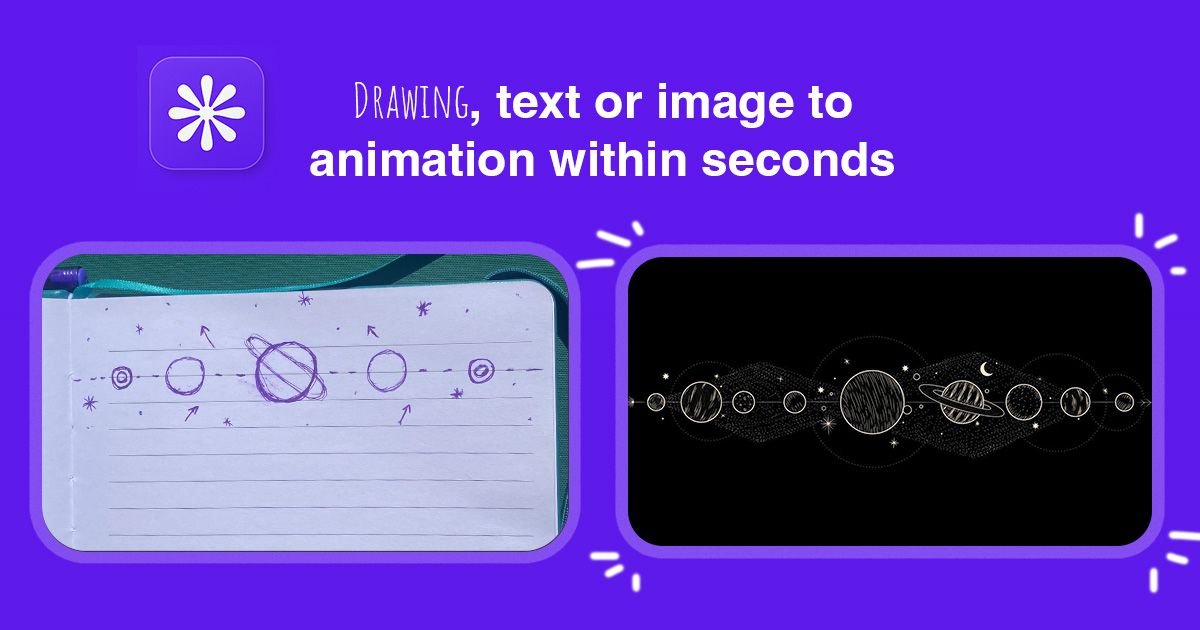
MotionVid is an AI motion graphics and video creation tool that turns text, images, and prompts into animated clips. The site positions it as a way to create professional motion graphics, animated videos, and AI-powered visual content without design skills or After Effects.
The product combines generation and editing in one workflow. Users can start from a prompt, a single image, or a pair of frames, then refine the result in an editor that includes AI chat, a scene timeline, and zoom controls. The site also highlights specific output styles such as explainers, ads, product promos, UGC-style clips, maps, logos, mockups, and launch videos.
MotionVid offers paid subscription plans with monthly credits, annual billing options, and extra credit packs. The pricing page indicates that higher tiers increase credit volume, export limits, resolution ceilings, and support level, while access to available models remains included across plans.
Generate animated videos from text prompts, with the product positioning the workflow as fast enough for use in minutes rather than a traditional editing process.
Edit with AI chat, a scene timeline, and stackable zoom clips in one canvas, so changes can be made without leaving the editor.
Produce motion graphics such as explainer videos, chapter animations, title reveals, charts, maps, logos, mockups, and more using the templates shown on the site.
Create start-and-end image based clips, where you upload two frames and the model generates the motion between them.
Get multiple creative continuations from a single image through the What's Next flow, which generates eight story variations and supports upscaling to 4K.
Access different video and image models from one product, including Miltos, Animora, Nano Banana, GPT Image 2, Grok, and Motionvid Photographer.
Turn a product photo into a short promotional clip for launches, ads, or social posts. The homepage specifically calls out product promos and product-style motion graphics.
Create animated explainers, timelines, and chapter-based visuals to make complex ideas easier to follow. The site highlights explainer videos, history timelines, diagrams, and process animations.
Build ad variants, UGC-style videos, and short-form social motion graphics for testing different creative angles. The product page points to ads, social media animations, and creator-style clips.
Generate cinematic story continuations from one image, then choose favorites and upscale them for storyboards or moodboards. The What's Next page is focused on variation generation from a single image.
Animate software interfaces, mockups, maps, and status updates for demos, project communication, and location-based storytelling. These formats are explicitly listed among the templates and motion graphics styles.
Credits are the core unit for generating videos and images on MotionVid. Each model uses a set number of credits per generation, and credits refresh at the start of each billing cycle. Unused credits do not carry over.
Yes. Subscriptions renew automatically at the end of each billing cycle, and you can cancel anytime from your account settings. If you cancel, access continues until the end of the current period.
The pricing table shows monthly and annual billing options, with annual plans offering lower effective monthly prices. The site also notes that you can start free on the home page, but the pricing details shown here focus on paid plans.
The plans include access to templates, and higher tiers add more output capacity, higher resolution exports, and priority support. The site also says every plan has access to all available models, with plan differences based on credits and limits rather than model access.
If you need more capacity, you can upgrade to a higher plan or buy a one-time credit pack. Purchased credits are added instantly and can be used across the platform.