
Team space feed
Morningmate centers work in a flowing feed so updates, announcements, tasks, files, and polls can live in one place instead of being scattered across email and chat.

Morningmate is a work management and collaboration platform with team feed, chat, tasks, files, schedules, polls, and AI in one workspace for teams of any size.
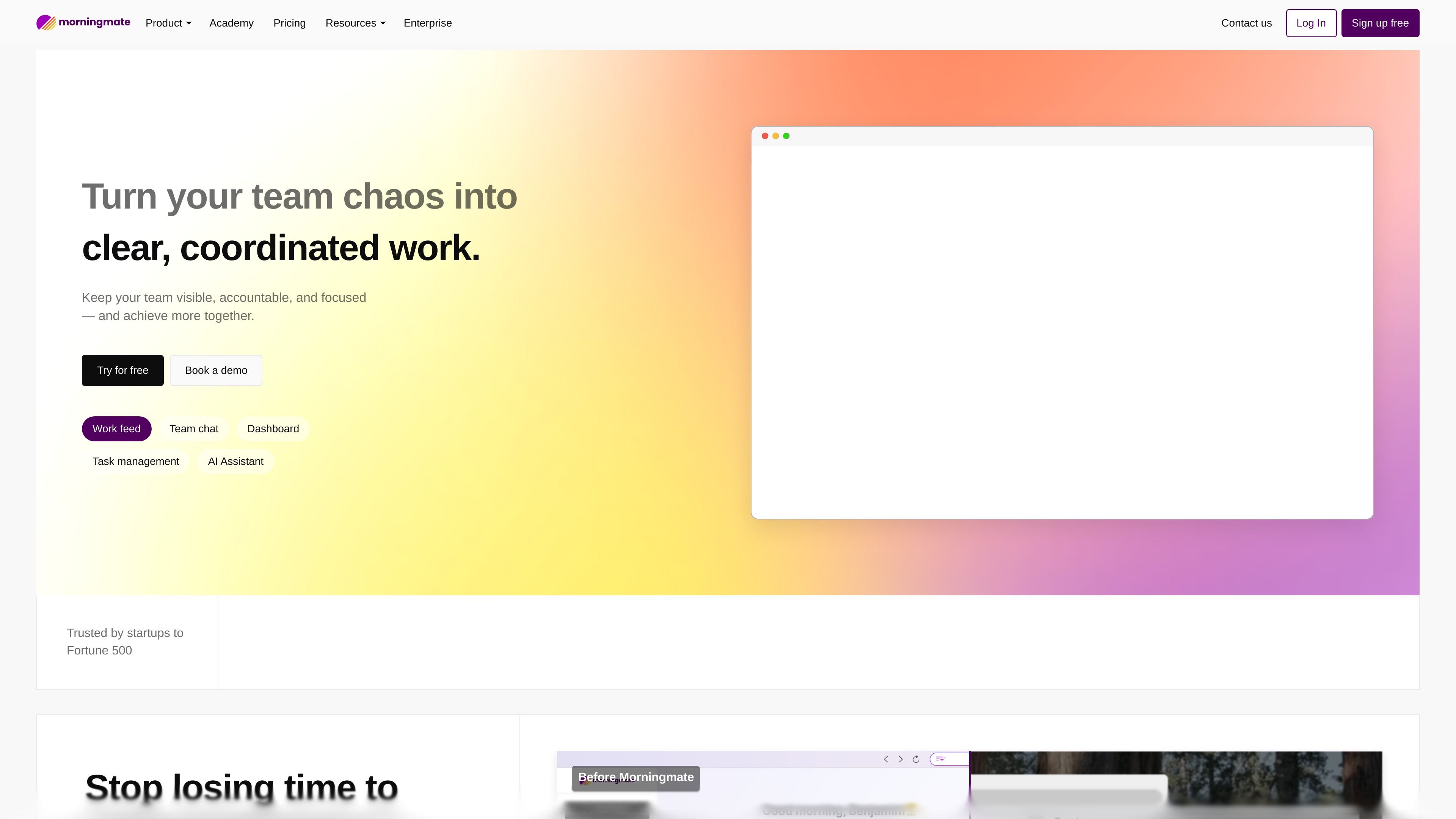
Morningmate is a work management and collaboration platform that brings communication, tasks, files, schedules, and AI into one workspace. Its homepage positions the product around reducing scattered work and helping teams stay visible, accountable, and focused.
The source emphasizes a social-style team feed, built-in chat, task management, and shareable project spaces. It also presents Morningmate as easy to use and broad enough for small businesses through enterprise teams, with use cases spanning business management, HR, marketing, sales, manufacturing, food and beverage, franchises, startups, and freelancers.
Morningmate centers work in a flowing feed so updates, announcements, tasks, files, and polls can live in one place instead of being scattered across email and chat.
The site calls out built-in chat for talking where work happens, which keeps questions and decisions attached to the team’s active work.
Task management and to-do lists are presented as separate ways to track work, from larger owned tasks to quick checklist items.
Schedules are shown in a shared view so teams can see plans together and reduce double-booking or missed commitments.
Shared files are auto-saved, sorted, and searchable across workspaces, making it easier to find documents after they are posted.
The homepage includes an AI Assistant among the main product areas, indicating Morningmate also supports AI-assisted work in the same workspace.
Use the shared feed to post announcements, updates, and progress so everyone can see what changed without chasing separate message threads.
Track owner, status, and follow-up in one place when a team needs a clear view of active work and deadlines.
Share a project or client-facing view through a single link with permissions, useful when stakeholders need visibility without a login.
Collect input with polls when a team needs quick decisions, multiple-choice voting, anonymous responses, or live results.
Keep team schedules, to-do lists, and shared files in one workspace when the goal is to reduce duplicate planning and make assets easy to find.
Morningmate combines team feed, chat, task management, file sharing, scheduling, polls, and an AI assistant in one workspace. The homepage presents it as a collaboration management platform for teams that want to keep work visible and coordinated.
The source describes Morningmate as suitable for small businesses to enterprise. It also highlights use cases across business management, HR, marketing, sales, manufacturing, food and beverage, franchises, startups, and freelancers, so it appears to be broad rather than single-industry software.
The site says you can try for free and book a demo. It also highlights onboarding support, including instant video support and a dedicated success partner.
The homepage and team space page show a social-style feed for updates, comments, posts, tasks, files, polls, to-do lists, and schedules. The public source does not provide a deeper workflow guide or step-by-step setup details.
The pricing URL in the collected source returns a not-found page, so the available evidence does not confirm current plan names, limits, or prices.