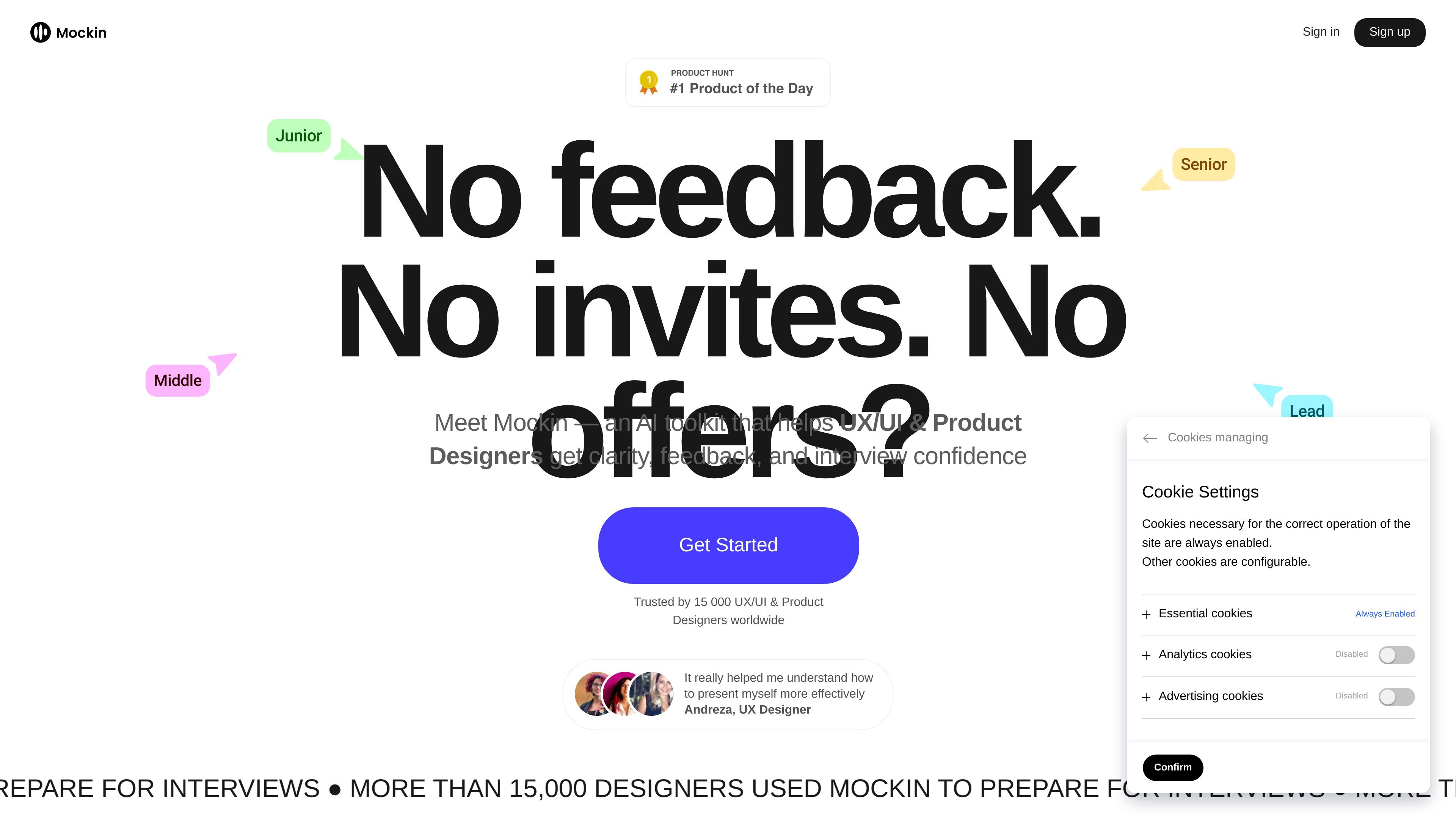
Mockin is an AI career toolkit for UX/UI and Product Designers. Review resumes, portfolios, LinkedIn profiles, and interview answers with designer-specific feedback and mock interview practice.

Mockin

Overview

Mockin is an AI career toolkit for UX/UI and Product Designers. It is designed to help people prepare for hiring processes by reviewing resumes, portfolios, and LinkedIn profiles, then using mock interviews to practice how they present their experience.

The product is positioned around designer-specific feedback rather than generic job-search advice. The site says it uses STAR-based interview practice, recruiter-oriented review criteria, and a portfolio and resume workflow intended to improve clarity, structure, and interview readiness.

Core features

AI resume checking

Generate feedback on your resume with ATS compatibility, recruiter readiness, and a resume score. The checker highlights issues such as weak outcomes, redundant sections, missing portfolio links, and unclear writing, then explains how to improve them.

Portfolio review

Review a portfolio by pasting portfolio links and getting tailored feedback from an AI hiring design manager. The site says the checker looks for structure, rationale, supporting evidence, and measurable impact.

Mock interviews

Practice interviews with an AI simulator built around real design interview questions and STAR-style answers. The experience can follow up on your responses and supports practice in multiple languages.

Resume builder

Create a resume from scratch with the Resume Builder, which is available without a credit card. The pricing and FAQ pages indicate this is the free way to start using the product.

Career tool suite

Compare your resume to a specific job description with the Job Matcher and improve recruiter visibility with the LinkedIn Checker. These tools extend the workflow beyond a single document review.

Common use cases

  • Polish a job application resume

    Use the resume checker to review ATS compatibility, unclear wording, duplicated skills, missing portfolio links, and weak outcome statements before sending applications.

  • Improve a design portfolio

    Use the portfolio review flow to paste portfolio links and identify weak structure, missing rationale, and case studies that do not show measurable impact.

  • Prepare for a design interview

    Use mock interviews to rehearse answers to design interview questions, practice aloud, and refine responses with STAR-style structure.

  • Align your application materials

    Use the LinkedIn Checker and Job Matcher as part of a broader application workflow when you want your profile and resume aligned to a specific role.

  • Start from a blank resume

    Use the free Resume Builder first if you want to start from scratch before moving into checks and interview practice.

Pros and Cons

Pros

  • Focuses on UX/UI and Product Designers rather than general job seekers.
  • Combines resume, portfolio, LinkedIn, job matching, and interview practice in one workflow.
  • Offers designer-specific feedback that emphasizes structure, rationale, and measurable impact.
  • Includes mock interviews that can follow up on answers instead of only asking fixed prompts.
  • Provides a free way to start with the Resume Builder without a credit card.

Cons

  • The public pages do not show a full free plan; most tools beyond the basic Resume Builder appear to require a paid plan.
  • The available pages give limited detail on exact output formats, setup steps, and the full limits of each tool.

FAQ

What is Mockin used for?

Mockin is an AI career toolkit for UX/UI and Product Designers. It helps users build, check, and optimize resumes, portfolios, LinkedIn profiles, and interview answers so they can prepare for hiring processes with more structure and feedback.

Is Mockin free to use?

No full free plan or free trial is described. The site says you can sign up and use the Resume Builder to create a resume from scratch without a credit card, while other features are available on paid plans.

What plans are available?

A PRO subscription includes access to the product’s career tools, AI mock interviews, Resume Builder, and other listed features. The pricing page also offers a 1-day pass, a monthly plan, and a 3-month plan.

Who is the portfolio review feature for?

The Portfolio Checker is built for UX/UI and Product Designers at different levels, from beginners to design managers, directors, and heads of design. The site says it surfaces expectations relevant to the user’s level.

How does Mockin handle data security?

Mockin says it does not record video or audio during mock interviews, does not share information with third parties, uses Google Auth for authentication, and stores data on Hetzner Cloud.

Quick Facts

Category
AI career toolkit
Primary users
UX/UI and Product Designers
Core workflow
Resume, portfolio, LinkedIn, and mock interview review
Pricing model
Paid plans with a free Resume Builder entry point
Website
mockin.work
Product focus
Designer-specific job application preparation