
Large mockup template library
Browse a large library of mockup templates across apparel, accessories, home and living, tech, packaging, and other categories. The homepage says the library includes 27,000+ templates and 60+ categories.

Mockey AI is a web-based mockup generator for product visuals from templates or custom images. Free plan available with paid tiers for commercial use and AI tools.
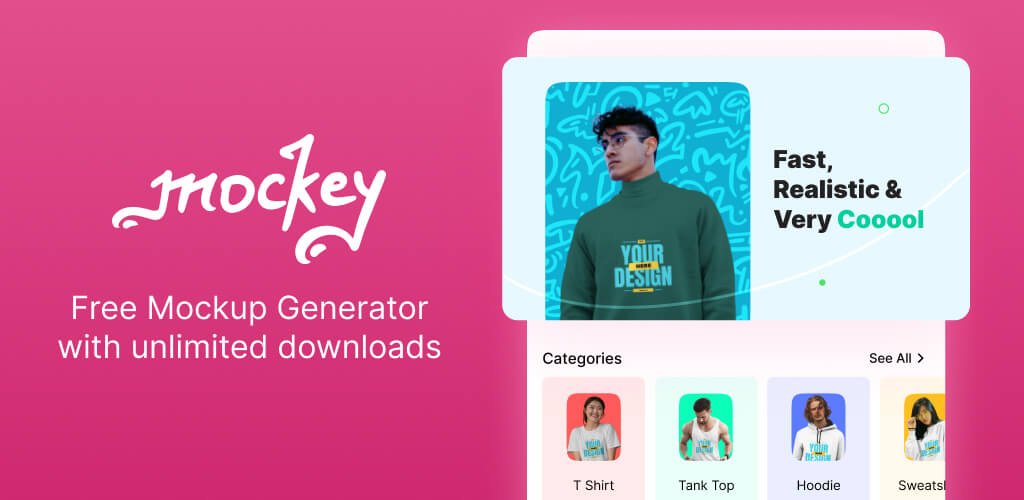
Mockey AI is a web-based mockup generator for creating product visuals from templates or custom images. The site positions it as a free AI mockup generator with 27,000+ templates, more than 60 categories, and weekly template additions.
Users can upload a design, customize it in the editor, and download the finished mockup for use in social media, ads, e-commerce, or other project work. The platform also includes newer tools such as custom mockups, multi-shot mockups, mockup collections, 3D mockups, and animated mockups.
The pricing page shows a free plan and several paid plans, including Starter, Creator, and Forever, with higher tiers adding commercial use, unlimited downloads, PNG and high-quality downloads, and access to AI features depending on the plan.
Browse a large library of mockup templates across apparel, accessories, home and living, tech, packaging, and other categories. The homepage says the library includes 27,000+ templates and 60+ categories.
Create mockups by signing up, choosing a template, uploading artwork, customizing it in the editor, and downloading the result. The site presents this as a simple three-step workflow.
Use the Custom Mockup tool to turn a product image into an editable mockup without starting from a template. The editor supports adding a design and adjusting shadows and highlights.
Generate multiple views of the same product with the Multi Shot feature, which can show front, back, side, close-up, and other perspectives together.
Create a set of mockups that share the same style, lighting, and background with the Mockup Collection feature.
Turn a static mockup into an animation from inside the editor, including prompt-based motion descriptions. The pricing page also lists video mockups, AI Animate, AI Change Background, AI Apply Style, AI Modify Elements, AI Photoshoot, AI Background Remover, and AI Multi Shot.
Designers can build product mockups quickly by selecting a template, uploading artwork, and exporting a finished image without setting up a separate design file.
E-commerce sellers can use mockups for product listings, ads, and social posts, with the pricing page noting commercial use and unlimited downloads on paid plans.
Apparel brands can browse t-shirt, hoodie, and other garment mockups, including front and back views, oversized styles, and model-based scenes.
Teams or creators who need consistent presentation can generate a full set of mockups with the same style, lighting, and background using Mockup Collection.
Users who want more than static images can use 3D mockups, video mockups, or AI Animate to create motion-based product presentations.
Yes. The pricing page includes a free plan that requires no billing and includes 1,000+ free mockups, JPG files, and 3 downloads per day for personal use.
The pricing page says you can upgrade from the free plan to paid plans, including Starter, Creator, and Forever. The paid options add commercial use, unlimited downloads, PNG/high-quality export, and AI features depending on the plan.
The homepage shows a workflow of logging in, choosing a mockup template, uploading a design, customizing it in the editor, and downloading the result. The t-shirt page describes the same basic flow for apparel mockups.
The site says users can download mockups as JPG on the free plan, and paid plans include PNG and high-quality download options. The home page also mentions download output for social media, ads, e-commerce, or project use.
Mockey AI offers AI and mockup tools such as video mockups, 3D mockups, AI Animate, AI Change Background, AI Apply Style, AI Modify Elements, AI Photoshoot, AI Background Remover, and AI Multi Shot on the pricing page.